52
Trouble Shooting
Sleeping/rest mode: Battery indicator ashes every 5 seconds indicates machine has been idle for more than 20 minutes. Vario functions disabled cycle key switch!
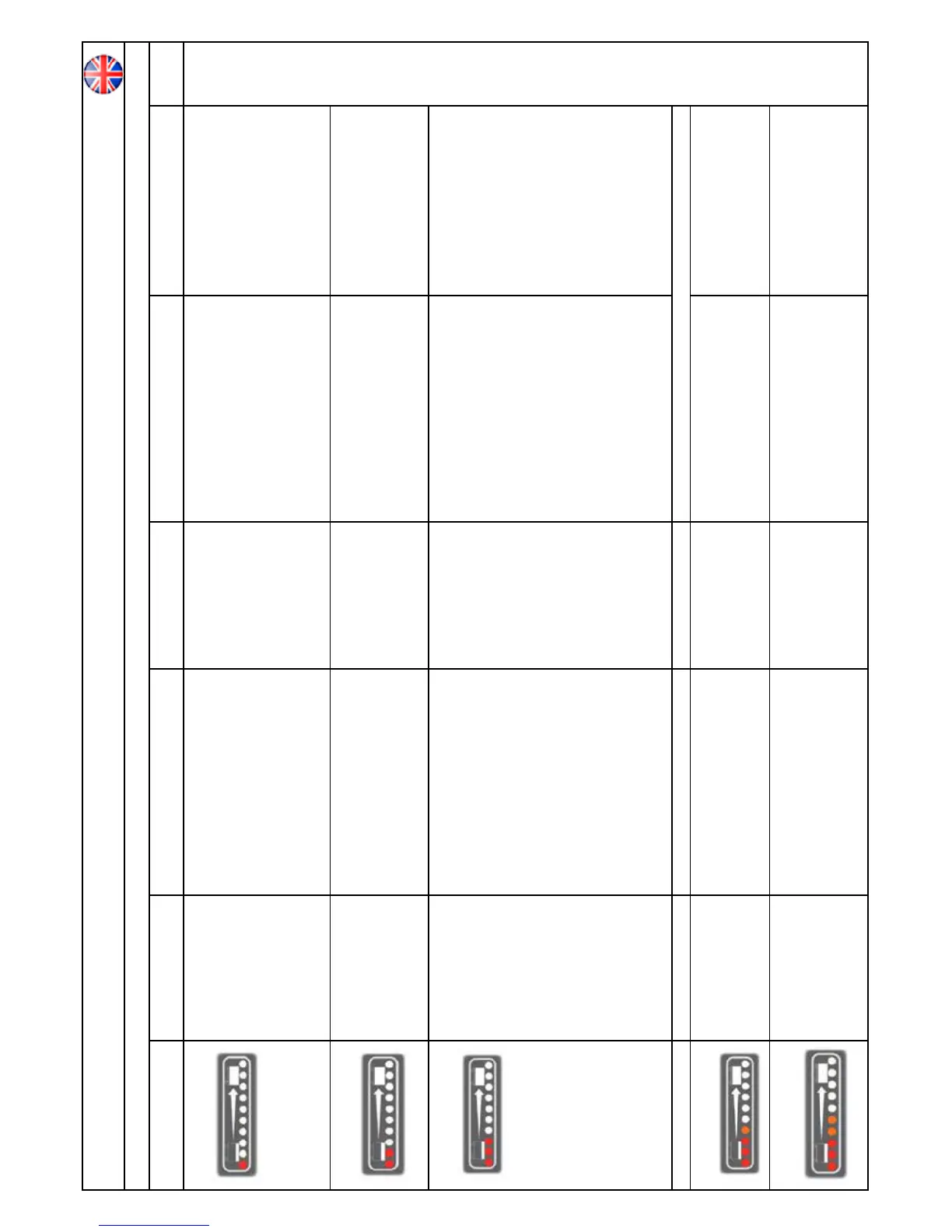
Number of bars ashing on display Fault Possible Cause Effect on Product Investigate the Following Action Required If Fault
Persists.
* 1 Bar ashes continuously
* Batteries voltage low. * Batteries not been charged.
* Possible bad connection between batteries, controller,
charger or fuses caused by loose connections ,
damaged wiring , water ingress.
* Not accepting charge due to faulty battery/cell.
* Charger not functioning.
* Operating time severely reduced
or machine will not operate.
* Check when machine last charged.
* Switch OFF the machine.
* Remove Fuses.
* Check connections to batteries, charger and fuses for
loose wires or screws.
* Check each battery Voltage individually to detect
defect unit 10.5V min.
* Check battery voltage and charge current.
ensuring charger red fault light is extinguished.
* Charge batteries immediately.
* Tighten loose connections and replace
damaged components.
* Replace batteries as required.
* Replace charger.
* 2 Bars Flash continuously.
* Traction drive overload. * Traction drive over current trip due to too high a load.
* Traction drive is disconnected or has bad connection
due to wiring or
connectors becoming damaged, loose or corroded due
to water ingress.
* Brake engaged no movement. * Did machine fail on incline. Check traction wheel free
from debris.
* Cycle Key switch to resume normal operation.
If the above fails then: Switch machine off.
Check connections and harness between drive motor
and controller.
* Cycle key switch to resume normal
operation.
* Tighten loose connections and replace
damaged components.
3 Bars Flash continuously.
Brush motor over current trip has
occurred.
Rough oor surface.
Brush motor has failed or is
damaged..
Brush motor bad connection.
* Intermittent brush trip.
* Brush Motor doesn’t run or runs
intermittently.
* Brush type suitable for oor surface.
“ Cycle Key switch to resume normal operation.
* If the above fails then: Switch off machine.
* Check brush motor for damage.
* Check brush motors turn freely.
* Cycle key switch to resume normal operation.
* If the above fails then.
* Switch machine off.
* Check connections and harness between Brush
Motor and controller.
* Check BRUSH Motor connections block underneath
chassis , behind mud guard for loose wires and loose
screws.
* Cycle key switch to resume normal operation.
* Change brush , adjust brush speed and
reduce
pressure by turining adjustment knob
anticlockwise.
* Replace effected motor or wiring.
* 4 Bars Flash once with pause. * System trip. * System failure. * Machine will not operate. * Replace controller.
* 4 Bars Flash twice with pause.
* Spare Solenoid connection trip. * System has been incorrectly rewired. * Machine will not operate. * Refer to wiring diagram and check the solenoid/
water/detergent pump wiring conguration.
* Rectify wiring fault found.
* 5 Bars ash continuously.
* Vac Motor is disconnected, has
failed open circuit, has a bad
connection or water ingress -
temperature trip activated.
* Wiring between Vac motor and
Controller is damaged, wiring is loose or wiring
connections are loose, possibly wire has come out of a
connection block - blocked exhaust.
* Vac motor will not operate. “ Cycle Key switch to resume normal operation.
* If the above fails then:
* Switch off machine.
* Check for loose or damaged wiring and
connections between Vac motor and controller.
* Cycle key switch to resume normal operation.
* Tighten loose connections and replace
damaged components - check exhaust clean
if necessary.
Contact Service Agent.





 To Next Page