- 24 -
4. BASIC RECORDING
The DVR comes pre-set from the factory, and immediate recording is possible. Initiate recording by
pressing the record button after the DVR has been properly installed. Normal recording setting is used
by default. There are three recording settings available in the DVR: continuous recording, alarm
recording, and schedule recording.
The factory default normal record setting is as follow:
CHANNELS RESOLUTION USE QUALITY RATE AUDIO MOTION
4 CH 360 x 240 ON Ultra 30 F/S OFF OFF
8 CH 360 x 240 ON Ultra 15 F/S OFF OFF
16 CH 360 x 240 ON Ultra 7 F/S OFF OFF
Please note that the default recording resolution is 360 x 240. The recording rate will change
automatically if the recording resolution is changed to 720 x 240 or 720 x 480.
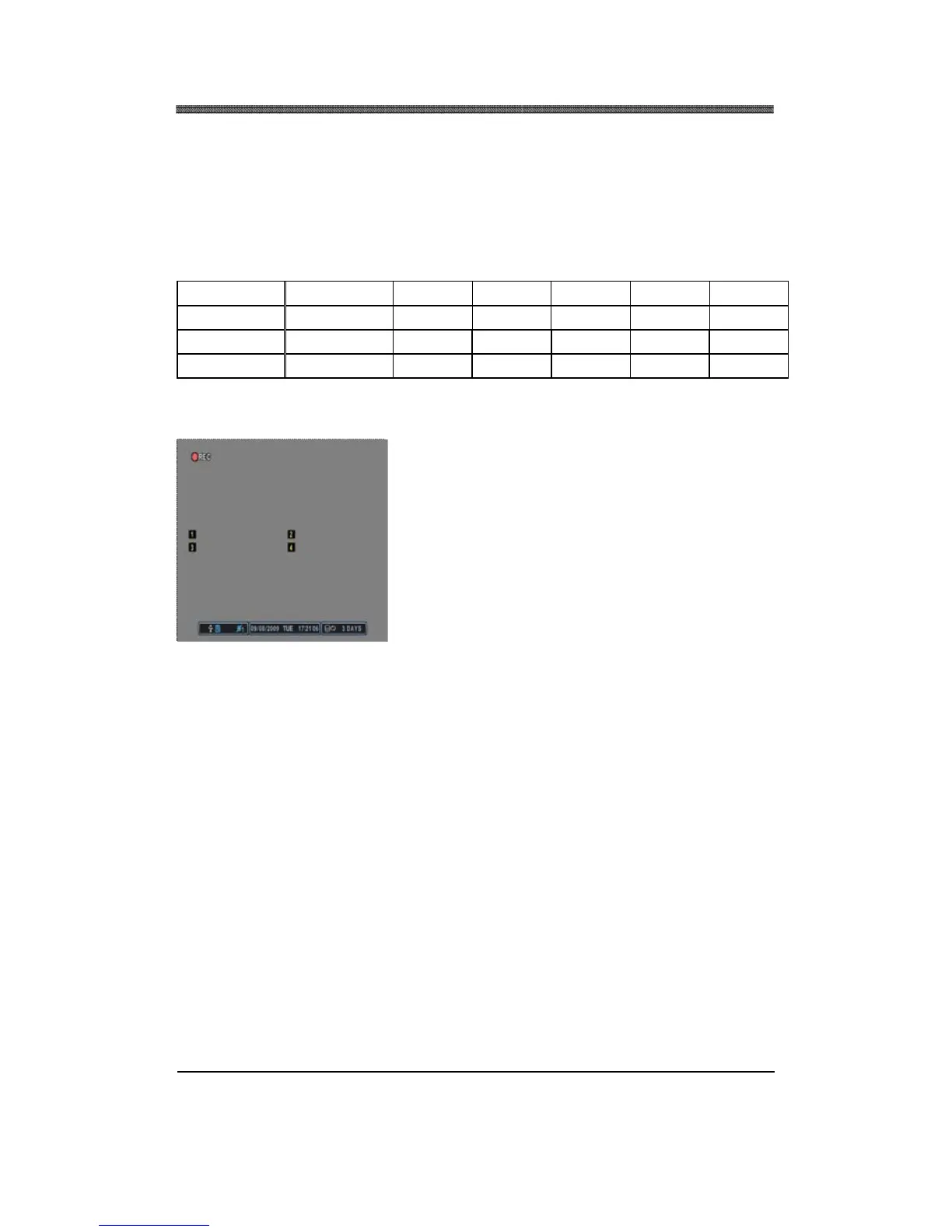
Press the RECORD button to start recording. The
REC icon will appear on the upper left corner.



 To Next Page