- 74 -
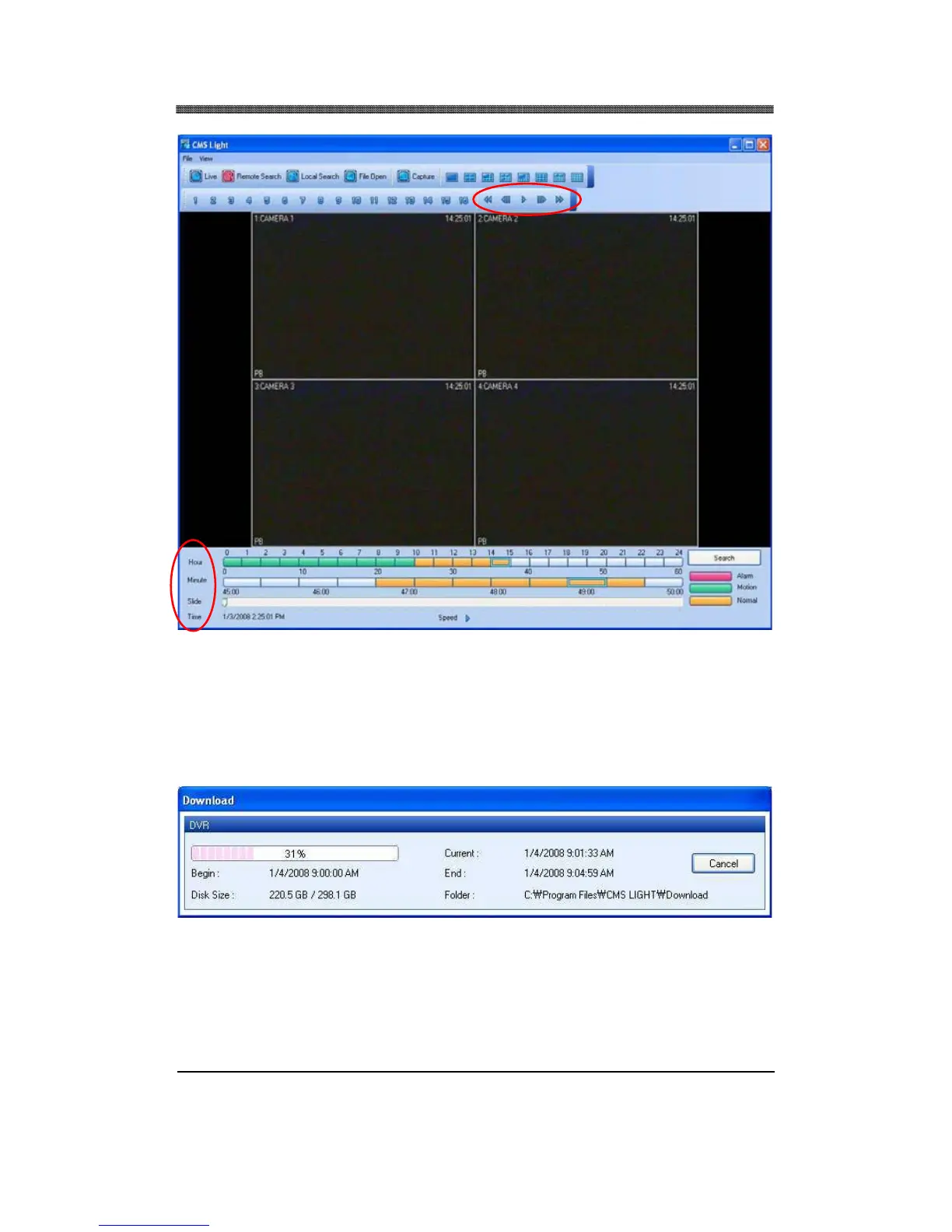
The Hour, Minute and the Clip can be clicked at any time to move backward or forward in time. You
can also change the speed of the playback.
6.4 DOWNLOAD
The file selection process is just as selecting a slot for remote playback. To download the file, click on
Download instead of Play.
The Download Dialog will appear displaying the Start time, End time and currently downloading
section.



 To Next Page