- 43 -
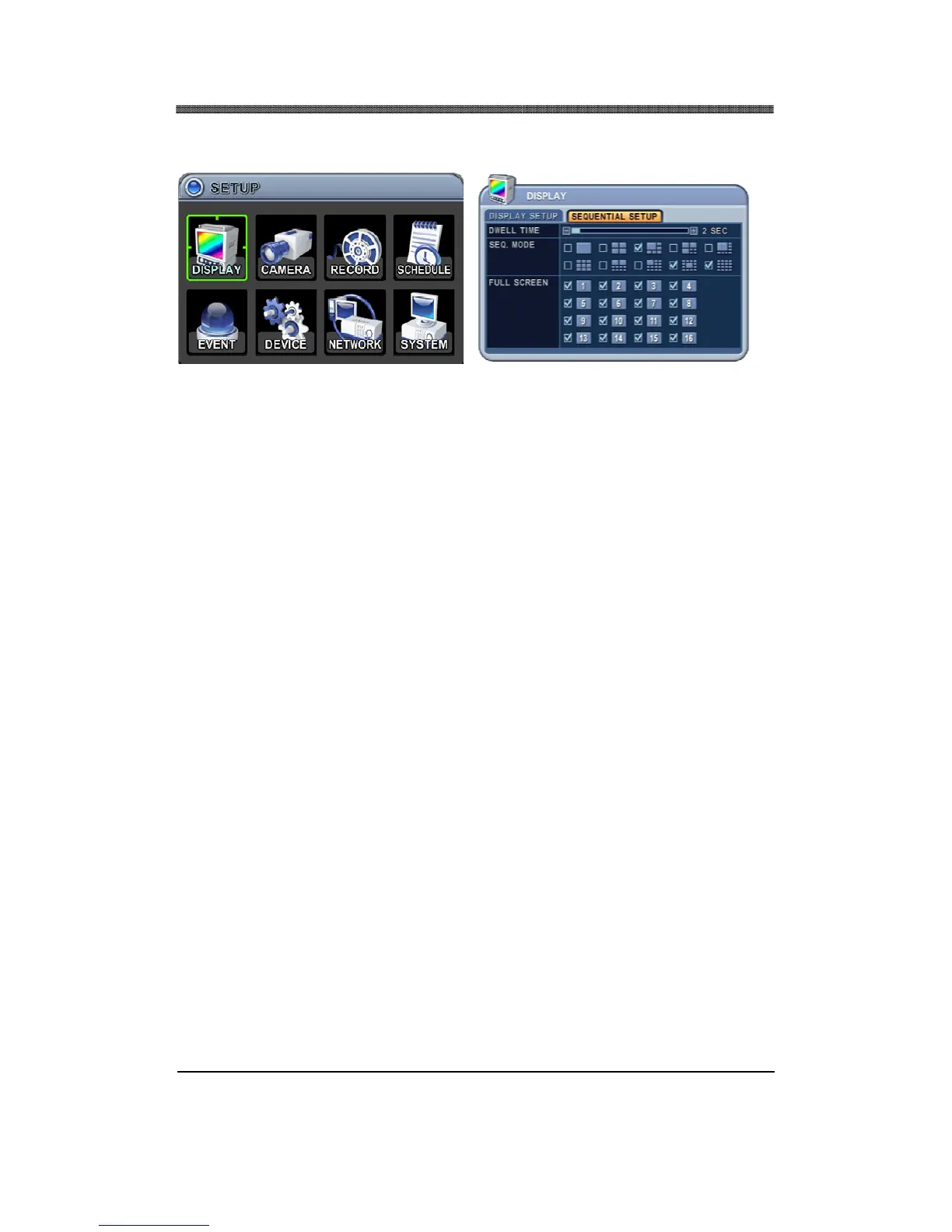
1.2 SEQUENTIAL SETUP
1.2.1 DWELL TIME
Select the sequence delay time. Available delay time is from 1 second to 30 seconds per display.
1.2.2 SEQ. MODE
Select what display modes to include in sequenced display. Single, quad, 6, 7, 8, 9, 10, 13 and 16
channel view modes can be included in the sequential display mode.
Selected view modes will be displayed in sequence, from the smallest number of windows to the
largest number of windows.
NOTE: Must select one of these display modes to enable Auto Sequence mode, unless Auto
Sequence will not begin. SEQ. MODE options depending on the model.
1.2.3 FULL SCREEN
Select which channel to include when in full screen sequential display mode.



 To Next Page