- 47 -
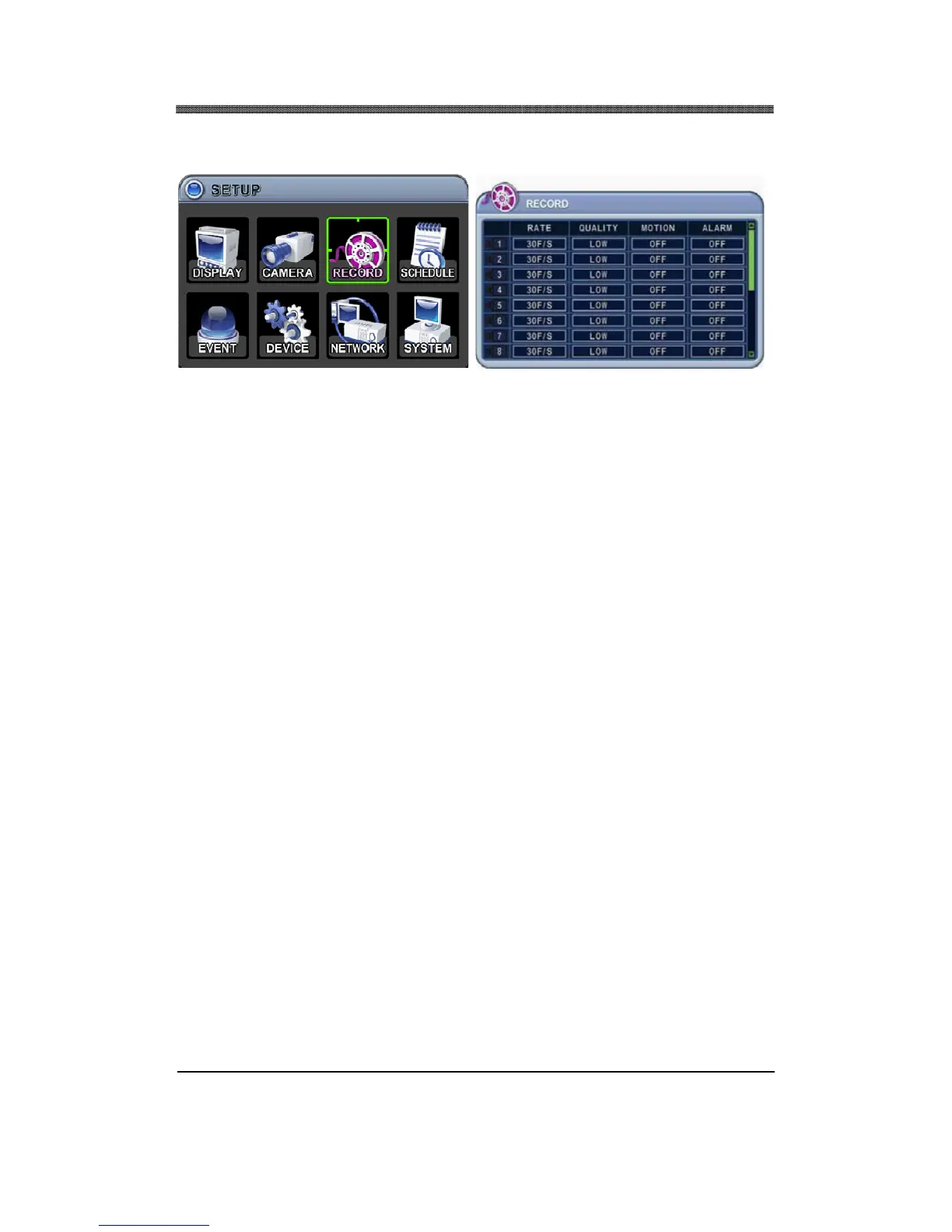
3. RECORD
RECORD menu allows customization of continuous record settings. The usage of camera, record
quality as well as record rate, motion / alarm record options are available.
3.1.1 RATE
Adjust the record rate for each camera. Note that the maximum global record rate is 120 pictures per
second at the resolution of 320 x 240 (CIF), 60 pictures per second at the resolution of 720 x 240
(Field), and 30 pictures per second at the resolution of 720 x 480 (Frame).
If USE option set to OFF, then that specific camera will not be used to record.
3.1.2 QUALITY
Select from five available record qualities, Low, Middle, High, Super and Ultra. The default value is
ULTRA.
3.1.3 MOTION
Select motion record ON or OFF for each camera. The default value is OFF.
3.1.4 ALARM
Select alarm record ON or OFF for each camera. The default value is OFF.
Note: Please refer to Section IV. Setup (EVENT Setup) for programming the motion or alarm
setting.



 To Next Page