- 38 -
5.3 SCHEDULE RECORDING
Schedule recording processes the recording schedule configured from the SCHEDULE menu.
Please note that if there are no schedules configured, then the DVR will not record. Please refer to
Section SETUP for setting up schedule recording.
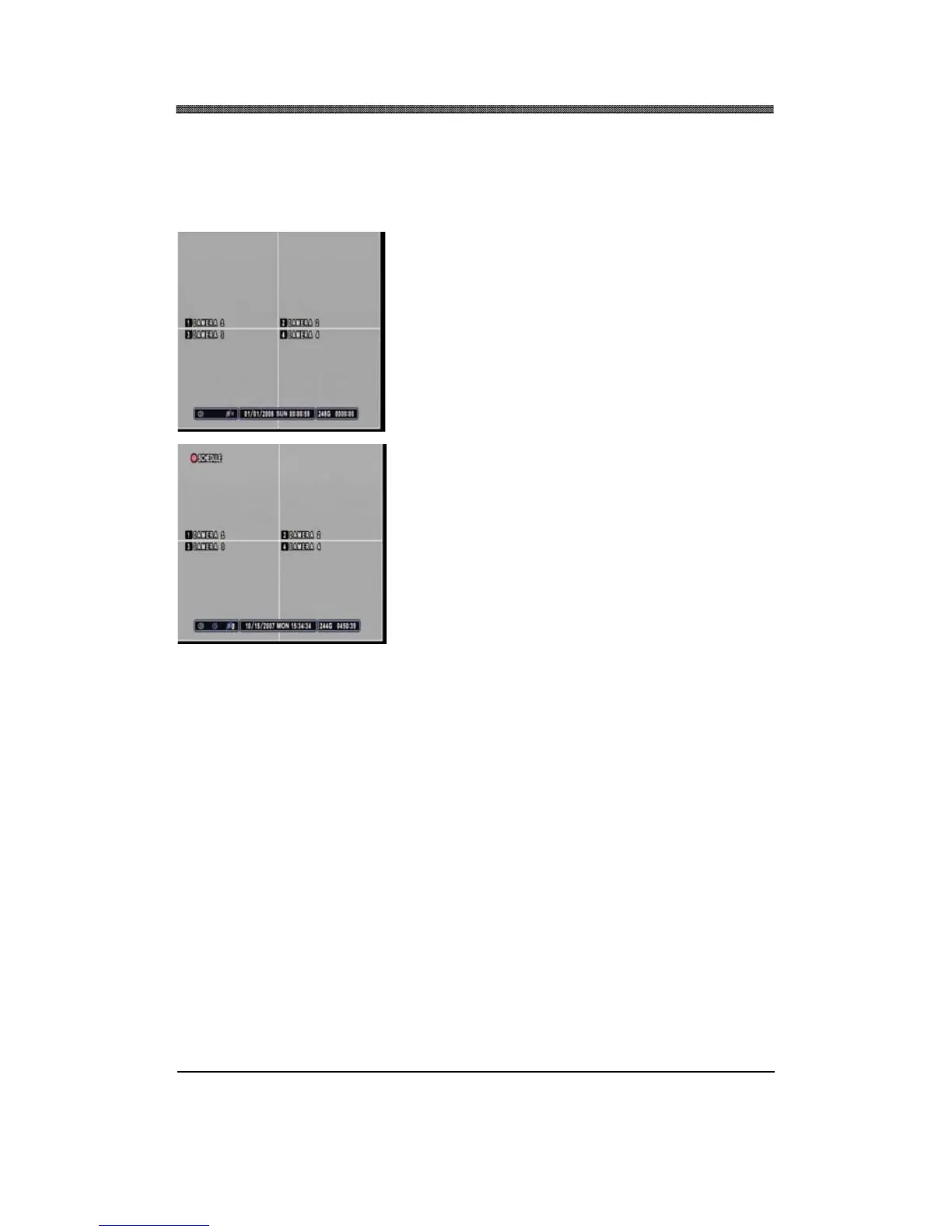
Press the SCHEDULE button to start recording based on
the preconfigured schedule. If there is nothing to be run at
the time when SCHEDULE button is pressed, the DVR
will not record until the designated time.
At the scheduled time, the DVR will execute the schedule
recording. Instead of the normal
REC icon, the DVR will
display SCHEDULE icon.



 To Next Page