- 36 -
5. ADVANCED RECORDING
This section will cover the Advanced Recording of the DVR. It will explain advance recoding features
such as of alarm, motion and schedule recording. Unlike the continuous recording mode which
records 24 hours a day and seven days a week based on the same settings, these three recording
options provides the user the flexibility of customizing the record settings, thus making the most of the
hard disk drive usage. Moreover, using these features would shorten search time when the needs
arise, as the recorded can be directly accessed from the system logs.
5.1 ALARM RECORDING
Please verify the alarm record settings prior to starting alarm recording. The settings can be adjusted
from the ALARM setup. Please note that alarm recording is independent of any recording modes.
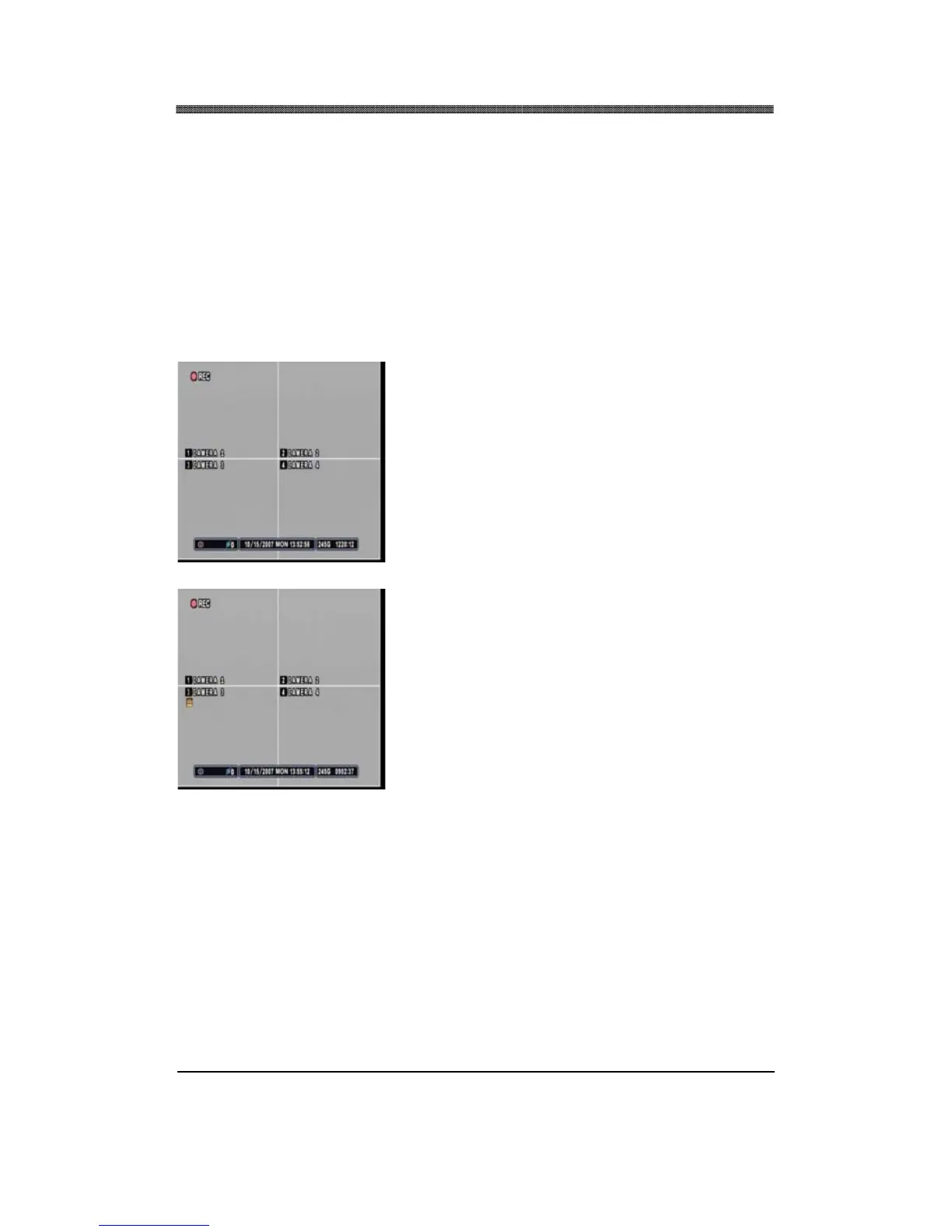
Press the RECORD button and the record icon will
appear as shown on the left. The DVR will be in standby
mode until an alarm is triggered.
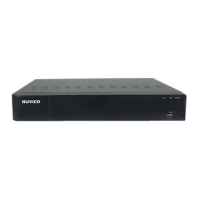
Alarm record icon will appear on the channel alarm was
triggered. The channel number will turn yellow as it starts
to record. The illustration on the left shows channel 3 in
alarm recording mode. The duration of the recording will
be based on the RECORD TIME setting under ALARM
SETUP.
If the alarm buzzer is set to ON and if the alarm inputs are selected, then the alarm buzzer will sound
for the duration of the RECORD TIME. Pressing the CANCEL button will turn off the buzzer and alarm
circuit.


 To Next Page