- 68 -
4. CMS Lite
Locate the CMS Lite icon from the desktop and double-click on it, or locate the CMS Lite icon in Start
– Programs – NUVICO CMS Lite.
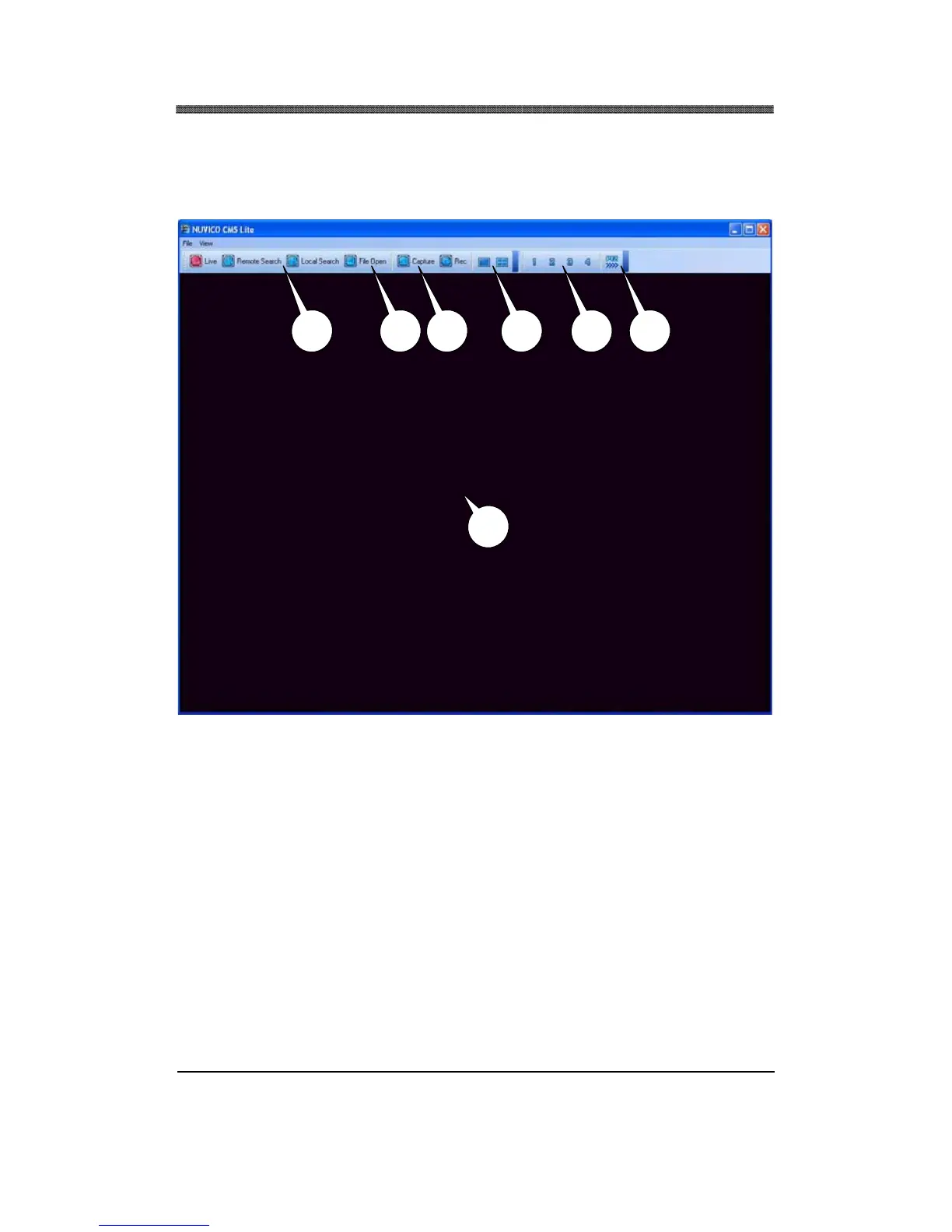
4.1 MAIN CAMERA DISPLAY WINDOW
Live or playback video is displayed up to 16 cameras in the main window. When the actual video is
displayed, it will display the channel number and title as well as the frame rate.
4.2 CAMERA DISPLAY SELECTION
From the top: single, 4 channel, 6 channel, 7 channel, 8 channel, 9 channel, 10 channel, 16 channel,
channel view modes. All display modes are accessible no matter how many DVRs are connected or
how many cameras are being displayed.
4.3 MODE DISPLAY
Displays whether the program is in live or playback mode.
4.3
4.1
4.24.4 4.5 4.6 4.7



 To Next Page