- 69 -
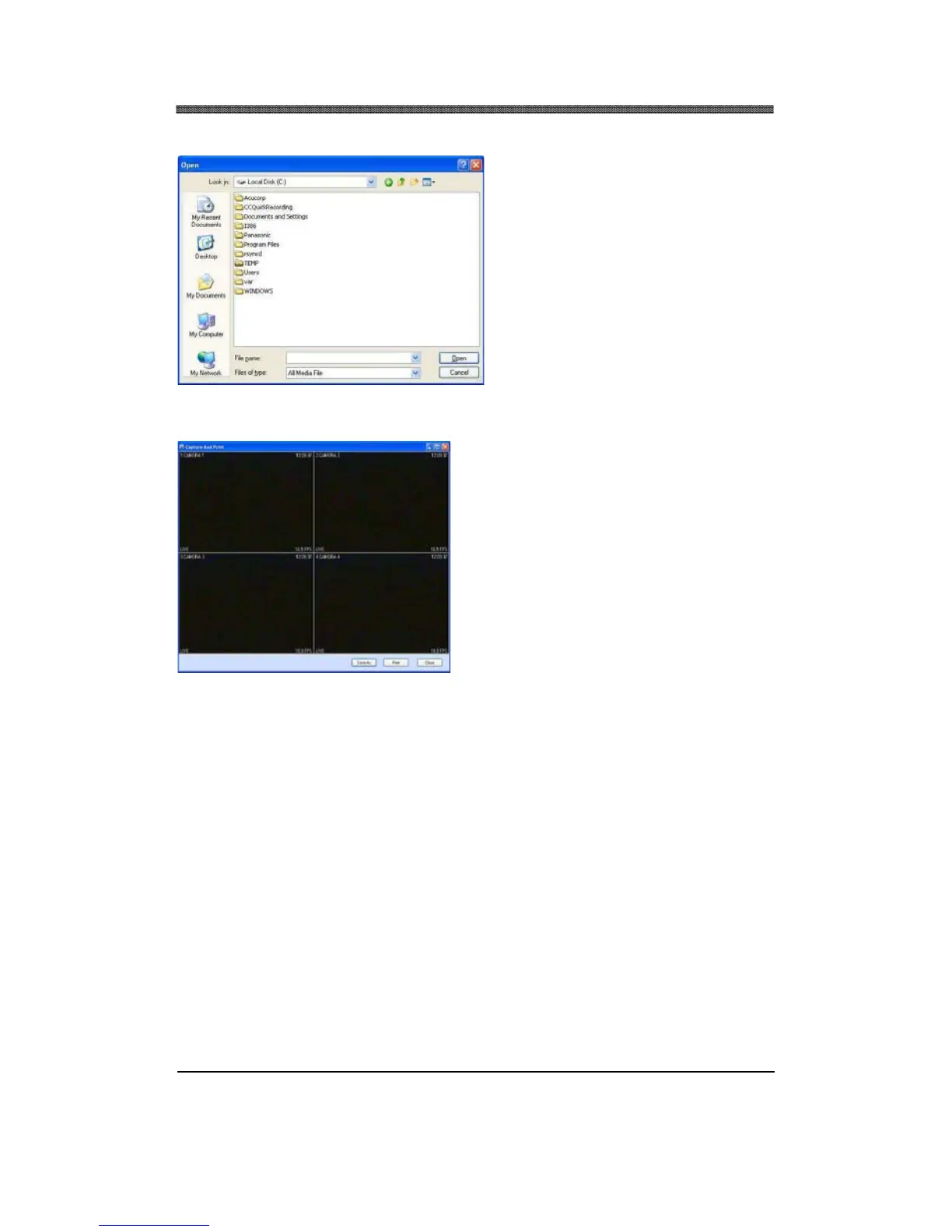
4.4 FILE OPEN
Open any downloaded or saved images
from CD/DVD for playback.
4.5 CAPTURE AND PRINT
Take a snapshot of the live or playback video.
These images can be saved in JPEG or BMP
file format. In addition, you can print the image
from your local printer.
4.6 CAMERA SELECTOR
Select specific camera to go into full screen.
4.7 PAN / TILT / ZOOM CONTROL
If one or more Pan / Tilt / Zoom cameras are installed on the DVR, they can be individually selected
and controlled using the PTZ control box. To control a channel-specific PTZ camera, simply click on
the channel where the PTZ camera is connected.
Note: Please refer to III. ADVANCED OPERATION, PAN/TILT/ZOOM CONTROL section for
operation.



 To Next Page