- 26 -
5.2 PLAYBACK CONTROL BUTTONS
During the playback, the DVR may be played back in
reverse, paused, speed search up to 16 times the normal
speed, or move picture by picture using the remote
controller. Please refer to the following illustrations for a
detailed description.
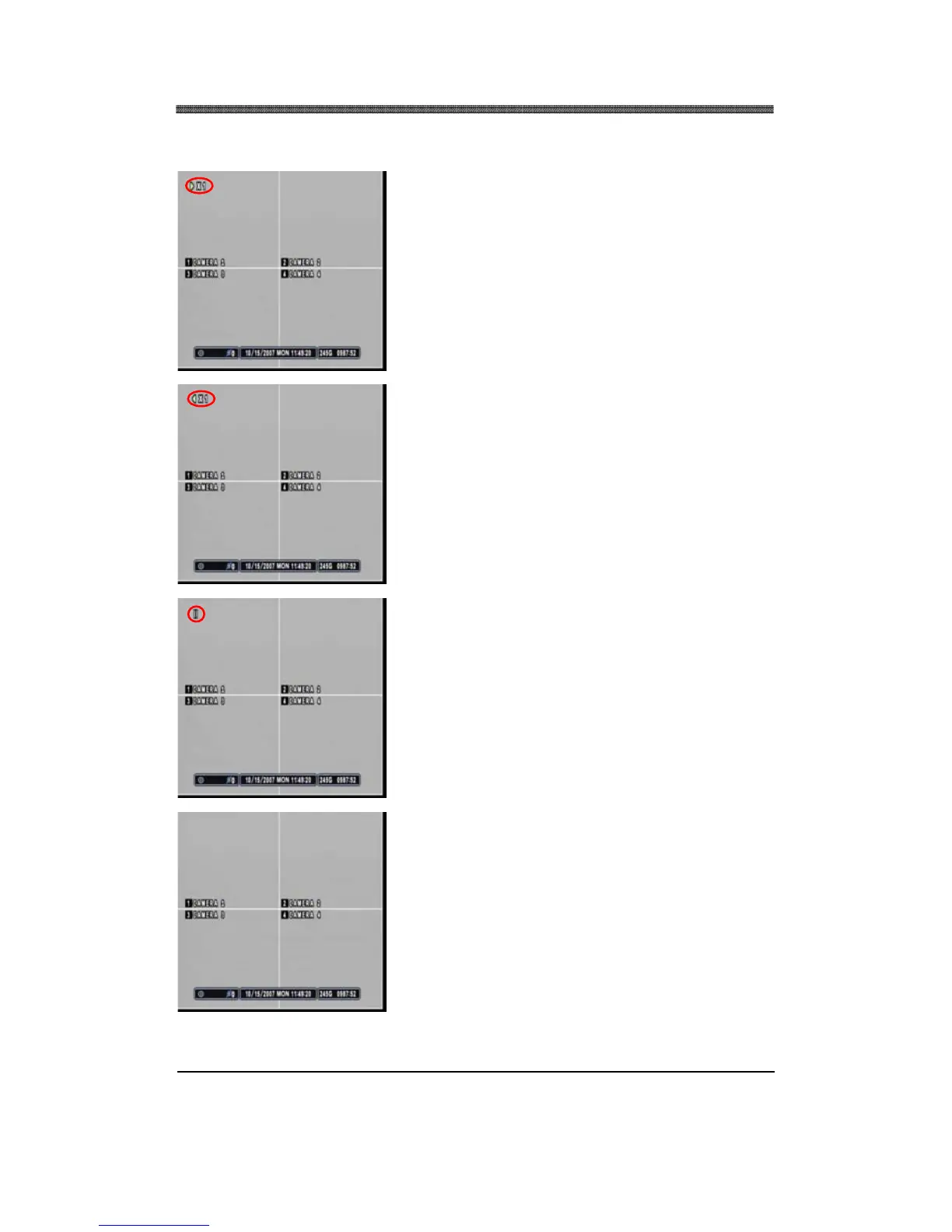
Press the PLAY button and the play icon will be displayed.
The DVR will start the playback from the latest data if
playing back for the first time.
Press the PLAY button (On the remote controller) once
more and it will change its playback direction to reverse.
Press the STILL button to pause the playback (STEP
button on the remote controller).
Press the STOP button once to return to the previous
screen. If the DVR is not recording, it will return to the live
screen.



 To Next Page