- 27 -
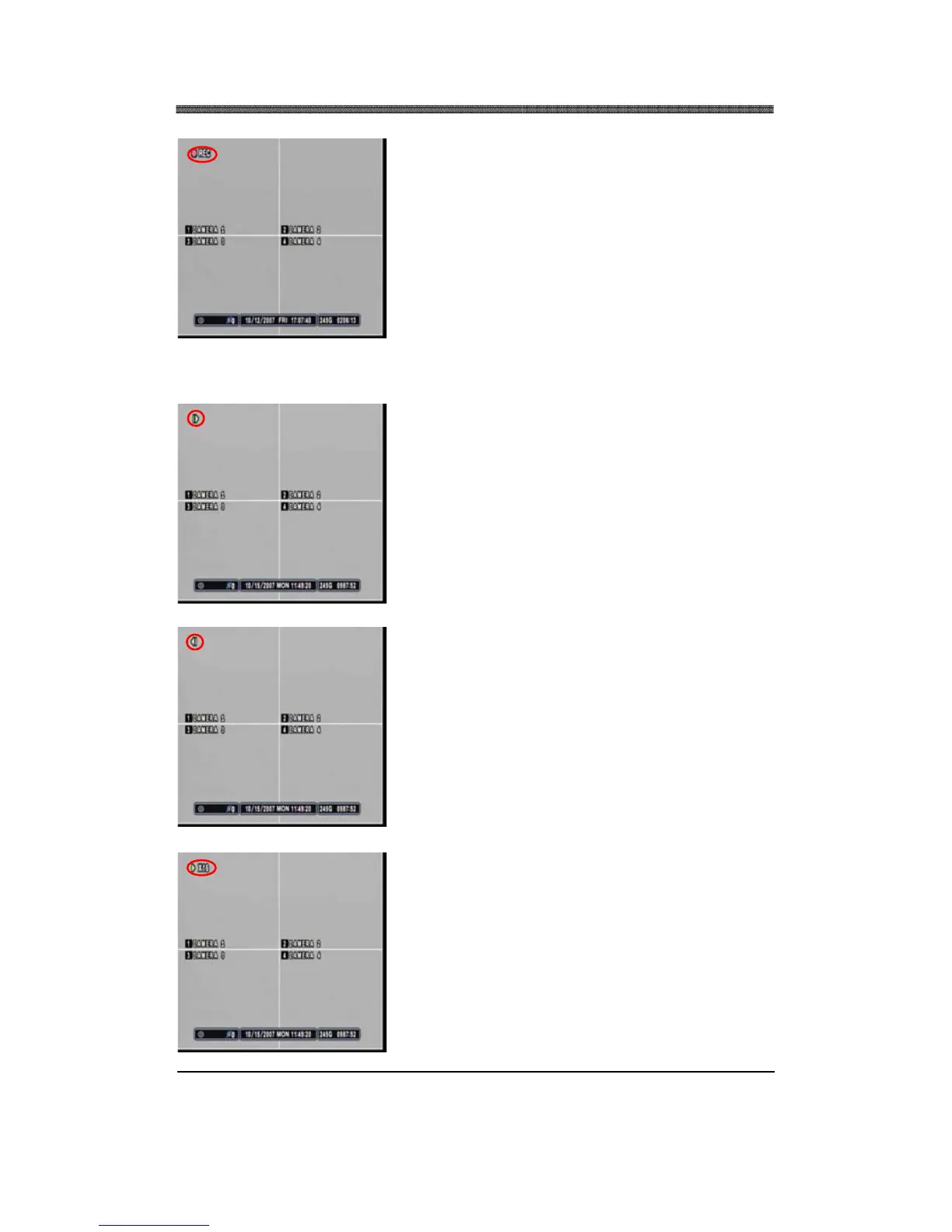
If the DVR is recording, then the DVR will return to the
live screen, but it will display the REC icon on the upper
left corner.
During Playback, the playback control button allows the recorded data to be viewed picture-by-picture,
fast forwarded, or fast rewound to the desired segment.
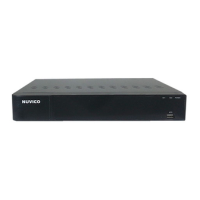
During the Playback mode, pause the playback by
pressing the RIGHT STEP button. Keep pressing the
RIGHT STEP button to enter the picture-by-picture mode
and to advance and view recorded data one picture at a
time.
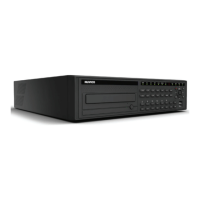
Press the LEFT STEP button to play in reverse and view
recorded data one picture at a time.
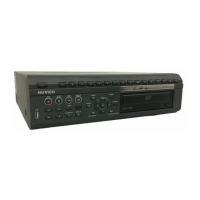
During the playback or still mode, press the FAST
FORWARD button to fast forward to the desired location.
Starting with normal playback speed (1X speed), each
increment represent twice the previous speed, with the
maximum playback speed of 16X.


 To Next Page