- 45 -
2.1.7 COVERT
Select between covert mode (YES) and normal mode (NO). If covert mode is activated, the activated
camera’s display will be hidden on the monitor. However, the video is still being recorded. When
Admin is connected using the CMS Lite software, Admin will be able to view the images but not the
User.
2.1.8 TITLE
Customize the channel title with up to a combination of 12 alphanumeric digits. As entering the
alphanumeric values on cellular phones or keypad driven input systems, press the appropriate
numeric buttons on the remote controller or on the DVR to enter the desired letters and numbers.
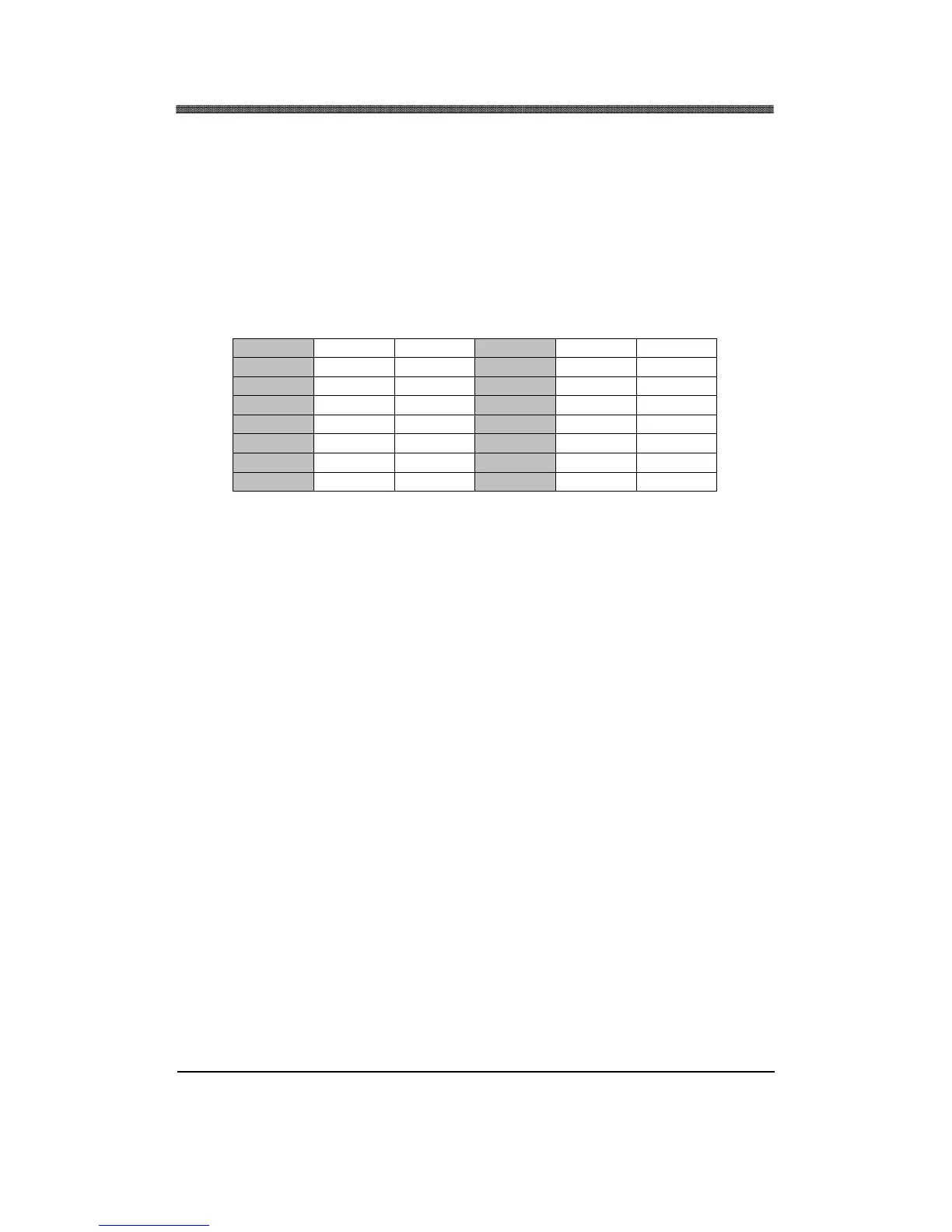
Refer to the following illustration for the sequence of values.
1 A B 9 Q R
2 C D 10 S T
3 E F 11 U V
4 G H 12 W X
5 I J 13 Y Z
6 K L 14 . @
7 M N 15 - _
8 O P 16 SPACE
2.1.9 P/T/Z ID
Select the P/T/Z Camera ID (address) to be controlled from the DVR.



 To Next Page