ADVANCED CONFIGURATIONS
Test Stereoscopic 3D
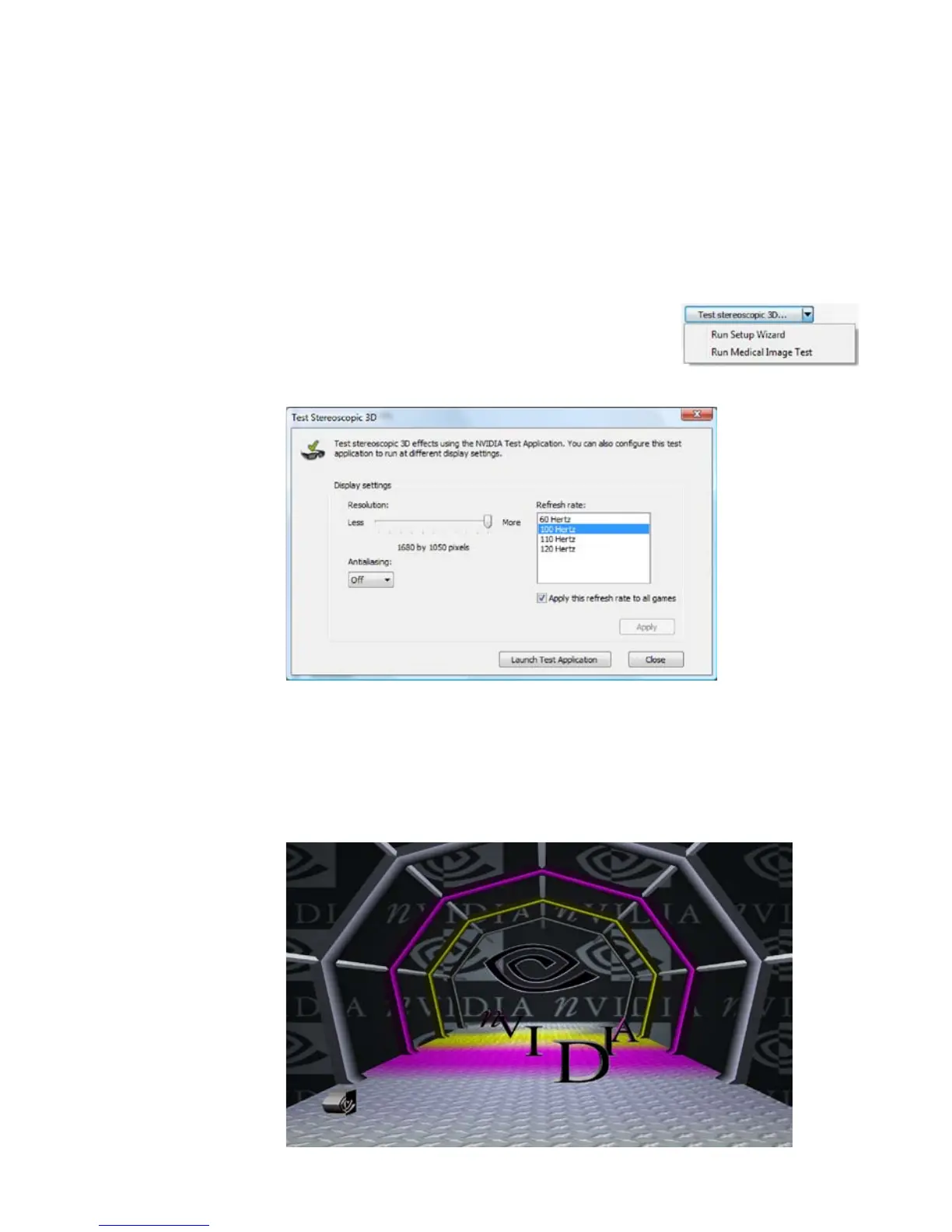
The Test Stereoscopic 3D button and drop-down list on the Set Up
Stereoscopic 3D screen in the NVIDIA Control Panel provides the ability
to test stereoscopic 3D viewing and the ability to run the Setup
Wizard and the Medical Image Test.
Test Stereoscopic 3D Option
Clicking on the Test Stereoscopic 3D... button
displays a test application that allows you
to adjust stereoscopic 3D effects so that
watching 3D Vision is comfortable to you.
Click Launch Test Application after you select the display settings.
The image displays in full-screen if you have the correct
resolution set for you monitor. With your wireless glasses on,
you are able to see in stereoscopic 3D. Use the shortcut keys
and the depth wheel on the IR emitter to make adjustments.



 To Next Page