NVIDIA 3D VISION USER GUIDE
Set Up Stereoscopic 3D
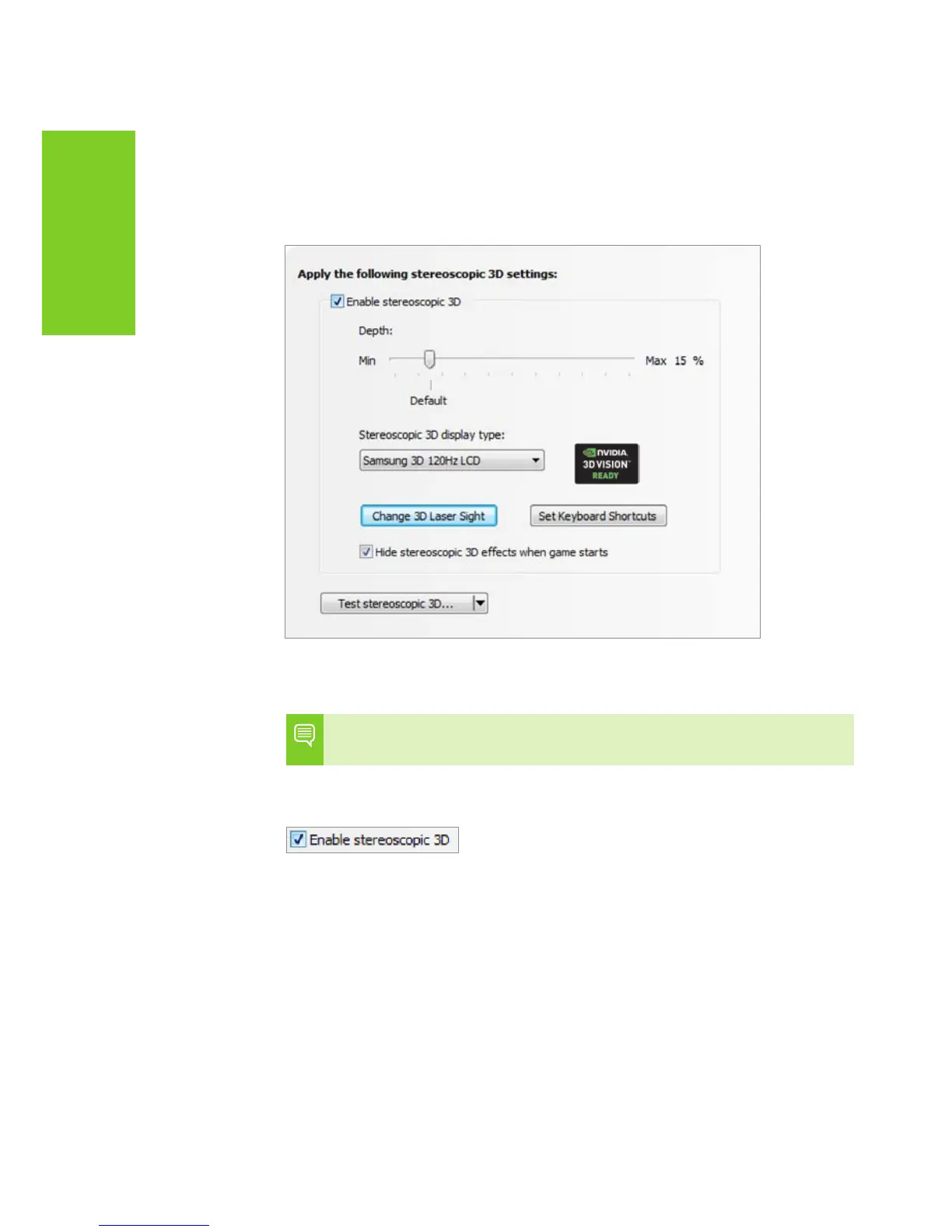
This section of the NVIDIA Control Panel provides all the
adjustments needed to enhance your gaming experience.
Each of the adjustments on this screen is discussed.
Enable Stereoscopic 3D
Note: Stereoscopic 3D effects work only with full-screen
DirectX applications.
To enable stereoscopic 3D mode, check the box.
When this box is checked, it enables you to turn stereoscopic
3D effects on and off using the USB IR emitter ON button,
pressing the notebook's 3D On/Off button, or by using the
keyboard shortcut Ctrl-T. Leaving this enabled does not affect
any other applications. However, leaving it enabled may reduce
game performance when you are not using 3D Vision.



 To Next Page