NVIDIA 3D VISION USER GUIDE
3D Vision LCD monitors and All-In-One PCs
Most 3D Vision LCD monitors and All-in-One PCs will not have keys
for controlling 3D Vision when playing 3D content. You can control 3D
using the following keyboard shortcuts:
> 3D ON/OFF – CTRL-T
> Increase stereoscopic 3D depth – CTRL-F4
> Decrease stereoscopic 3D depth – CTRL-F3
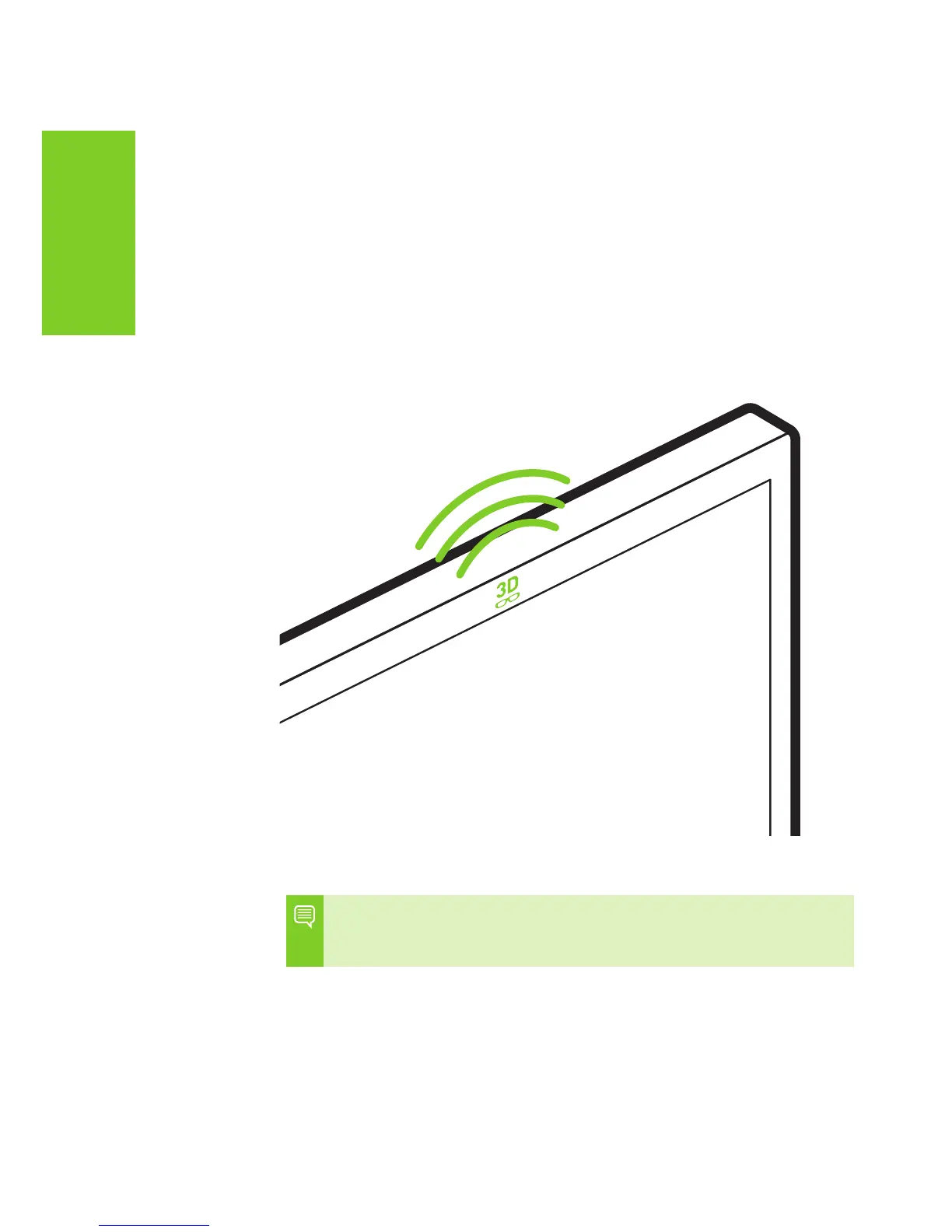
Note: The effective range of the Desktop LCD Built-in IR Emitter
is 15 feet. The effective range of the All-In-One PC Built-in IR
emitter is 10 feet.



 To Next Page