Nytech DC-7200 Capturing Pictures
20 - English
Using the Zoom Function
Your Nytech DC-7200 features a combination of optical and digital zoom
allowing you to zoom in on distant subjects or to zoom out for wide-angle
shots.
The optical zoom adjusts the camera lens mechanically. The digital zoom
enlarges or reduces the picture via software control.
In Recording mode, select the desired subject area by pressing the zoom
buttons.
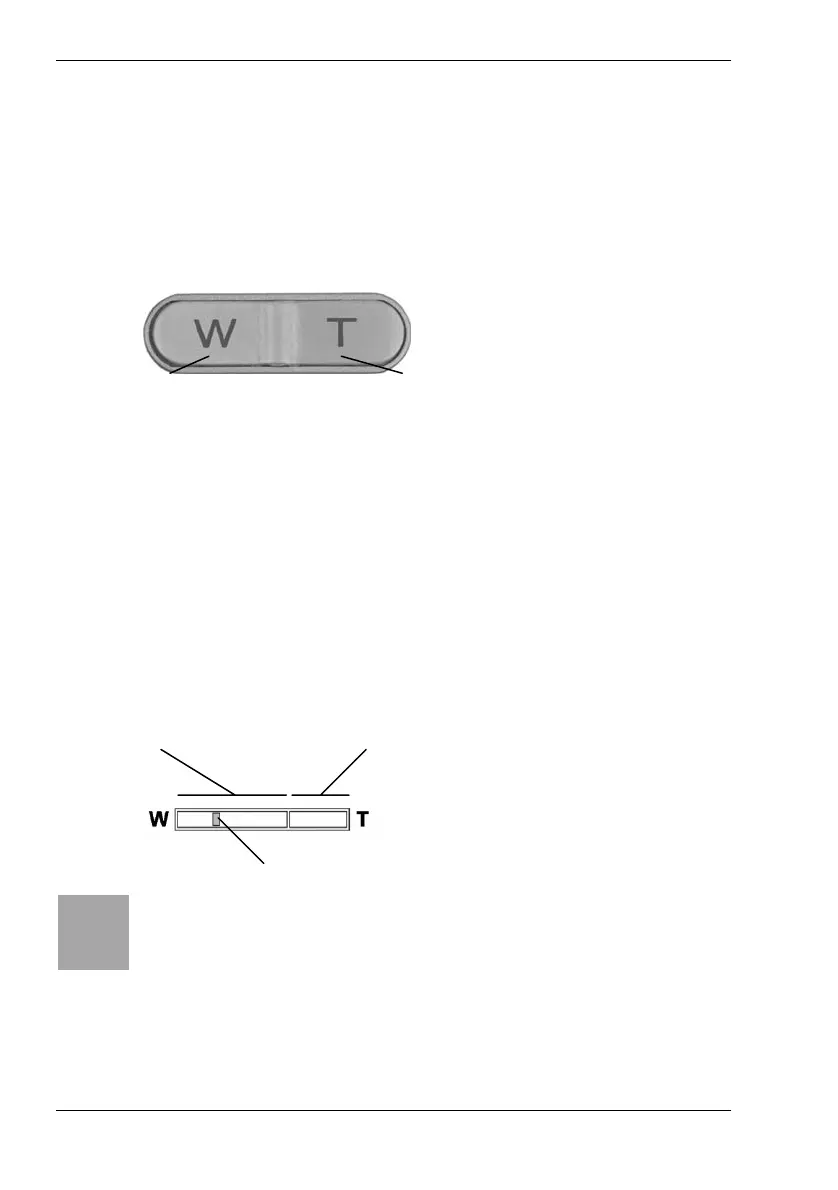
- Press [ W ] to reduce the zoom factor and obtain a wide-angle shot.
- Press [ T ] to increase the zoom factor and obtain a telephoto shot.
When pressing any of the zoom buttons the zoom bar (see page 16 –
item 3) will appear on the display [12].
When the maximum optical zoom factor has been reached, zooming will
pause for a moment. Press the [ T ] button again. The camera switches to
digital zoom mode and will continue zooming in.
Optical zoom area Digital zoom area
Zoom mark
i
Before you can use the digital zoom, you must enable it (see
page 31, Digital Zoom).
Figure: Zoom control [4] on the
camera back panel
Telephoto
Wide-angle
Figure: Zoom bar [3] on display [12]



 To Next Page