Nytech DC-7200 Playing Back Images and Video Clips
English - 49
Trimming Pictures
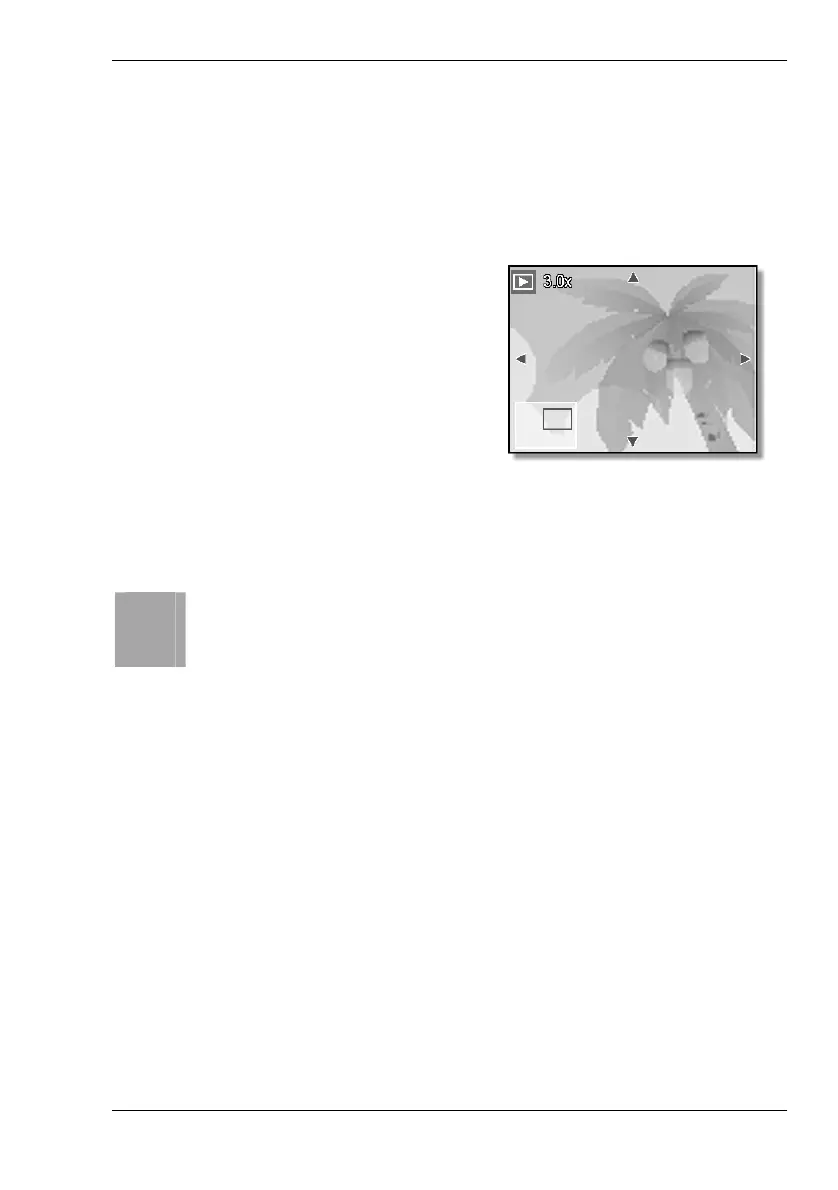
Select a specific portion of an image and save it as a new image.
1. Power the Nytech DC-7200 on in Playback mode by pressing and
holding the Play button [5] for approx. 2 seconds.
2. Press [ T ] on the Zoom button [4] to toggle to trimming mode.
3. Press [ T ] on the Zoom button
to zoom in the picture, press
[ W ] to zoom out.
4. Press c,d,e or f on the
four-way button to move the
enlarged section.
5. Press the SET button [8] to trim the currently displayed image
section.
6. Press the SET button [8] again to save the trimmed image.
i
Using this editing function will not change the original picture but
the trimmed image will be saved as a new file.



 To Next Page