Nytech DC-7200 Capturing Pictures
28 - English
Drive Mode
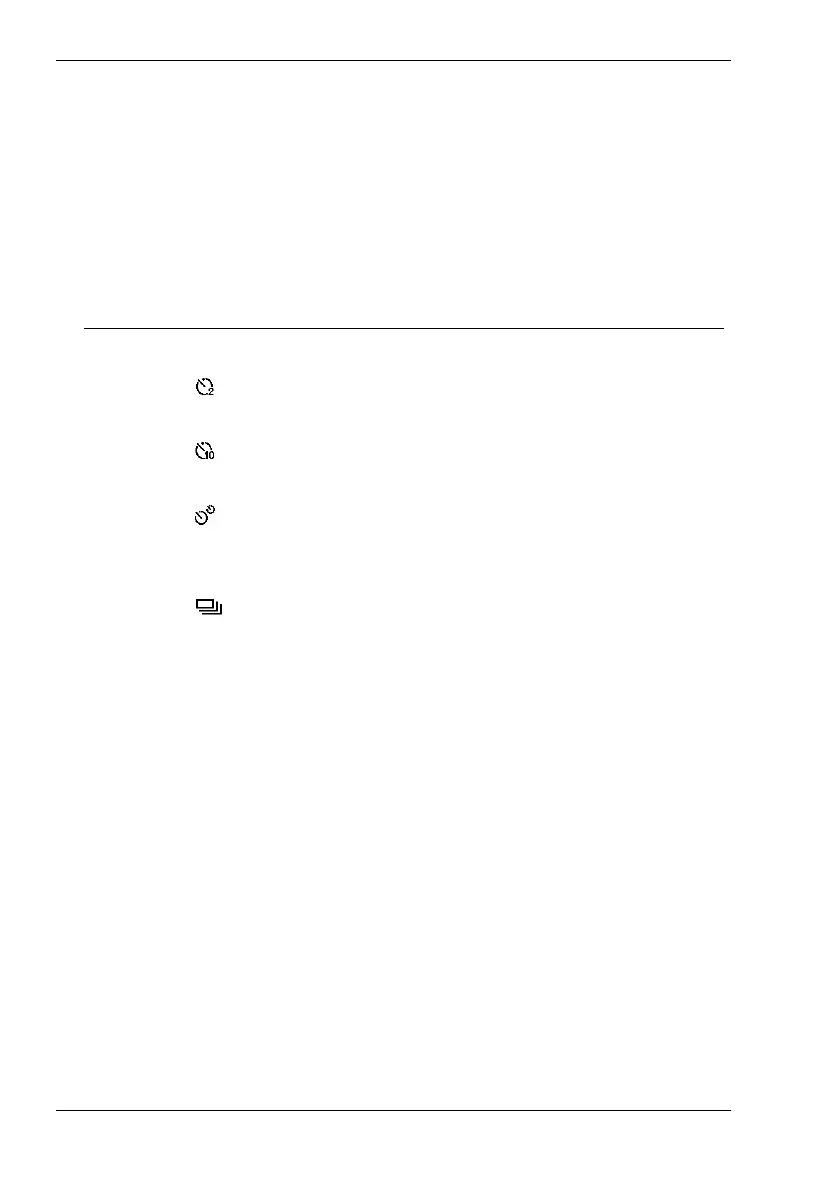
The functions in the Drive Mode menu allow you to programme the self-
timer or to enable the burst capture. The corresponding icon from the table
will be displayed on the LCD (see page
16 – item 7). The following settings
are available:
Option Icon Description
Off Normal single shot without any further modes.
2 sec.
Captures the photo with a 2-second delay after
pressing the shutter button [3]. *
10 sec.
Captures the photo with a 10-second delay after
pressing the shutter button [3]. *
Double
Captures the photo with a 10-second delay after
pressing the shutter button [3], plus a second
photo after an extra 5-second delay. *
Burst
After enabling this function you can capture a
picture sequence. The camera will shoot one
picture per second while you keep the shutter
button [3] pressed, and the status indicator [2]
will blink green. The shutter sound will be
generated only for the first capture. The display
[12] will remain blank during Burst photography:
only the final image will be displayed.
* Once enabled, the self-timer indicator [14] starts
blinking red, the status indicator [7] blinks
alternating red/green and acoustic signals can
be heard.



 To Next Page