Nytech DC-7200 Capturing Pictures
English - 27
Exposure
You can set the exposure value manually. This setting depends on the
lighting conditions around the subject. Select a positive value between
+0.3EV and +2.0EV if you want to capture a subject located in a dark area.
Select a negative value between –0.3EV and –2.0EV if the subject is very
bright or shiny (e.g. a computer or a television screen) or when
photographing in backlight (e.g. frontal sunlight) conditions. If you are
unsure about the proper exposure setting for each case, experiment a little
to find the proper value. The set value will be displayed on the LCD (see
page
16 – item 15).
The following settings are available:
* Will not appear on the display
Option Description
+2.0 EV
+1.7 EV
+1.3 EV
+1.0 EV
+0.7 EV
+0.3 EV
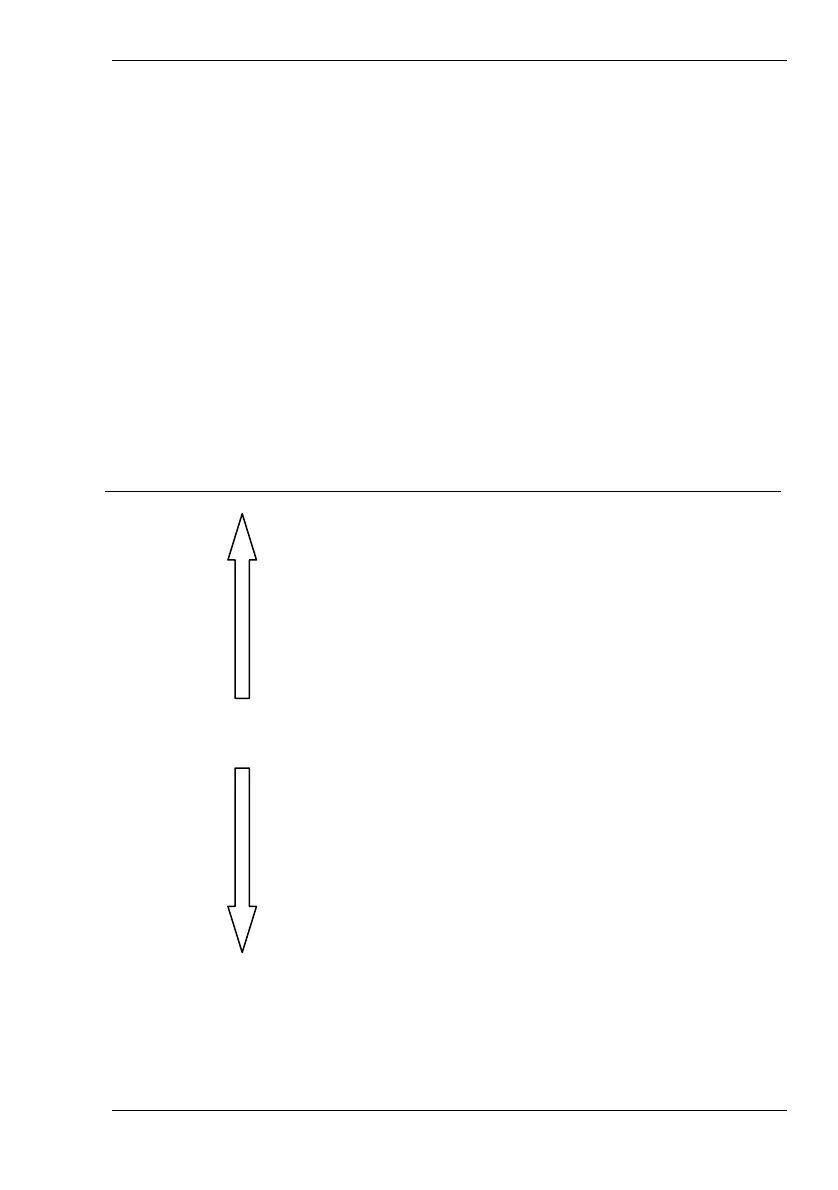
Sensitive exposure setting.
Recommended for subject in dark environment.
0 EV * No exposure correction.
-0.3 EV
-0.7 EV
-1.0 EV
-1.3 EV
-1.7 EV
-2.0 EV
Less sensitive exposure setting.
Recommended for bright subjects or for backlight
photography.



 To Next Page