- 21 -
6.3
2ND
LEVEL PROGRAMMING
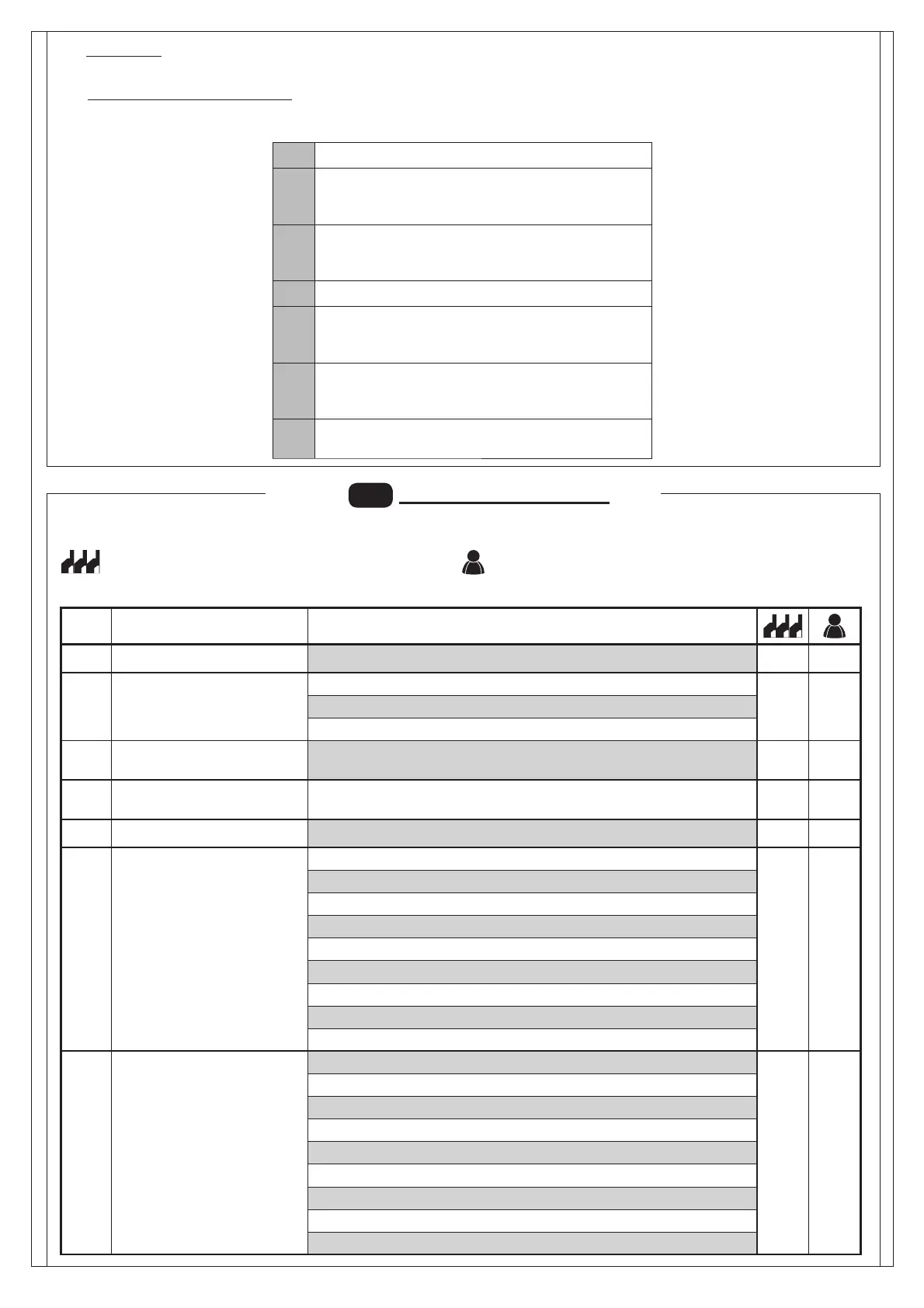
Par Function Settable data
Maximum operating time (sec.)
-
Request for maintenance
: disabled
: active on the confi gured outputs
: active on the confi gured outputs and the bar lights fl ash twice
Programming maintenance
cycles in thousands
Programming maintenance
cycles in millions
..
.
Output 1 : arm lights command
Output 2
: request for maintenance
: photocell triggering
: reverser triggering
: PDM contact actuated
: arm closed
: arm open
: stop contact actuated
: warning fl ash
: Arm locking device
Output 2
: request for maintenance
: photocell triggering
: reverser triggering
: PDM contact actuated
: arm closed
: arm open
: stop contact actuated
: warning fl ash
: Arm locking device
: Idle
: Opening
: Stop opening limit switch
: Stop opening
: Closing
: Stop closing limit switch
: Stop closing
: Not available
: Stop due to photocell triggering
: Opening due to photocell triggering
: Photocell triggering pause
: Stop due to encoder triggering
: Opening due to encoder triggering
: Pause due to encoder triggering
: Maximum working time in opening reached
: Maximum working time in closing reached
· :Default
- To reset the default parameters, set parameter on 1 and exit the menu’.
·
:Automation statuses display
- During operation, the control unit displays automation status so the installer is able to follow the logical fl ow of the board.
The statuses are:
The following table gives the 2nd level functions and the single settable parameters.
= DEFAULT value set in factory.
= parameter value set during installation: must be indicated if
DEFAULT value is modifi ed.


 To Next Page