- 22 -
6.4
3ND
LEVEL PROGRAMMING
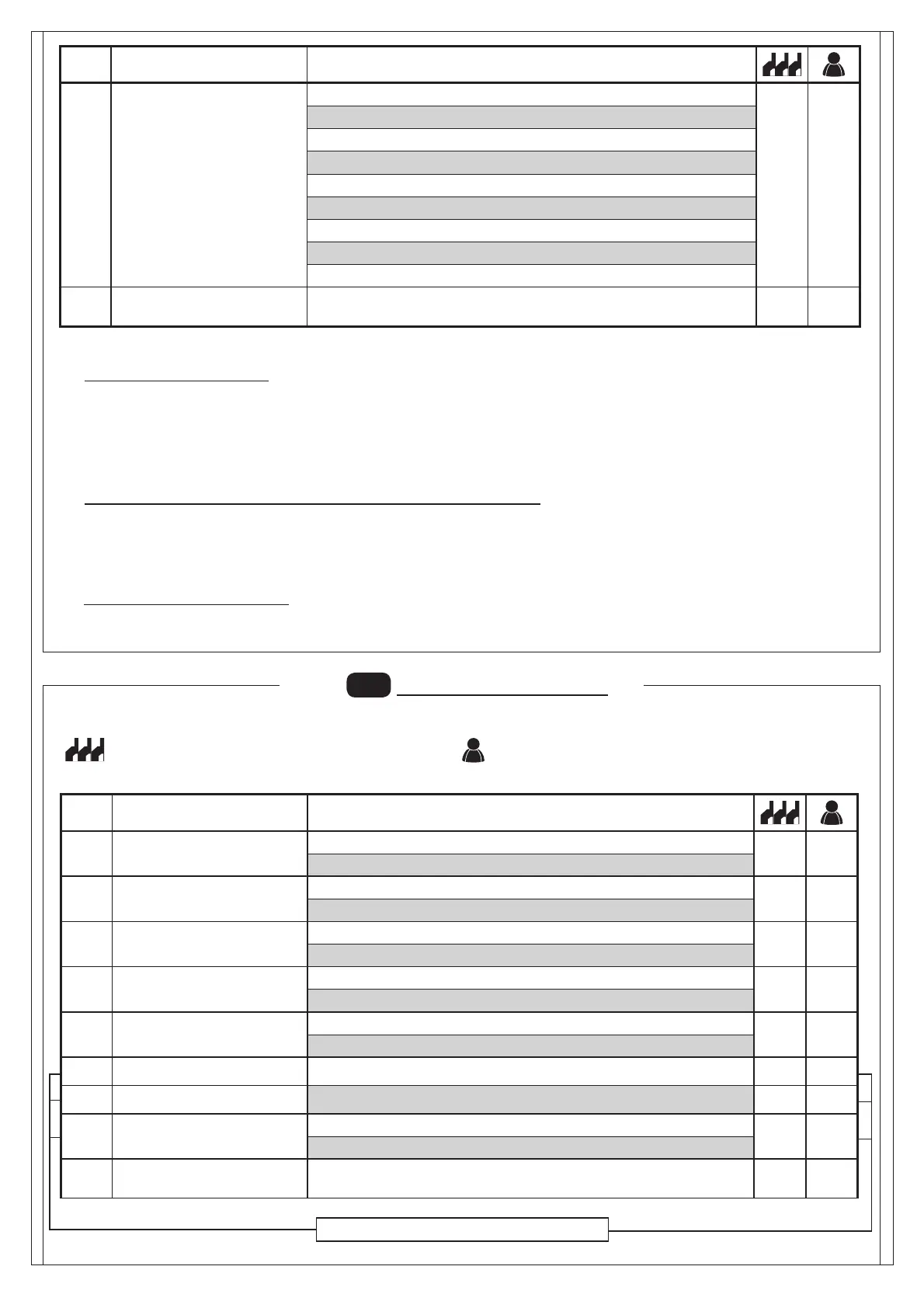
Par Function Settable data
Advanced setup
: no advanced setup
: input open at on state (reserved)
PDM dynamic input polarity
: input N.O.
: input N.C.
Output 2 polarity
: N.O.
: N.C.
Output 3 polarity
: N.O.
: N.C.
Output 4 polarity
: N.O.
: N.C.
Opening speed (%) -
Closing speed (%) -
Speed selection input
: Disabled
: Enabled
Exiting the menu/saving
Exit programming and view machine statuses (see notes St auto-
mation statuses display after the 1st level table)
Available functions only for CSB-SP/XT
Description of level 2 parameters
· : Request for maintenance
- : the request for maintenance is not active.
- : at the end of the countdown, by means of counters and , one of the programmed outputs is activated (see parameter
,,)
- : at the end of the countdown, by means of counters and , one of the programmed outputs is activated (see parameter
,,) and the bar lights fl ash twice.
· and: Programming maintenance cycles in thousands and millions
Thanks to the combination of the two parameters the countdown can be set after which a request for maintenance is signalled.
Thousands can be set with the parameter, millions with the parameter.
Example: to set 275,000 maintenance manoeuvres set on 0.2 and on 75.
The value displayed in the parameters updates along with the manoeuvres.
· Arm locking device confi guration:
To use the arm locking device, connect the enabling contact to OUT2 or OUT3 or OUT4 and set the corresponding parameter
, or to .
Par Function Settable data
Output 4
: request for maintenance
: photocell triggering
: reverser triggering
: PDM contact actuated
: arm closed
: arm open
: stop contact actuated
: warning fl ash
: Arm locking device
Exiting the menu/saving
Exit programming and view machine Statuses (see notes automa-
tion Statuses display after the 1st level table)
The following table gives the 3rd level functions and the single parameters.
= DEFAULT value set in factory.
= parameter value set during installation: must be indicated if
DEFAULT value is modifi ed.


 To Next Page