38 User manual
The status bar
The status bar at the bottom of the Océ Settings Editor displays the following
(from left to right).
■ The system status ('connected' or 'disconnected').
■ The system name ('local host' if you are working on the controller).
■ The user mode (key operator, system administrator or anonymous).
■ The view mode (KO Settings or SA Settings).
[8] The icons for the connection status
[8] The icons for the connection status
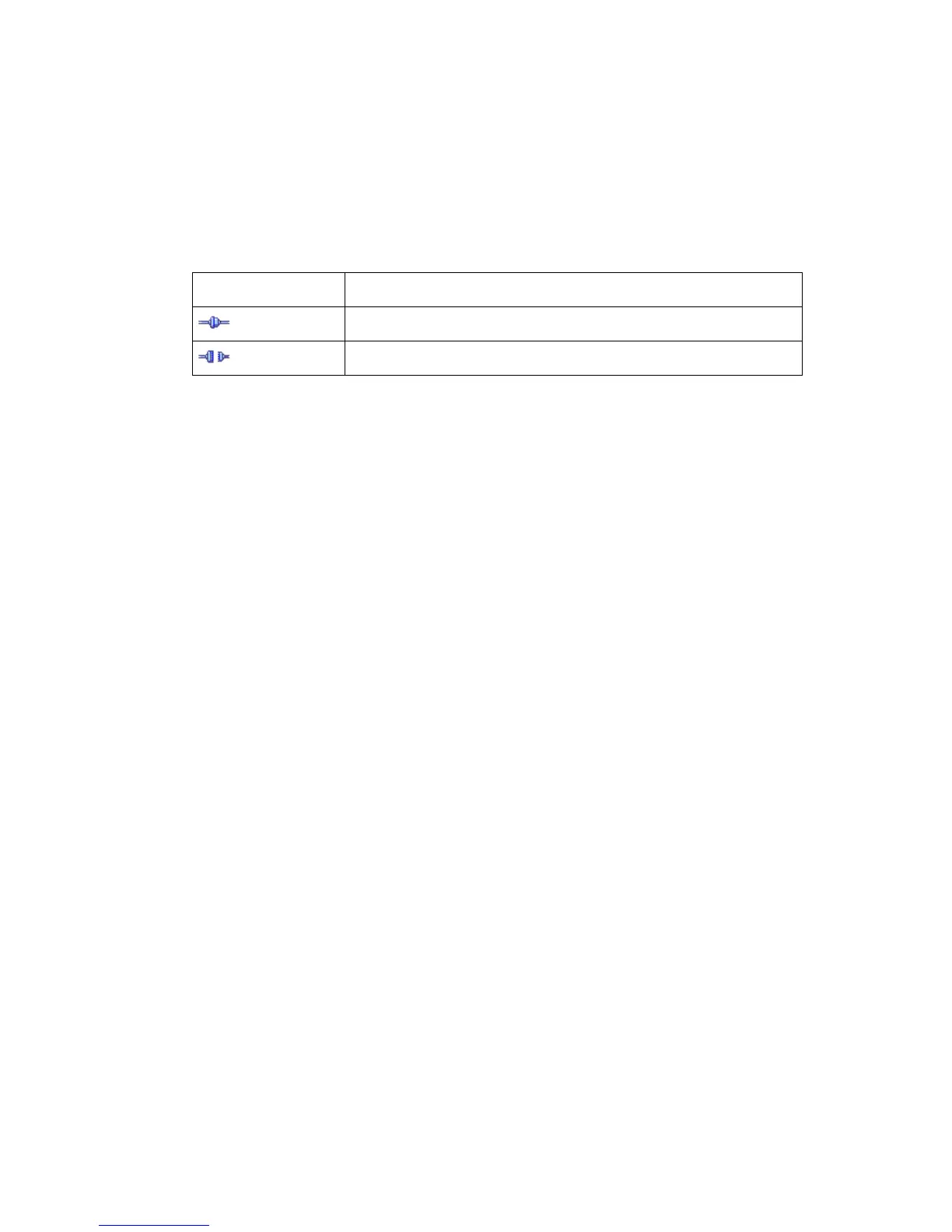
Icon Description
The Océ Settings Editor is connected to a system.
The Océ Settings Editor is not connected to a system.




 To Next Page