11 Preparing Patients Data
24 / 92 Instruction Manual Myopia Master® (G/68100/EN Rev04 0820)
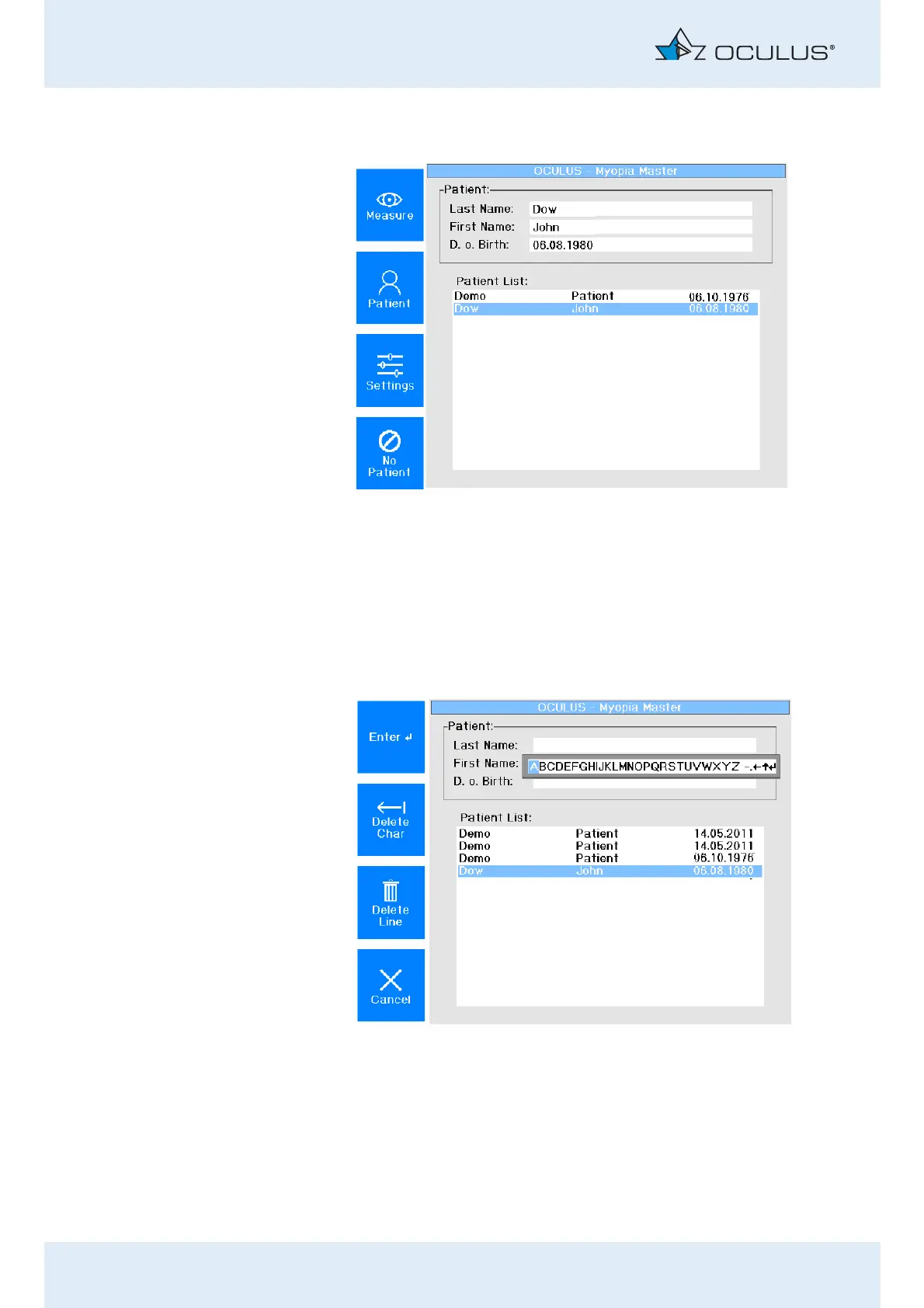
The name of the patient appears in the list.
Press the [Measure] button to switch to measuring mode.
11.2 Entering new Patients (touch screen deactivated)
To input a new patient, press the button [Patient] in the patient data
menu.
The following screen appears:
Select each individual letter by turning the control wheel
accordingly.
Confirm each letter by pressing the control wheel.
Enter the patient’s last name.
Fig. 11-2: Patient list
Fig. 11-3: Touch screen deactivated



 To Next Page