11 Preparing Patients Data
26 / 92 Instruction Manual Myopia Master® (G/68100/EN Rev04 0820)
11.2.2 Rename a Patient
Select the patient that you want to rename.
Press the button.
Enter the new name in the field "New Name", or enter a new date of
birth.
Confirm your input.
11.2.3 Delete a Patient or an Examination
If you want to delete a patient or an examination:
Select the patient in question.
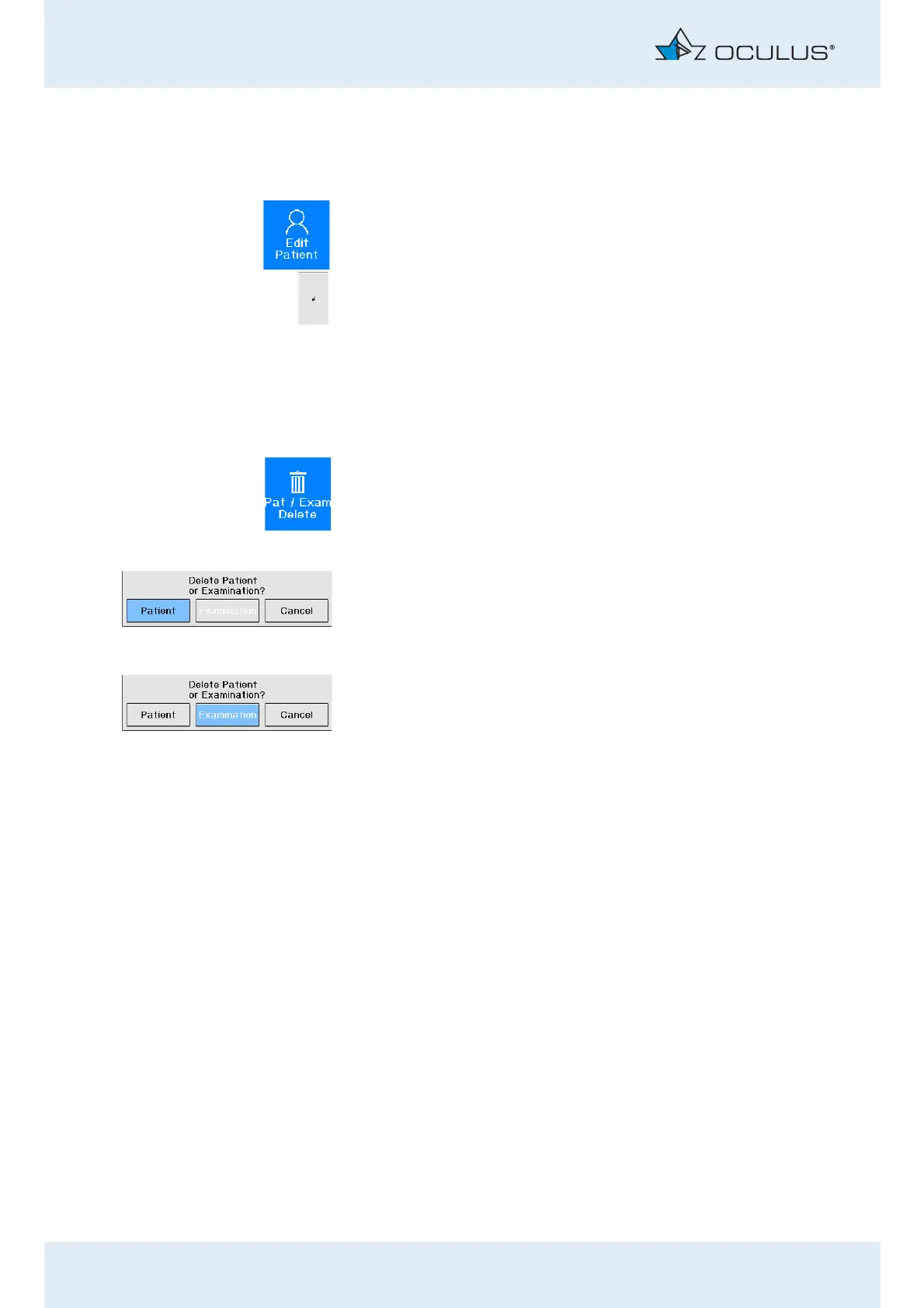
Press the button.
To delete a patient:
Select with the control wheel the button [Patient].
Press the control wheel.
The data of the patient is deleted.
To delete an examination:
Select with the control wheel the button [Examination].
Select the examination that is to be deleted.
The line for the selected examination appears highlighted in blue.
Press the control wheel.
The examination is deleted.



 To Next Page