16 Display Options
Instruction Manual Myopia Master® (G/68100/EN Rev04 0820) 61 / 92
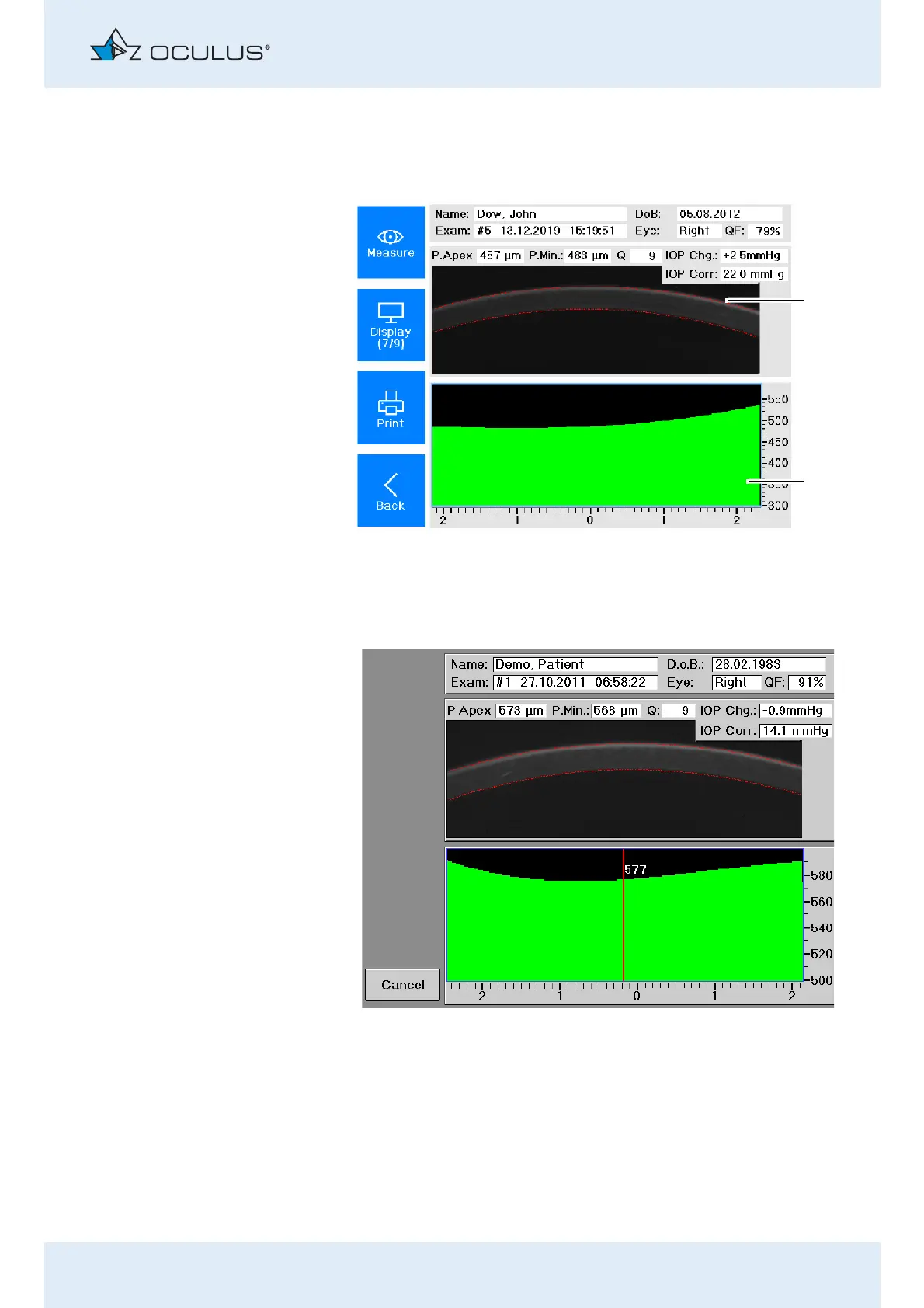
Display of Pachymetry
Press in the "Corneal thickness progression" field on the touch
screen.
The device shows you the exact location of the cornea at the
selected spot.
You can move the pointer to the left or to the right on the touch
screen with the rotary knob.
1 Scheimpflug image
2 Corneal thickness range
(Measuring range: horizontal 4mm section through the apex)
Fig. 16-2: Overview Pachymetry



 To Next Page