EN
14
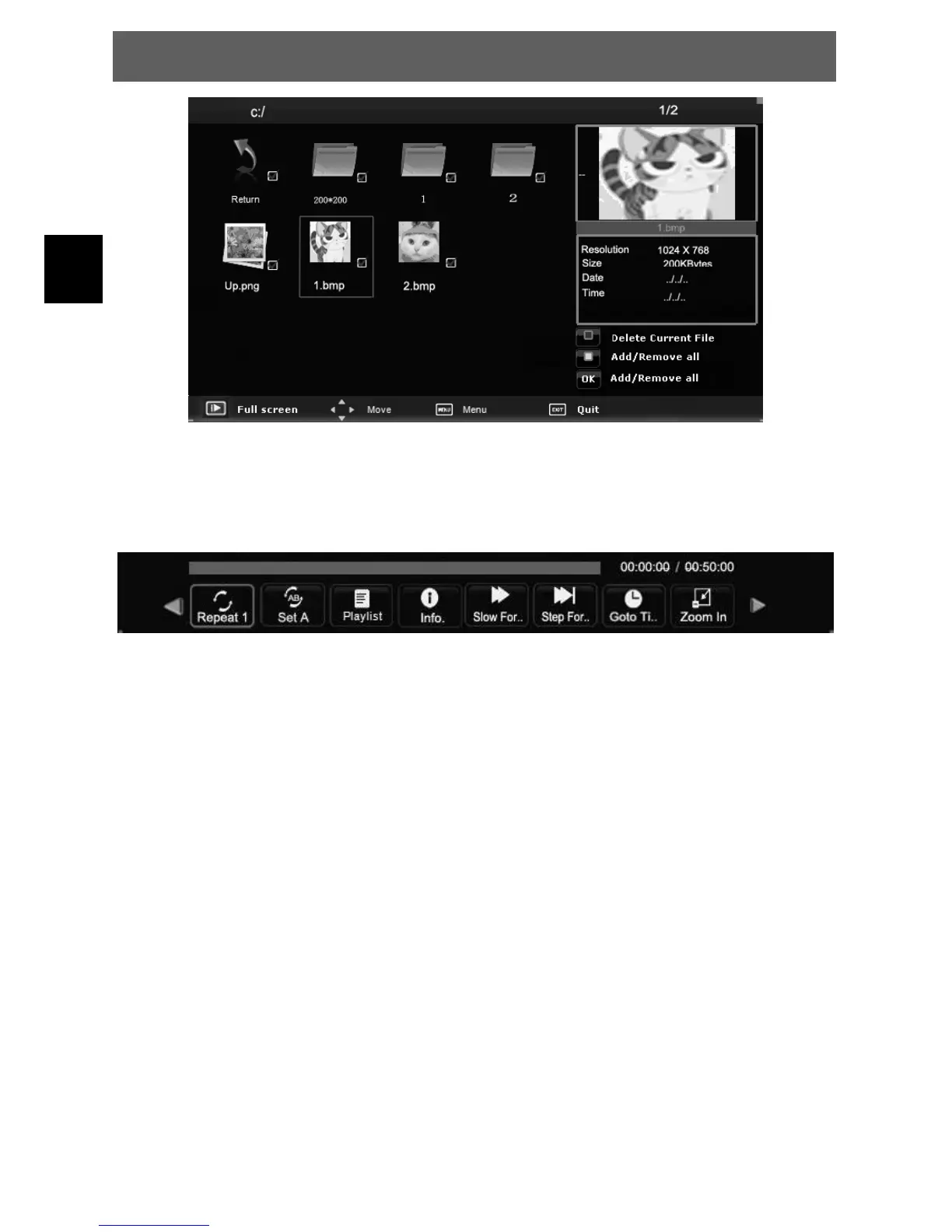
Select the media file by pressing ŻŹ or Ÿź, then the preview frame will pop up.
Press the button Ź(play) to play the media file in full screen.
When the media file (photo, music, Movie) is playing, press the OK or Info button can display the control
bar.
Press ŻŹ to select the function icon, press OK button to confirm the function. Press źor EXIT button to
exit the control bar.
NOTE: You can adjust the audio track, or program in the Info menu while Playing the video file. Choose
the Info icon and press OK can display the Info MENU.
ODYS PRIME



 To Next Page