EN
26
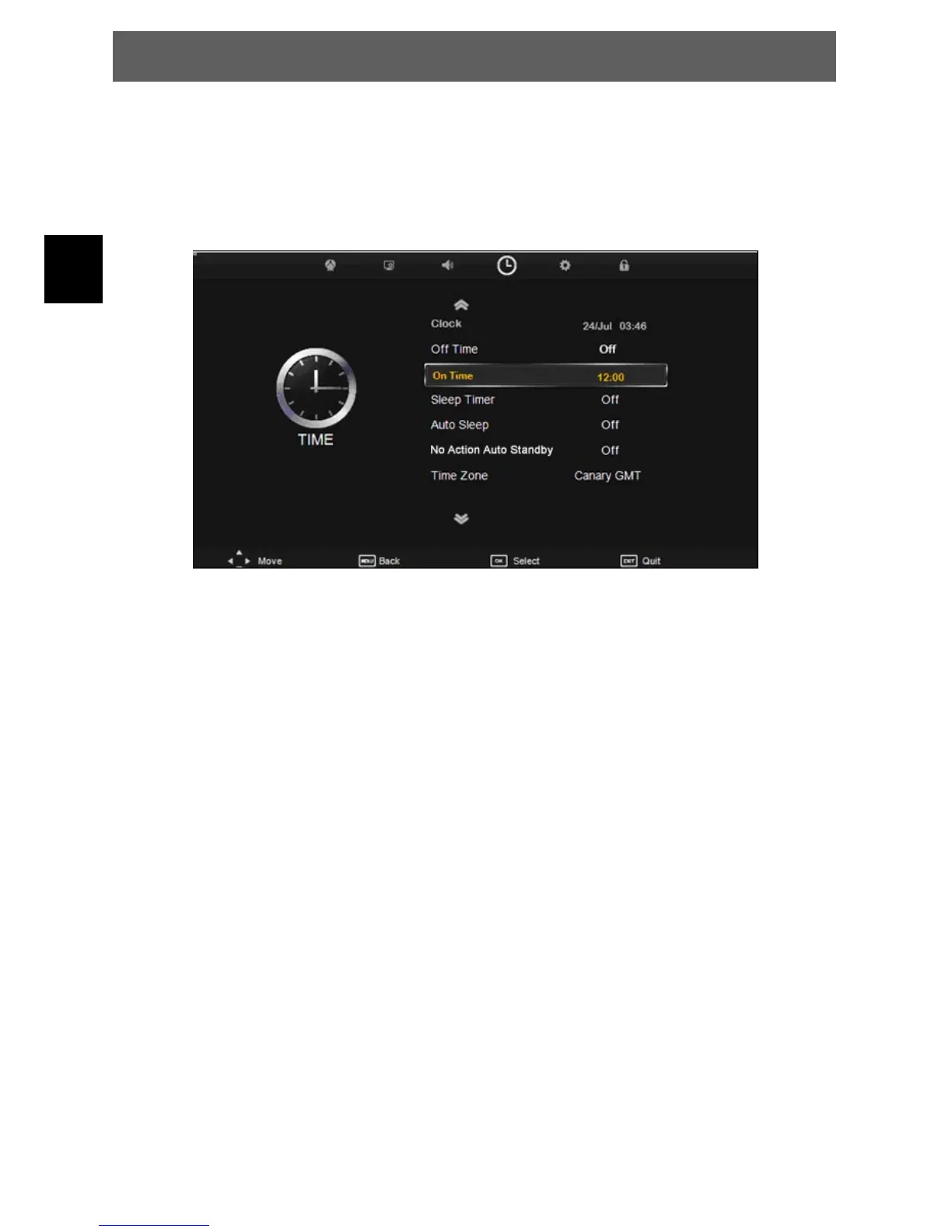
7.4 Time menu
The forth item of the menu is the TIME MENU You can adjust the clock, power on/off time, sleep time etc.
Press Ÿź to select the setting, press OK to adjust, press Ÿź to select the value to change, press ŻŹ
to change the setting.
Press MENU to step back to the previous menu.
Clock: Set the system time
Off Time: Time adjustment for automatic shutdown
On Time: Time adjustment for automatic power on.
Sleep Timer: Duration adjustment of the automatic shutdown
Auto Sleep: Set the auto sleep time
No Action Auto Standby: According to the latest ERP regulation, this unit will switch off itself
automatically if no change in status within the last 4 hours of operation.
Time Zone: Set your time zone
ODYS PRIME



 To Next Page