EN
15
4.2 Connecting to PC
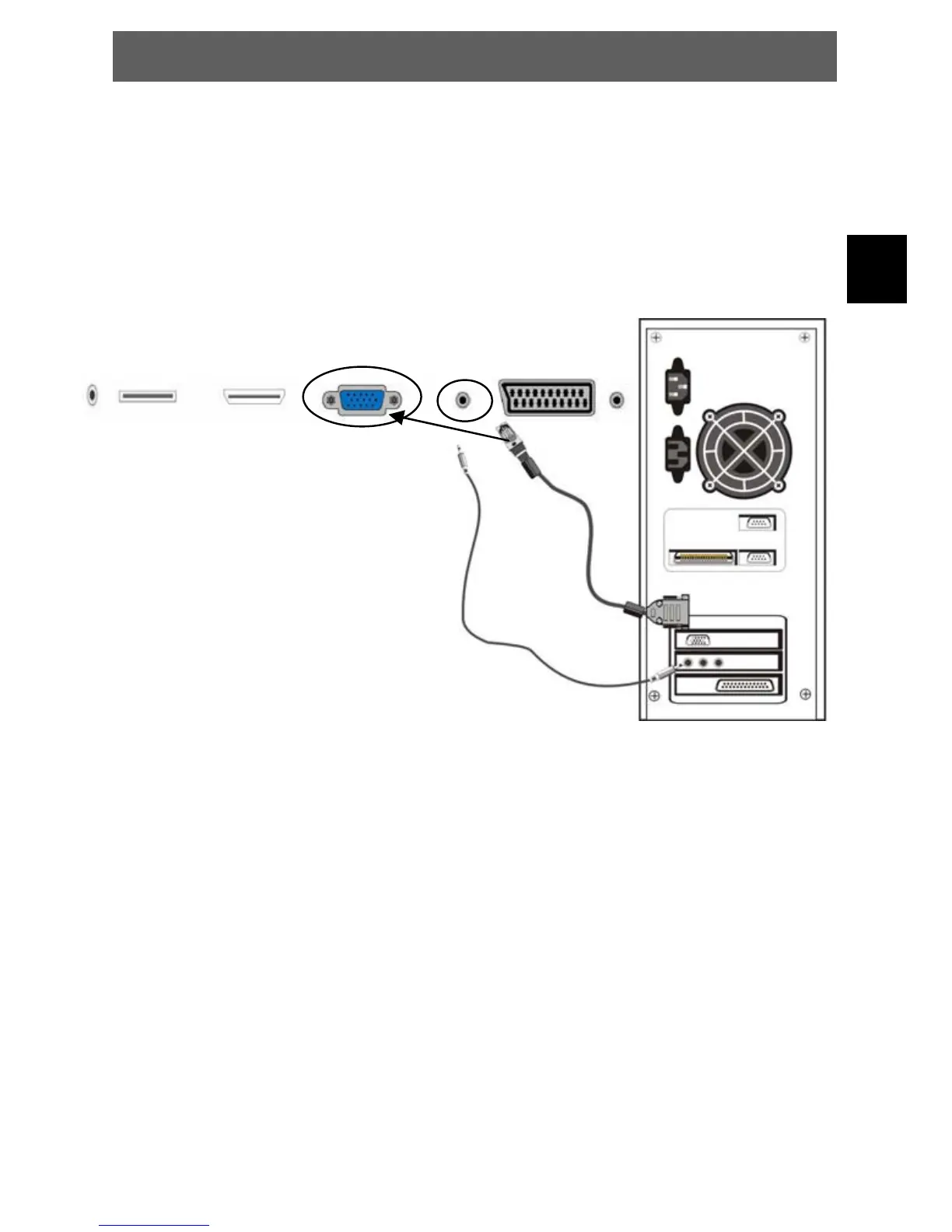
The unit can be connected to PC (personal computer) via the VGA cable.
Follow the figure below to connect:
1. Connect one end of the VGA cable to the VGA input jack on the rear panel of the unit and connect
the other end to the PC.
2. Connect one end of the audio cable to the PC audio input jack on the rear panel of the unit and
connect the other end to the PC audio output jack.
3. Power on the TV set and switch to PC mode (VGA) using the SOURCE key.
4. Power on the PC.
5. Set the PC video resolution to match that of the television.
NOTE: It is very important to follow this steps exactly!
ODYS PRIME



 To Next Page