EN
45
ODYS PRIME
12.11 Using the Media-Player
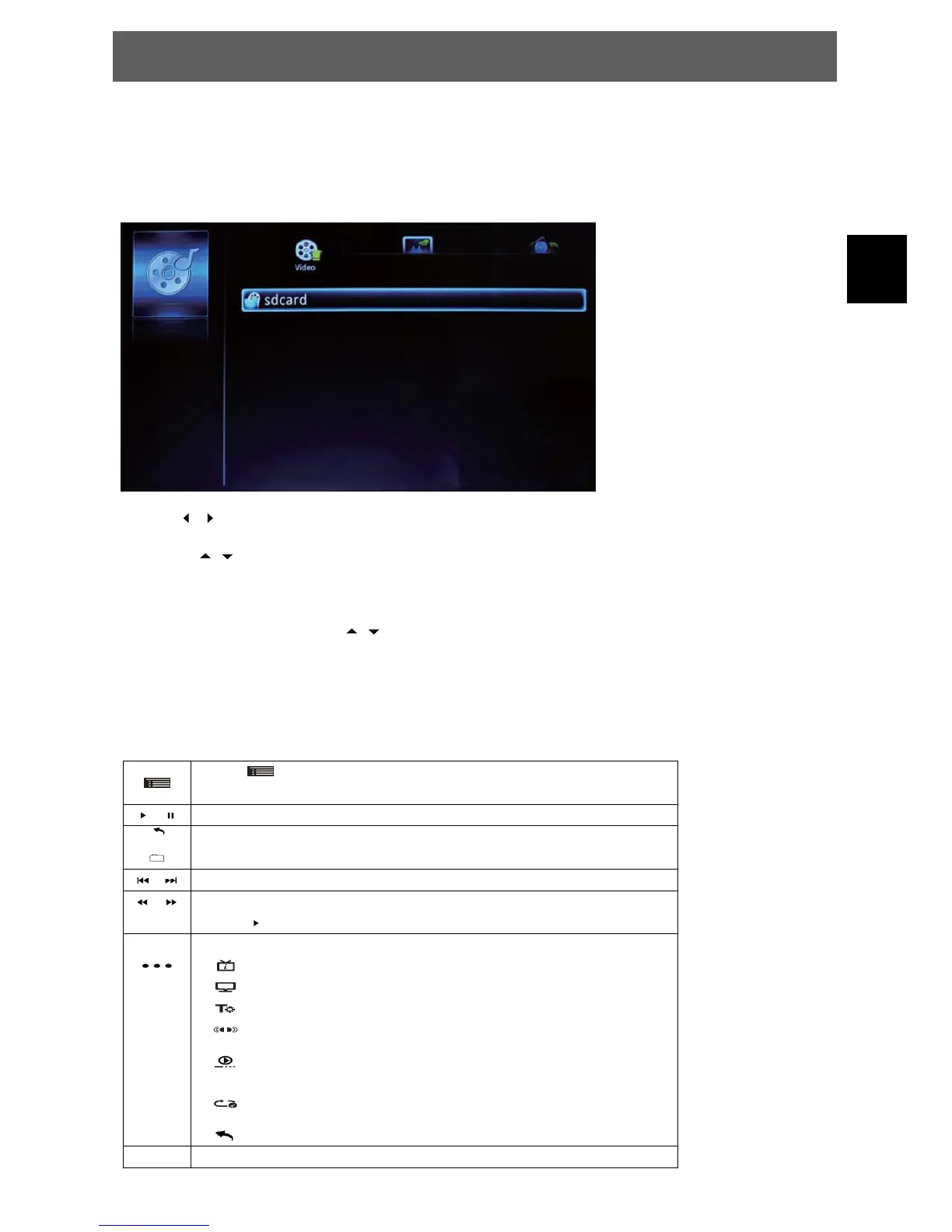
In the Home Screen, select the Media-Player icon to enter the media player mode.
Note: To use this function you must set in a SD card or attach a USB drive containing playable
formats that this engine can support, first.
Use the / keys to select the desired file format (Video, Photo, Audio).
- Now use
/ to select the attached memory where the files you whish to show or
play are stored in.
- Select a Folder by using the
/ keys and pres OK to open this folder.
- Press Exit to leave the folder to the next higher level.
- Select a file and press OK to play or show it.
12.11.1 Video playback functions
Press
to open the function bar.
Select the desired function and press OK to confirm.
/ Play / Pause
Return to the file browser
/ Previous / Next Video file
/ Select and press OK to change the Fast rewind / Fast forward speed
Select
and Press OK to return to standard playback speed.
Open additional functions
Display file information’s
Change aspect rate (Full screen, 4:3, 16:9, No Scale UP)
Enable subtitles (if subtitle file is available)
Select the sound track (if different tracks are available)
Turn resume mode on/off
(the system will remember the last viewed file position)
Select the repeat mode
(repeat all – repeat one – no repeat)
Close the additional functions menu
Exit Return to previous state or exit function



 To Next Page