EN
25
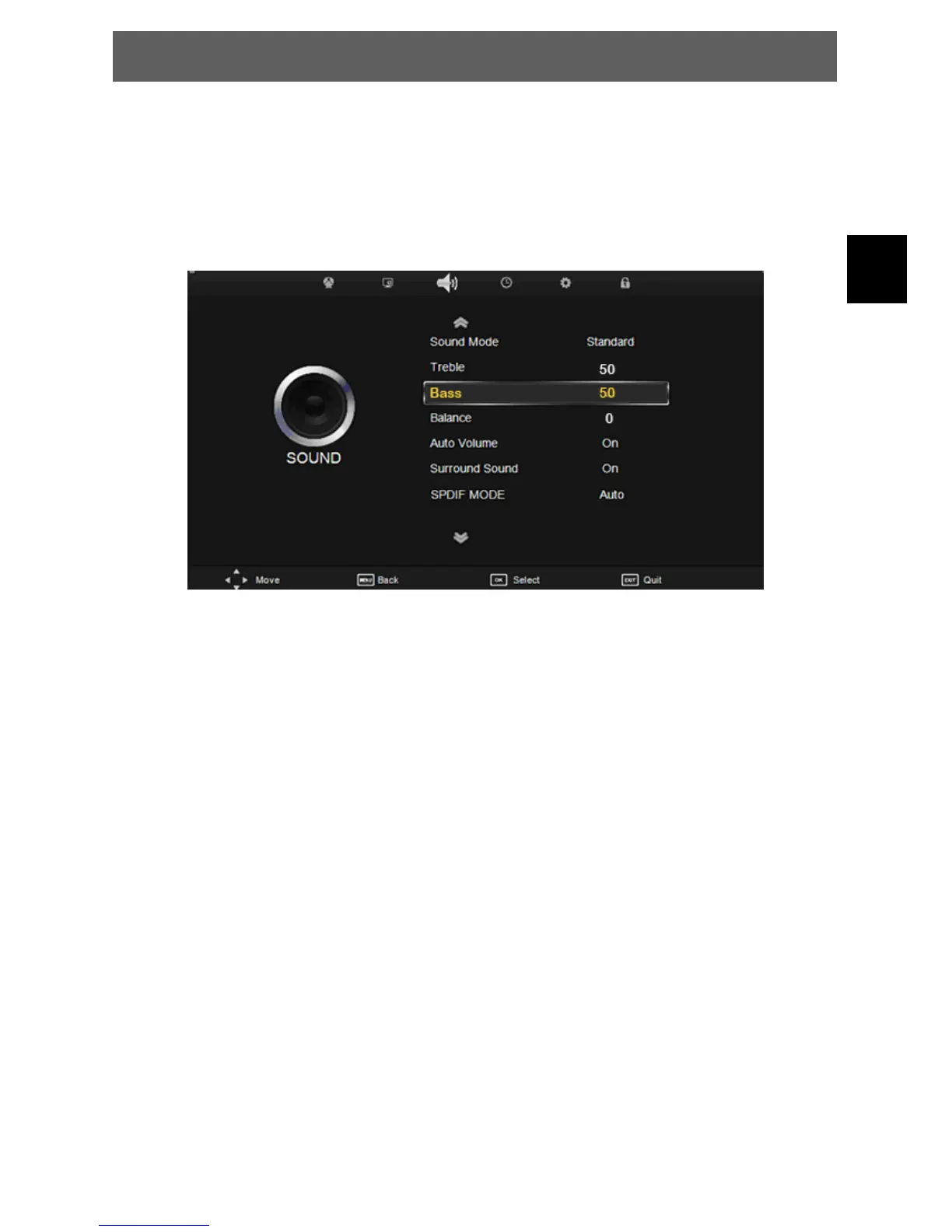
7.3 Sound menu
The third item of the MENU is the SOUND MENU.
You can adjust the sound effect here such as treble, bass, balance etc.
Press Ÿź to select the setting, press OK to adjust, press ŻŹ to change the setting.
PressMENUtostepbacktothepreviousmenu.
Sound Mode: Switch between the preinstalled sound modes.
Treble: Increase or decrease the treble level.
Bass: Increase or decrease the bass level.
Balance: Set the balance level between left and right speaker.
Auto Volume: To compensate volume differences between channels.
Surround Sound: Switch on / off the surround sound mode.
SPDIFMODE: Allowsyoutoselectamong:Off,PCMandAuto.
This function will allow connection to a 5.1 digital surround sound
amplifier via the
COAX output socket. OFF will turn off the digital sound output
PCM will select pulse
code modulation digital sound and AUTO will select other sound
formats if the
decoder recognises them. Set this option to AUTO for default
settings.
ODYS PRIME



 To Next Page