EN
29
8 Other functions
8.1 Hotel Mode
8.2 Program list
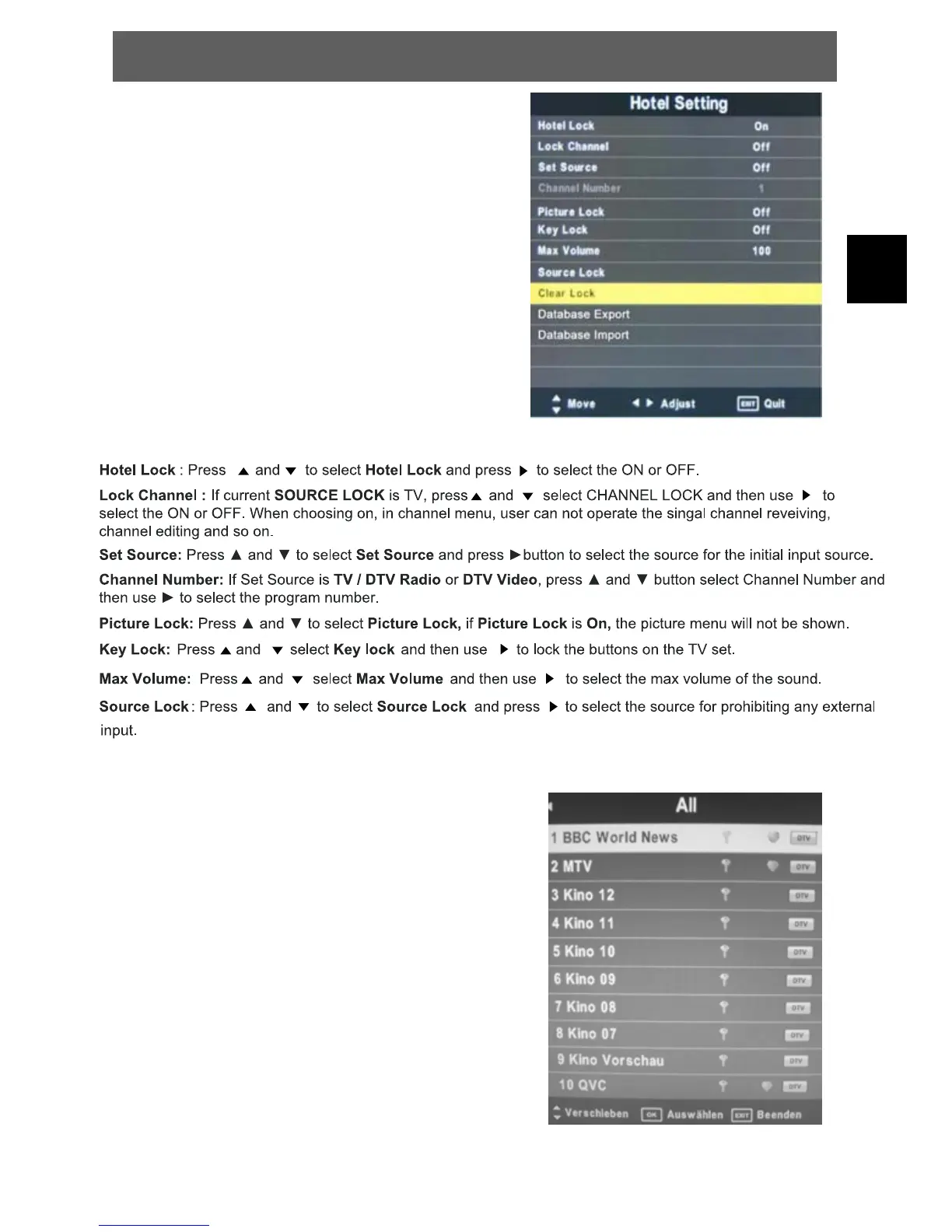
Press the LIST button to enter the channel list
while watching a program.
Press ŻŹ to switch between all channels (All),
only tv channels (DTV), only radio channels
(Radio) and data channels (data).
Press the Ÿź button to move the highlighting,
and press OK button to watch the highlighting
channel.
ODYS PRIME



 To Next Page