EN
20
7 TV operation and system setup
OSD Settings (Main Operations)
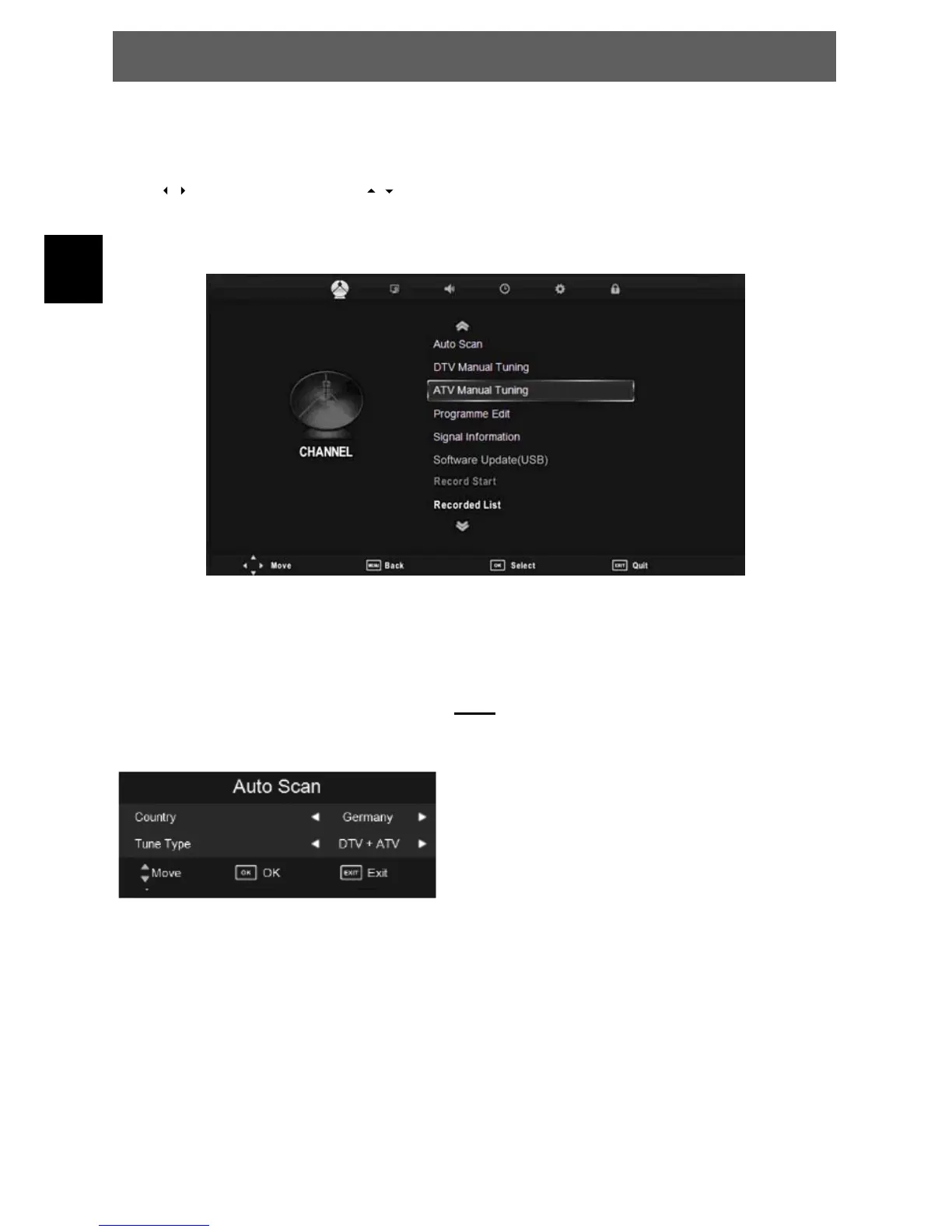
Press / to select the page. Press / to select the setting.
7.1 Channel menu
The first item of the MENU is channel menu( for TV or DTV source only).
7.1.1 Auto Scan
Search all the channels automatically (you can select ATV and DTV)
DTV = For digital antenna tv and analoge cable tv.
DTV
1. Select your country.
2. Select the search mode.
ATV = Analogue Programs
DTV = Digital Programs
3. Press OK to start the automatic scan.
Press MENU to skip ATV scan and Ż to confirm.
Press Ź to continue the ATV scan.Then the device will
search DTV.
NOTE:
All the channels including ATV, DTV and DTV Radio can be
tuning by one time, if the Tune Type is DTV+ATV . All the
stored channels will be deleted and overwritten after auto
tuning . After auto tuning, the channel will skip to the first
DTV channel.
ODYS PRIME



 To Next Page