EN
27
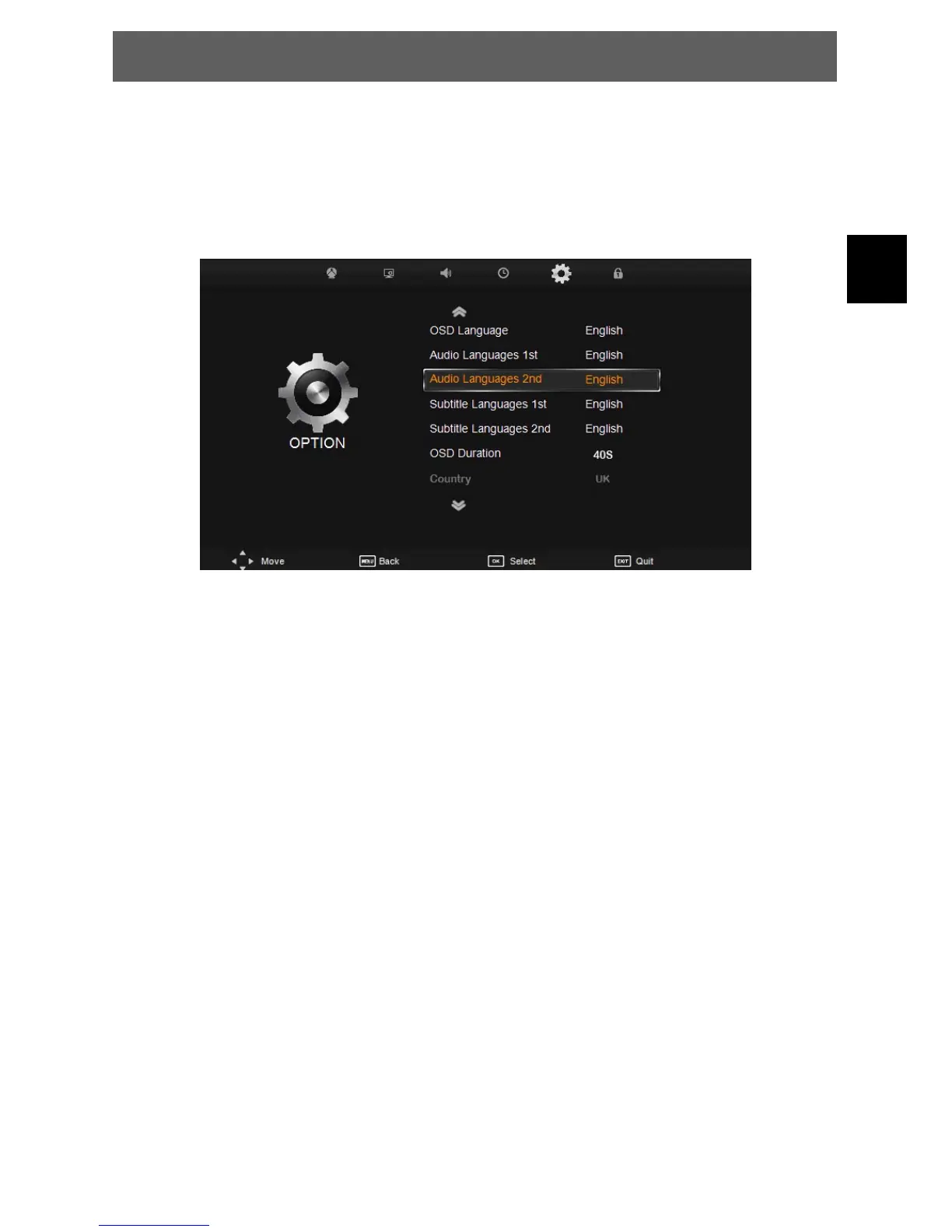
7.5 Option menu
The fifth item of the MENU is the OPTION MENU. You can adjust the Menu language, Audio
language,Subtitle language etc.
Press Ÿź to select the setting, press OK to adjust, press Ÿź to select the value to change, press ŻŹ
to change the setting.
Press MENU to step back to the previous menu.
OSD Language: Select the ODS Language.
Audio Languages 1st: Select the first audio language.
Audi Languages 2nd: Select the second audio language.
Subtitle Languages 1st: Select the first subtitle language.
Subtitle Languages 2nd: Select the second subtitle language.
OSD Duration: Set the banner time of osd.
Country: Select your country.
Home Mode: Set the main panel value
Energy Mode: Select the energy mode from Home Mode and Store Mode.
Restore Factory Default: Reset the system to factory default.
ODYS PRIME



 To Next Page