EN
17
5 Input Source Selection
The unit incorporates multiple video modes which can be selected via the TV/AV / Source
button on the television or remote.
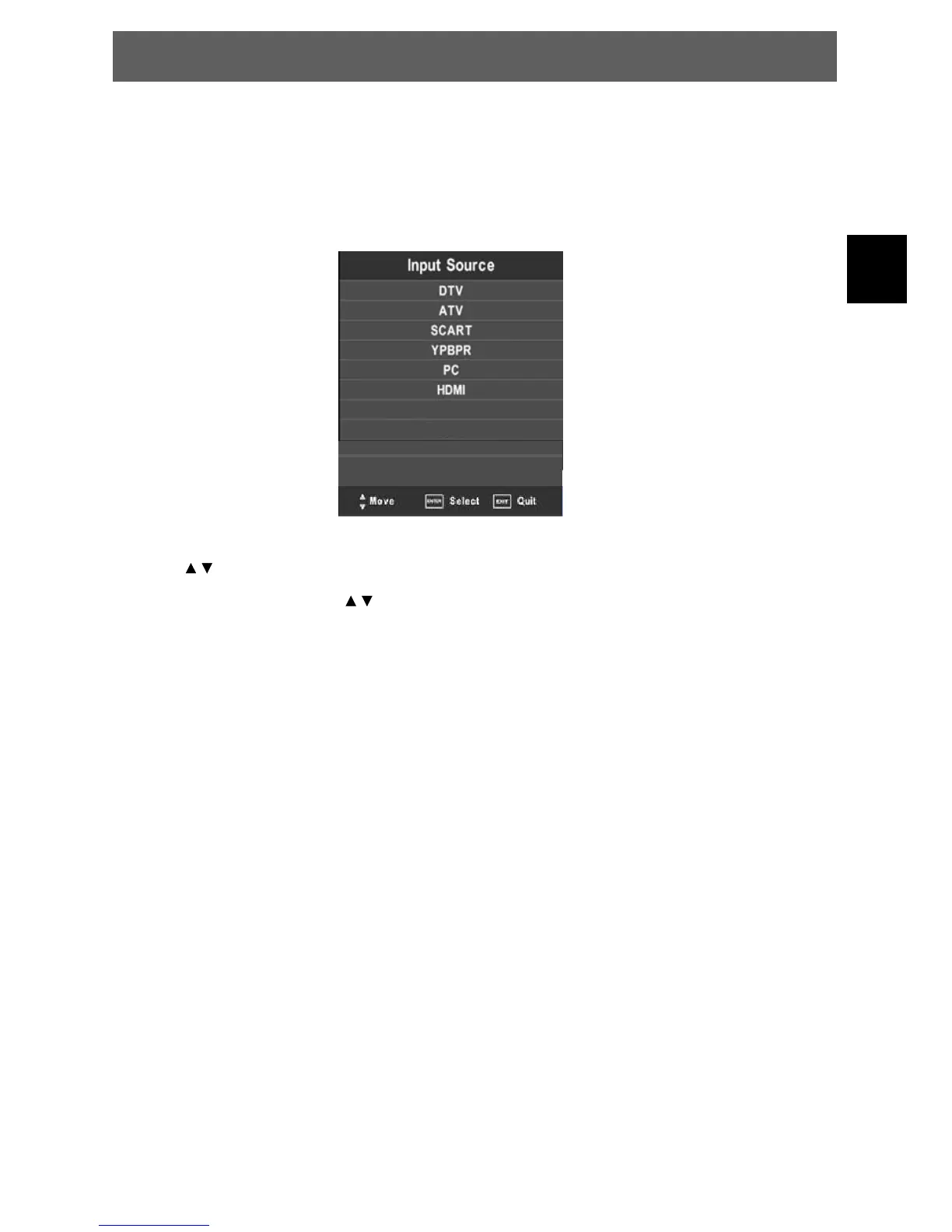
Press the SOURCE button to enter Input menu. The screen will display as shown below:
Use the
direction buttons and OK button
On the input menu, press the
direction button to select the desired video mode,
andpresstheOKbuttontoentertheselectedmode.
DTV = Select DTV mode for digital antenna TV.
ATV = Select ATV mode for analogue cable TV.
SCART = Shows the picture of external device which connects to SCART
YPBPR = Shows the picture of external device which connects to YPBPR
PC = Shows the picture of external device which connects to VGA
HDMI = Shows the picture of external device which connects to HDMI
AV = Shows the picture of external device which connects to AV
USB = Open the media player for USB playback.
AV
USB
SMART TV = Select SMART TV mode.
SMART TV
ODYS PRIME



 To Next Page