EN
28
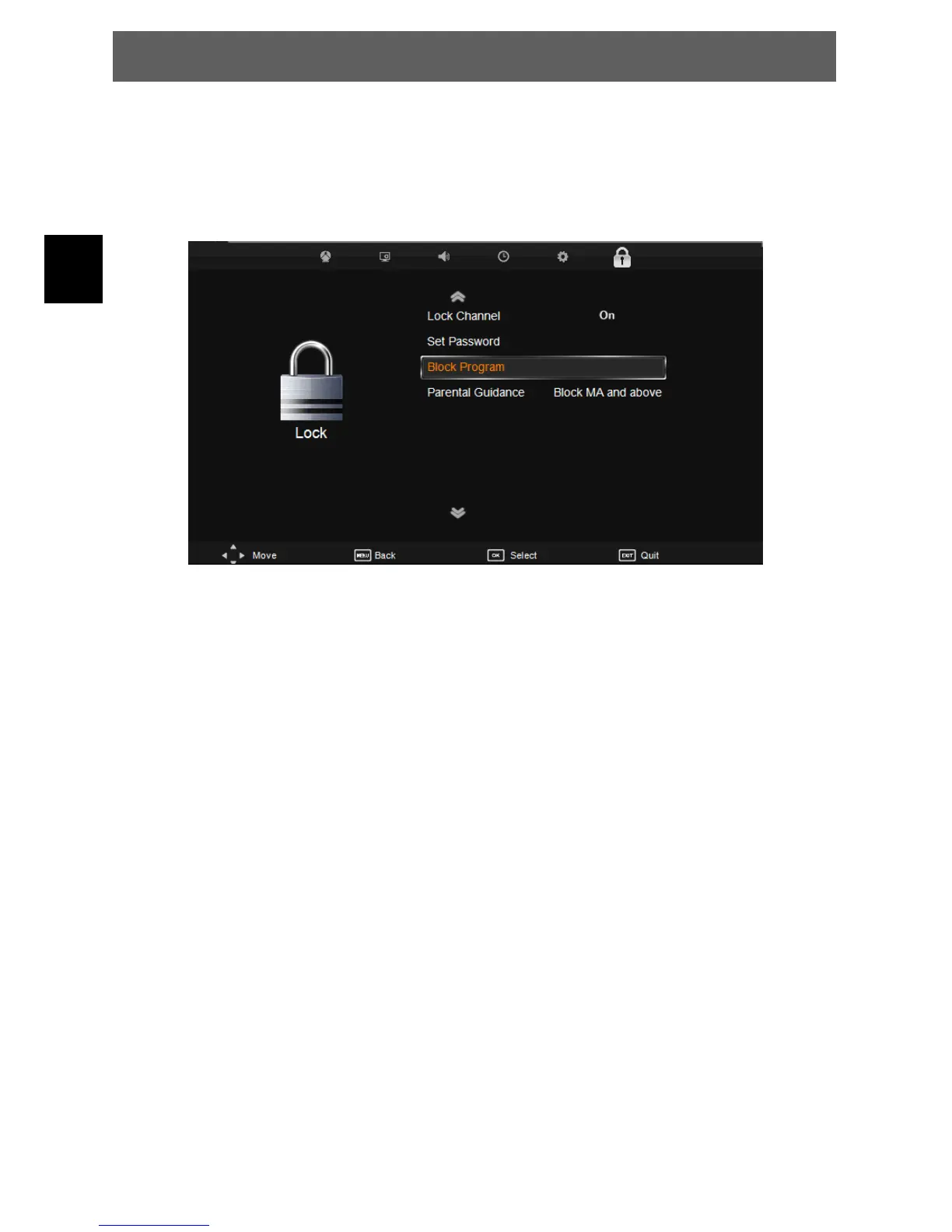
7.6 Lock menu
The sixth item of the menu you can set password, block program and set parental guidance.
Press Ÿź to select the setting, press OK to adjust, press Ÿź to select the value to change, press ŻŹ
to change the setting.
PressMENUtostepbacktothepreviousmenu.
Lock Channel: If the channel is locked you can only watch this after entering the correct
password.
Set Password: To change the current password.
Block Program: Block program: Press Ÿź to choose the program ,press teletext green button
to block the program. If you want unblock the program, pls enter the main
menu , input the password, then press green button again
Parental Guidance: Press ŻŹ to select the level. If the current station and program support this
function you can set the age from which on a person can watch on.
NOTE:
The default pass word is 0000. The admin pass word is 8899.
Parental Guidance is not available in ATV Mode.
Hotel Mode
ODYS PRIME



 To Next Page