EN
22
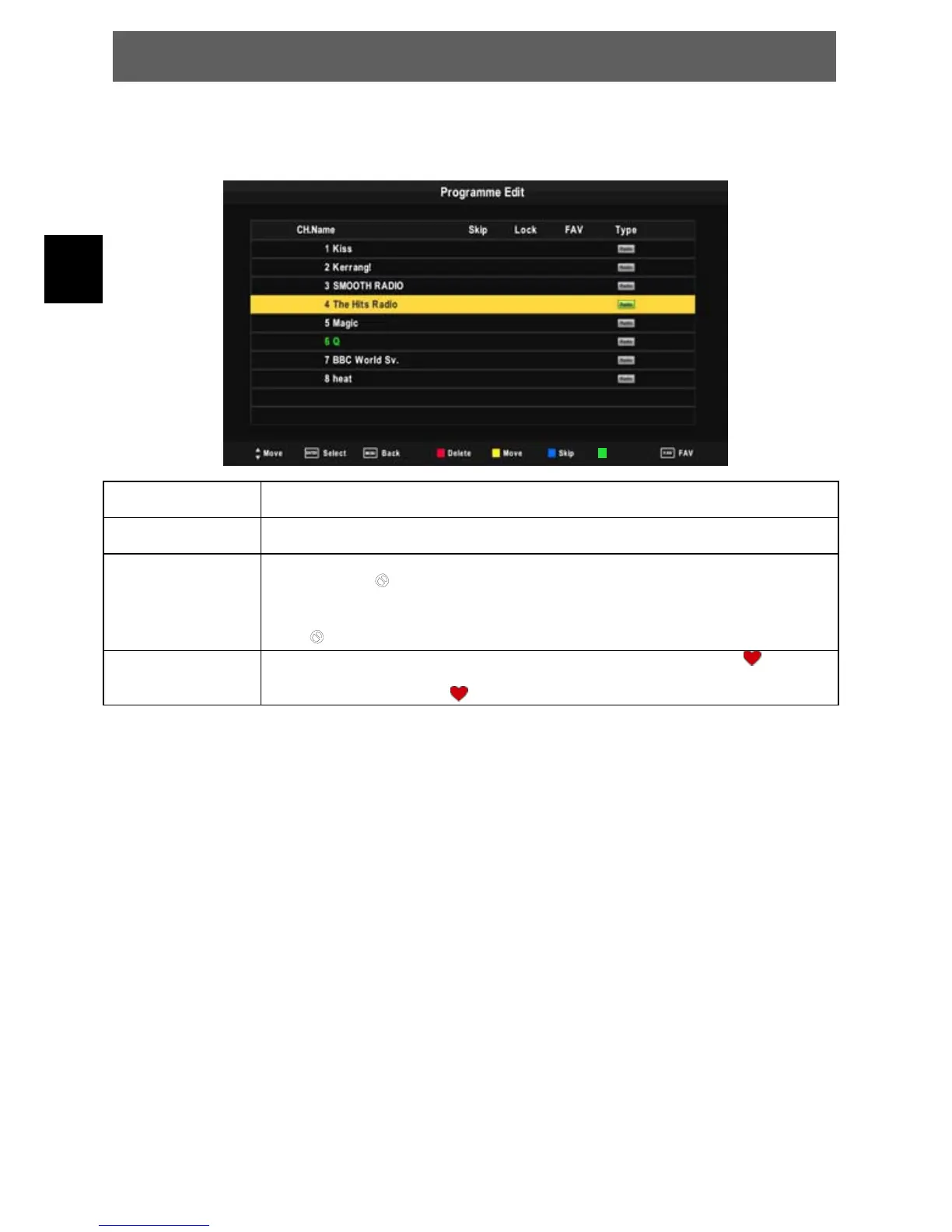
7.1.3 Program Edit
To edit your program preferences (rename, skip, favourite, move or delete), you will need to enter the
Program Edit Menu.
RED Button
Delete
Press teletext red button , the program in cursor will be deleted,
press red key to confirm.
YELLOW Button
Move
Move the cursor to the program,press yellow button ,then you can use Ÿź to
move the program. Press OK to confirm.
BLUE Button Skip Press Ÿź to choose the program , press teletext blue button to skip this
program, The
will show on the right side of the program .
Choose the skipped program, press blue button again , you can cancel the
skip ,
The
will disappear .
FAV Button
Favourite
Press Ÿźto choose the program , press FAV button , it will show
on the
right side of the program.Choose the FAV program , press FAV button again ,
you can cancel the FAV , the will disappear .
7.1.4 Signal Information
Highlight SIGNAL INFORMATION and press OK to display the signal information(DTV mode only).
7.1.5 Software Update
Let you install a new software version on the device. This of course must be connected to a USB memory
stick with the update file in the root directory.
Rename
ODYS PRIME



 To Next Page