EN
8
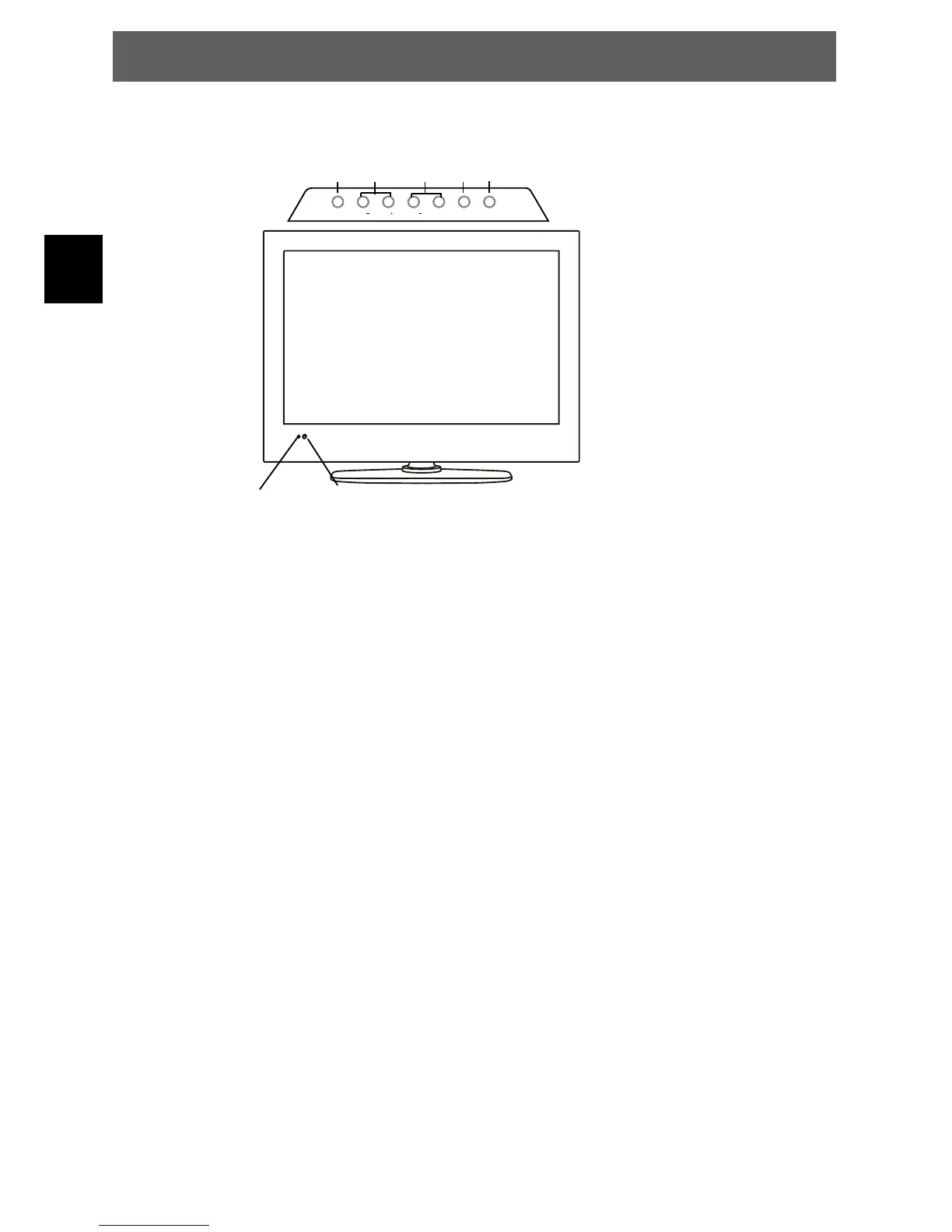
3 Front and Rear Panel Illustration
3.1 Front panel and Keyboard
1: Remote control sensor.
2: Indicator LED:
GREEN = POWER ON
RED = STAND-BY
1 Source
Display the input source menu.
2 MENU
Display main MENU.
3 CH+/CH-
In TV mode press CH+ orCH-
to change the channel up and
down.
In MENU, press CH+ or CH-to
select items.
4 VOL+/VOL-
Adjust sound level.
In MENU, adjust the item that
you selected.
5 POWER(STANDBY)
ODYS PRIME
LED indicator IR Ontvangstraampje (vrij houden)
MENU CH CH VOL VOL+ SOURCE POWER
123 4 5



 To Next Page