EN
38
ODYS PRIME
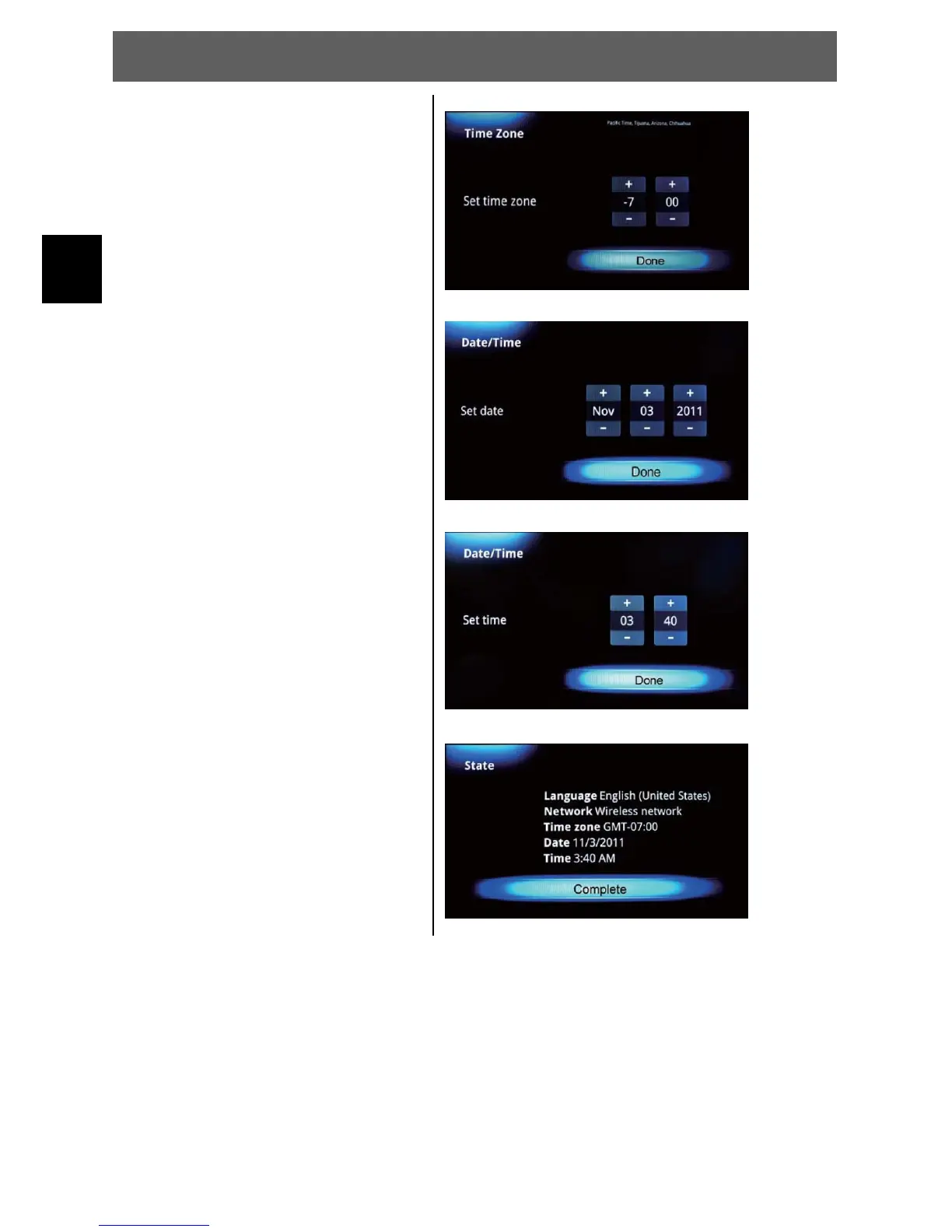
4 Now select the time zone where
you are living in. Press OK to
confirm.
5 Change the Date if it is not
correct. Press OK if done.
6 Now control the time settings
and press OK
7 Have a look at the state if
anything is correct and press
OK to finish.



 To Next Page