www.oes-scoreboards.com | 1.877.652.5833
4056 Blakie Rd., London ON Canada N6L 1P7
Issued: 2021-10-21
o Select 1 to 4 on using the numeric keypad.
• While in INT MODE with the time STOPPED, press INT MODE to exit back to regular game mode.
PERIOD
• Maximum value is: 9.
• To set Period:
o Press PERIOD.
o Enter value on numeric keypad.
o Press ENTER.
• To increment Period:
o Press PERIOD twice.
o Note in volleyball: Incrementing period will also put current scores in appropriate Sets value and
then clear for next game.
• Note: See Game Time for automatic incrementing of the period value.
SHIFT
To enable/disable, see CONFIGURATION OPTION #2 – Sport (specific sport settings) in the setup menu.
This timer is repetitive, counts down from a set time, and sounds game horn, then repeats.
• Not available in PRO Protocol setup.
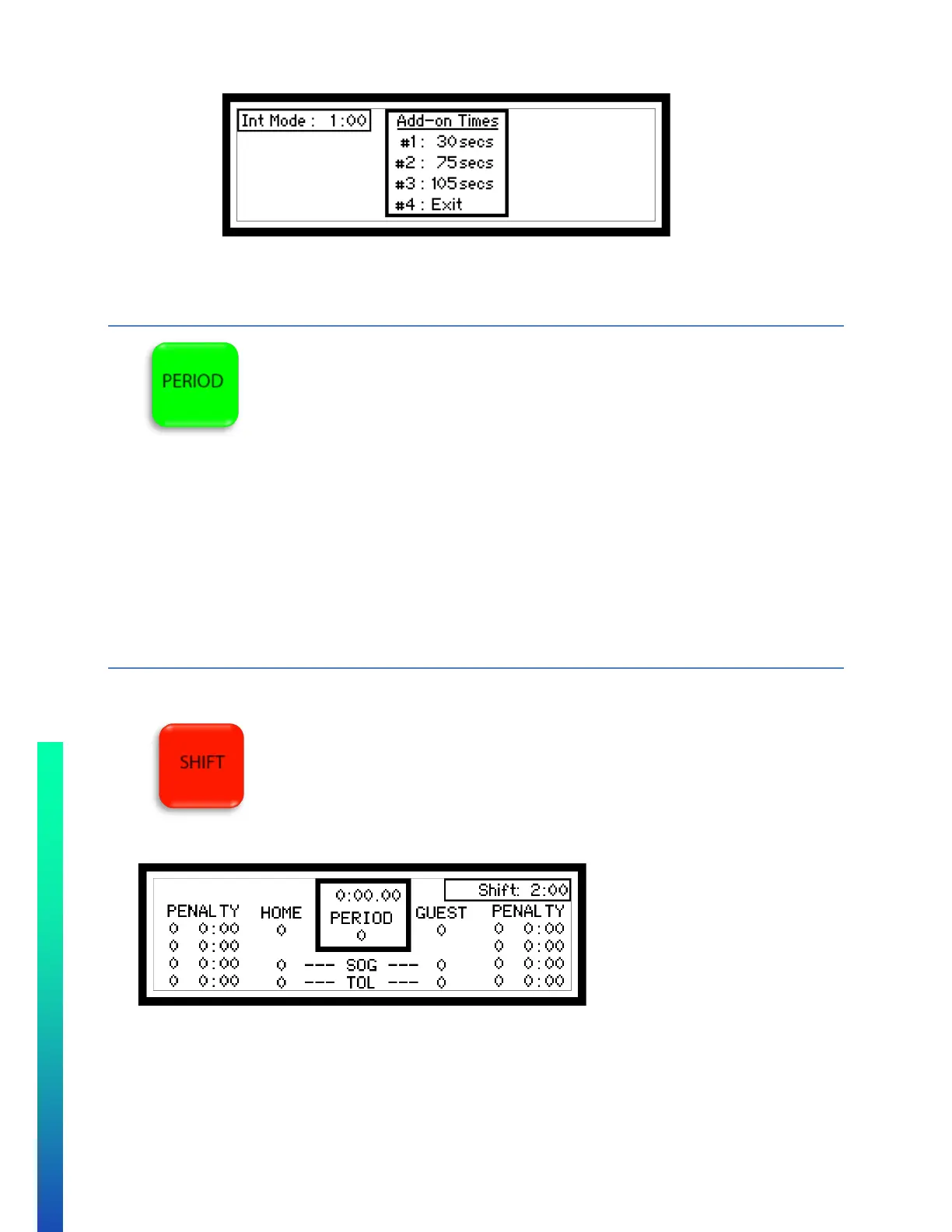
• While using this timer, the top right of the controller display will display running timer.
• Maximum value is: 9 minutes and 59 seconds.
• The Shift Set value is the value the shift time is reset to once it expires.
• To set either Shift Set or Shift value:
o Press SHIFT until cursor appears on desired value.
o Enter Minute value on numeric keypad.
o Press ENTER.
o Enter Seconds value on numeric keypad.



 To Next Page