www.oes-scoreboards.com | 1.877.652.5833
4056 Blakie Rd., London ON Canada N6L 1P7
Issued: 2021-10-21
“GUEST PLAYER FOULS” and entering the player number, that player’s last foul amount is recalled. When first
plugging in the ISC9000 to power, pressing the “CLEAR” button will clear the game time, scores and game stats.
The player stats will remain in memory however.
In STD mode, the “PLAYER STAT” button will recall the last entered player and fouls. (In PRO mode, this button
is disabled.) Pressing the “PLAYER STAT CLEAR” button will blank this display on the scoreboard.
Soccer:
• Maximum value is: 99.
• To set a team’s Penalty:
o Press either HOME FOULS or GUEST FOULS.
o Enter value on numeric keypad.
o Press ENTER.
• To increment a team’s Penalty:
o Press either HOME FOULS or GUEST FOULS twice
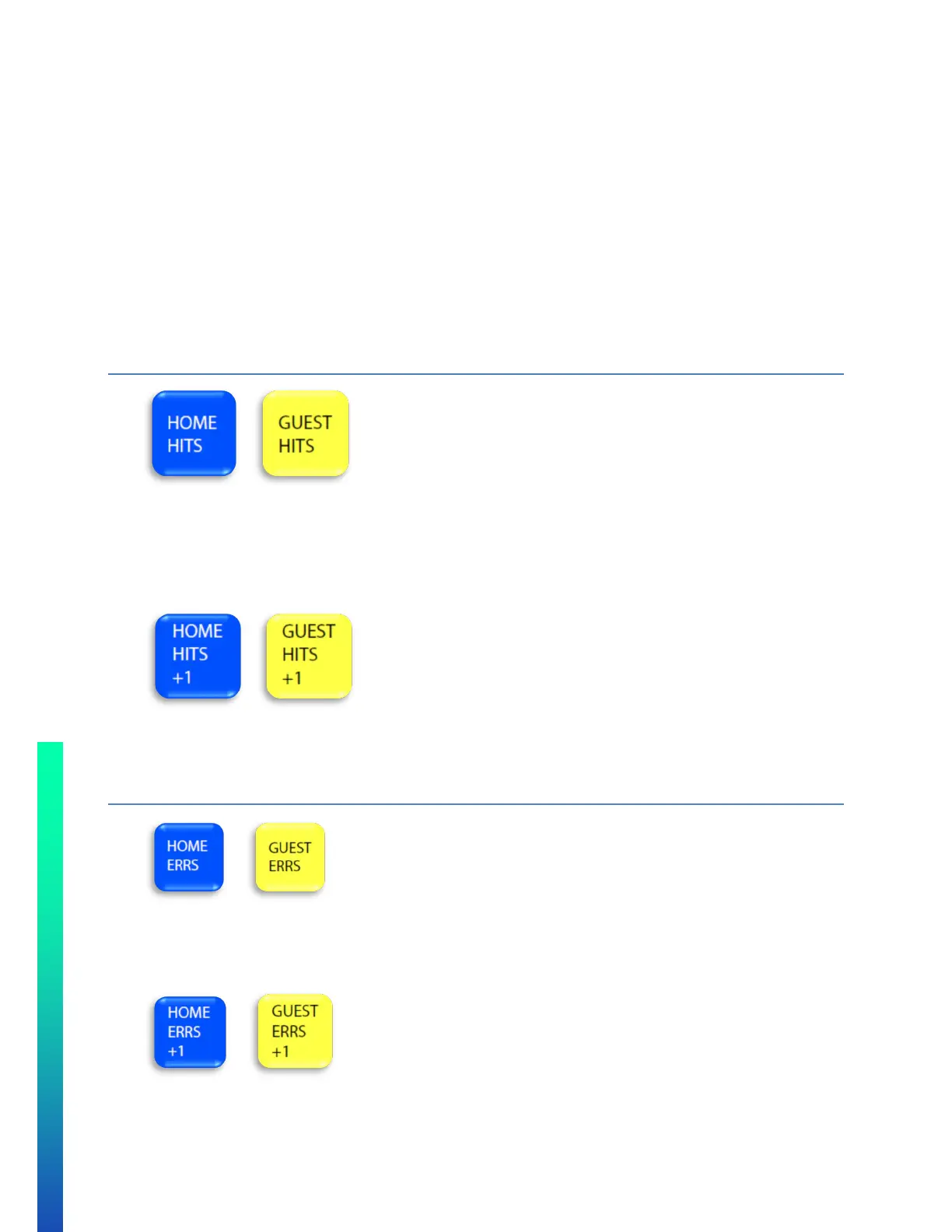
HITS
• Maximum value is: 99.
• To set a team’s Hits:
o Press HOME HITS or GUEST HITS
o Enter value on numeric keypad.
o Press ENTER.
• To increment a team’s Hits:
o Press desired team’s hits increment score button. For example HOME HITS +1 will increment
home hits by 1. Only the HITS value of the team at bat may be changed
ERRORS
• Maximum value is 9.
• To set a team’s Errors:
o Press HOME ERRS or GUEST ERRS
o Enter number on keypad, press ENTER
• To increase a team’s Errors:
o Press desired teams increment hits button. For example HOME ERRS +1 will increase home errors
by 1



 To Next Page