www.oes-scoreboards.com | 1.877.652.5833
4056 Blakie Rd., London ON Canada N6L 1P7
Issued: 2021-10-21
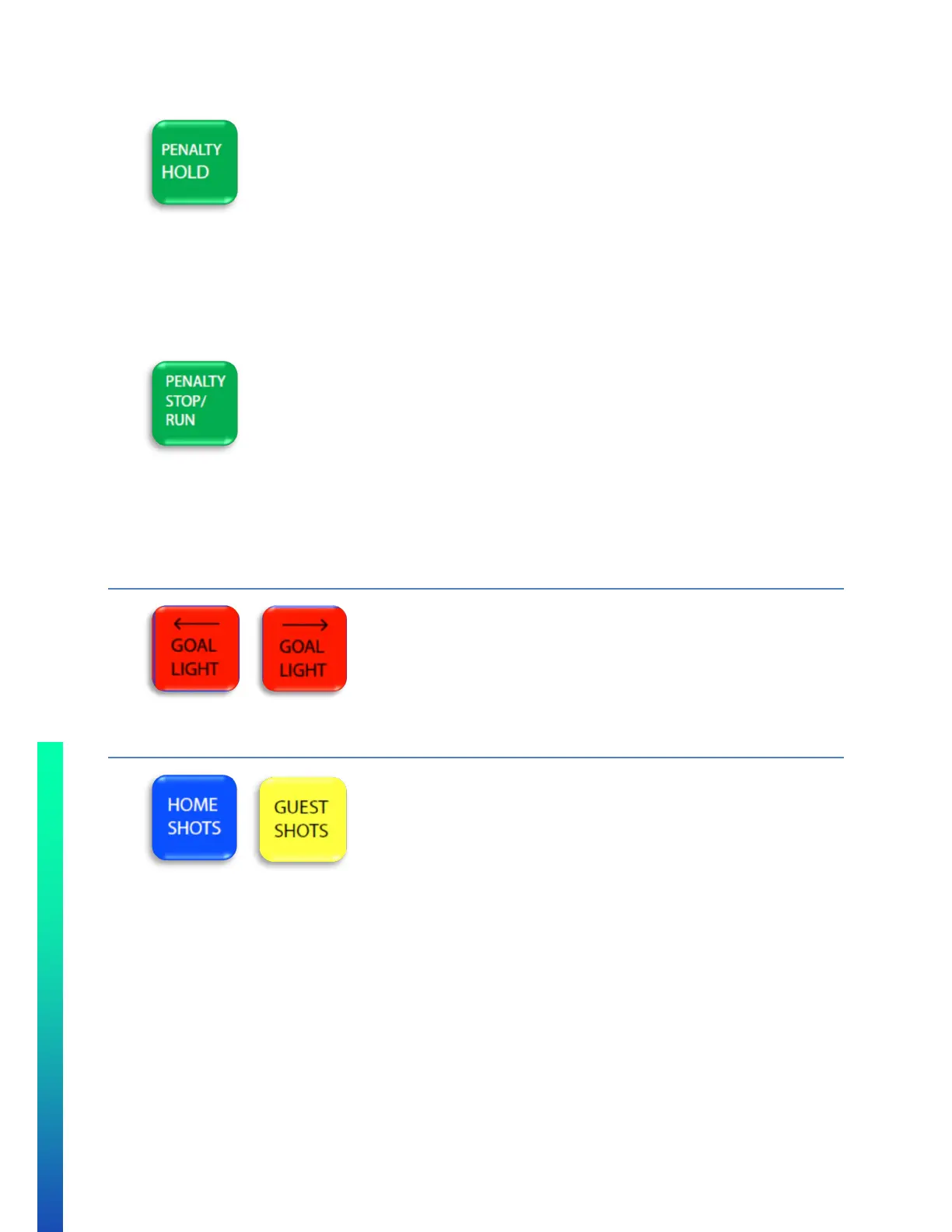
• HOLD PENALTY Feature
o Needs to be enabled in CONFIGURATION OPTION #2 – Sport (specific sport settings)
o If this activated from the keypad during normal operation, any penalty entered in Penalty 3 & 4
will not shift up when either or both Penalty 1 & 2 expired.
o To toggle OFF/ON, press HOLD PENALTY. A small HOLD box will appear beside both team’s
penalty 3&4.
• PENALTY STOP/RUN feature
o Needs to be enabled in CONFIGURATION OPTION #2 – Sport (specific sport settings)
o Penalty time stop/run is controlled with the keypad. Game time must be running for penalty time
to run.
o To toggle STOP/RUN, press PENALTY STOP/RUN. A small STP box will appear beside both team’s
penalty 1&2 when penalty time is stopped.
GOAL LIGHT
• Press and hold the goal light button that points to the direction of the goal light you wish to turn on.
SHOTS ON GOAL (SOG)
• Maximum value is: 99.
• To set a team’s SOG:
o Press either HOME SHOTS or GUEST SHOTS.
o Enter value on numeric keypad.
o Press ENTER.
• To increment a team’s SOG:
o Press either HOME SHOTS or GUEST SHOTS twice.
OR
o Press either HOME SHOTS +1 or GUEST SHOTS +1.



 To Next Page