www.oes-scoreboards.com | 1.877.652.5833
4056 Blakie Rd., London ON Canada N6L 1P7
Issued: 2021-10-21
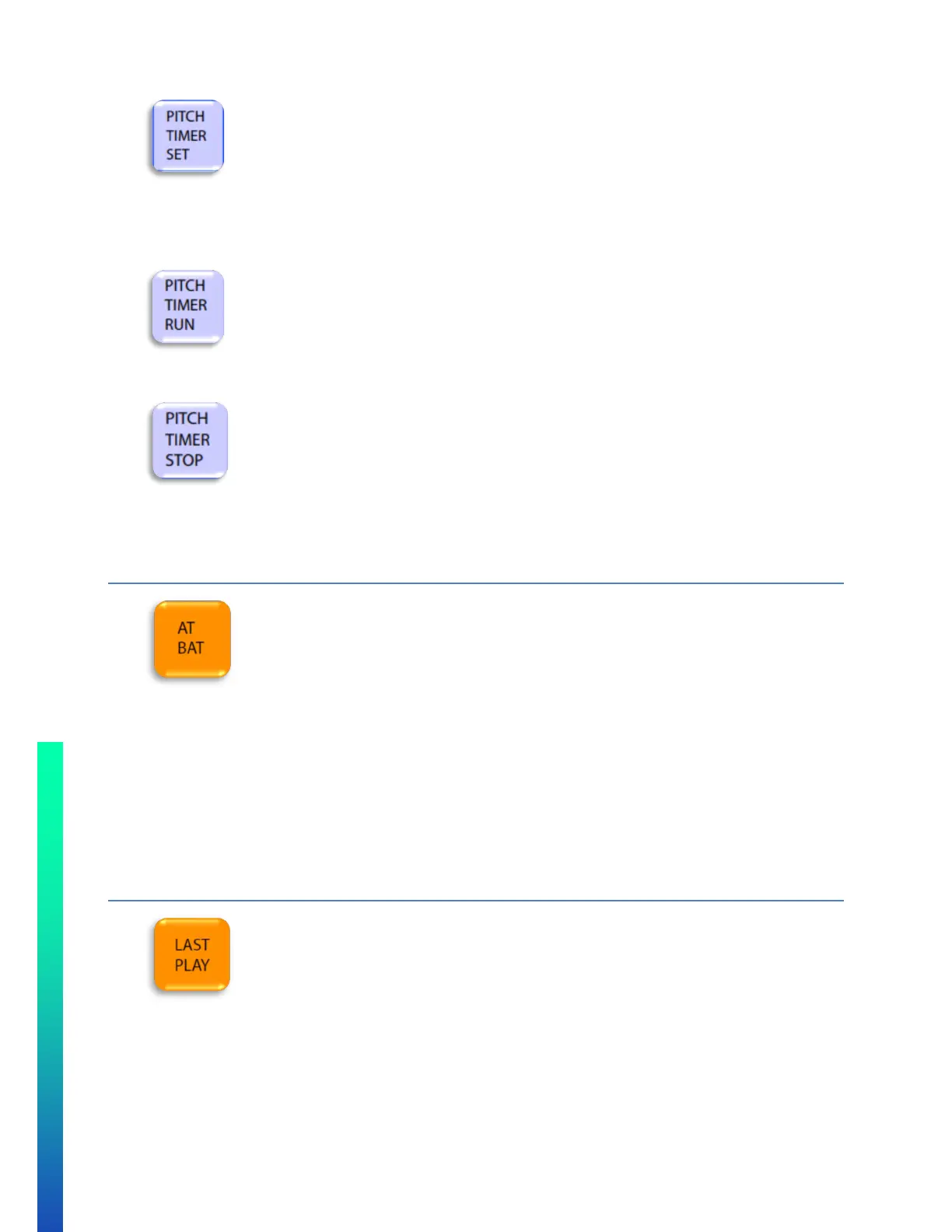
• To set a pitch timer:
o Press the PITCH TIMER SET button to toggle through the set pitch timers.
*Note that the pitch timers can be set up in CONFIGURATION OPTION #2 – Sport (specific
sport settings).
• To run the pitch timer:
o Press the PITCH TIMER RUN button.
• To stop the pitch timer:
o Press the PITCH TIMER STOP button.
BATTER
• Maximum value is: 99 for Player Number and 0.999 for Player Batting Average
• To set a batter’s value:
o Press AT BAT
o Enter the batter’s number on numeric keypad.
o Press ENTER.
o Enter the batter’s batting average on numeric keypad (Note: “0.” Is automatically entered, only
need to enter values to the right of the decimal).
o Press ENTER.
LAST PLAY
• To set Last Play:
o Press LAST PLAY repeatedly until desired value displays on controller display, H or E.
o Press ENTER.
o If Error is selected, the error position will appear with the cursor on it. To set Error Position:
Enter value on numeric keypad.
Press ENTER.



 To Next Page