28
AP250D 98101-35 Sr# 3.0
183
User Menu
AL = 1, Stb = 1
AZT = On
Setup Menu
LFT is Off
Enabled Modes:
g, dwt,
ct, oz,
oz t, GN
custom
Tael = Hong Kong
Function = Animal Weighing
AW Lev = 1
Statistics On
Std Dev = Pop
Mean = On
Sum = On
Max = On
Min = On
Diff = On
Net = On
GLP
Time/Date On
Bal Id = On
User Id = On
Project # = On
Cal = On
Name = On
Time = US 8:24:06 AM
Date = US 6/22/95
Lock Switch is Off
Print Menu
RS-232 = 2400: N: 7: 2
Print Options
Auto Print = Off
Interval = 6
Non - PL = 100.0000g
Non - PH = 200.0000g
Stable Print = Off
Nu = Off
Time = On
Date = On
Print Ref = On
Print Ref = On
Print Diff = Off
Printing Data (Cont.)Printing Data (Cont.)
Printing Data (Cont.)Printing Data (Cont.)
Printing Data (Cont.)
ListList
ListList
List
List is a convienent method of examining
which parameters are set up in the bal-
ance. The parameters do not show up on
the display but print out when selected.
Both the Setup and Print menus have a
List function.
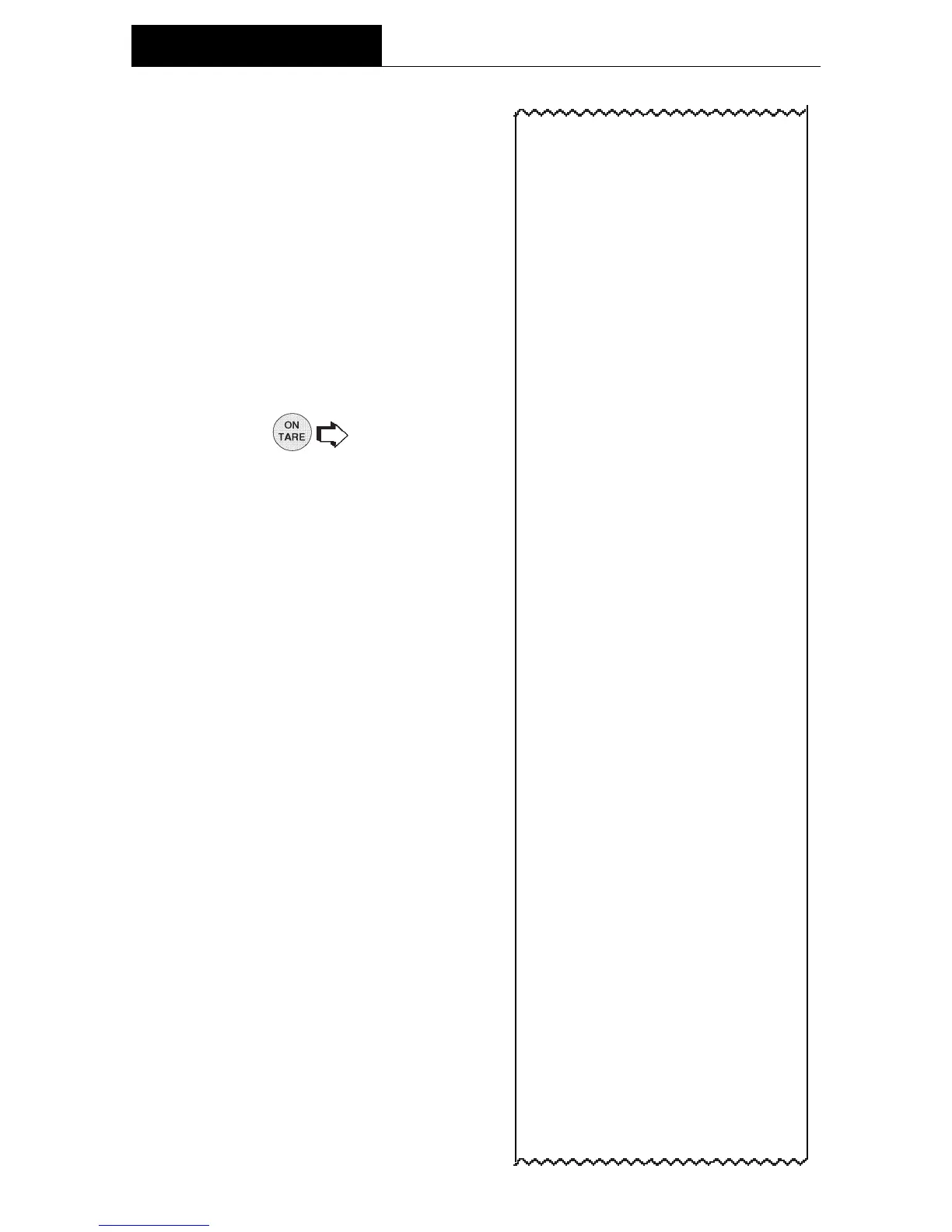
When LIST is displayed in either the Setup
or Print Menu,
causes the pa-
rameters of the User, Setup and Print
menus to be printed on an external printer
or computer screen.
The sample shown, indicates the status in
three menus.
OPERATION






 To Next Page