EN-35Adventurer Pro
3.7.10 GLP Print
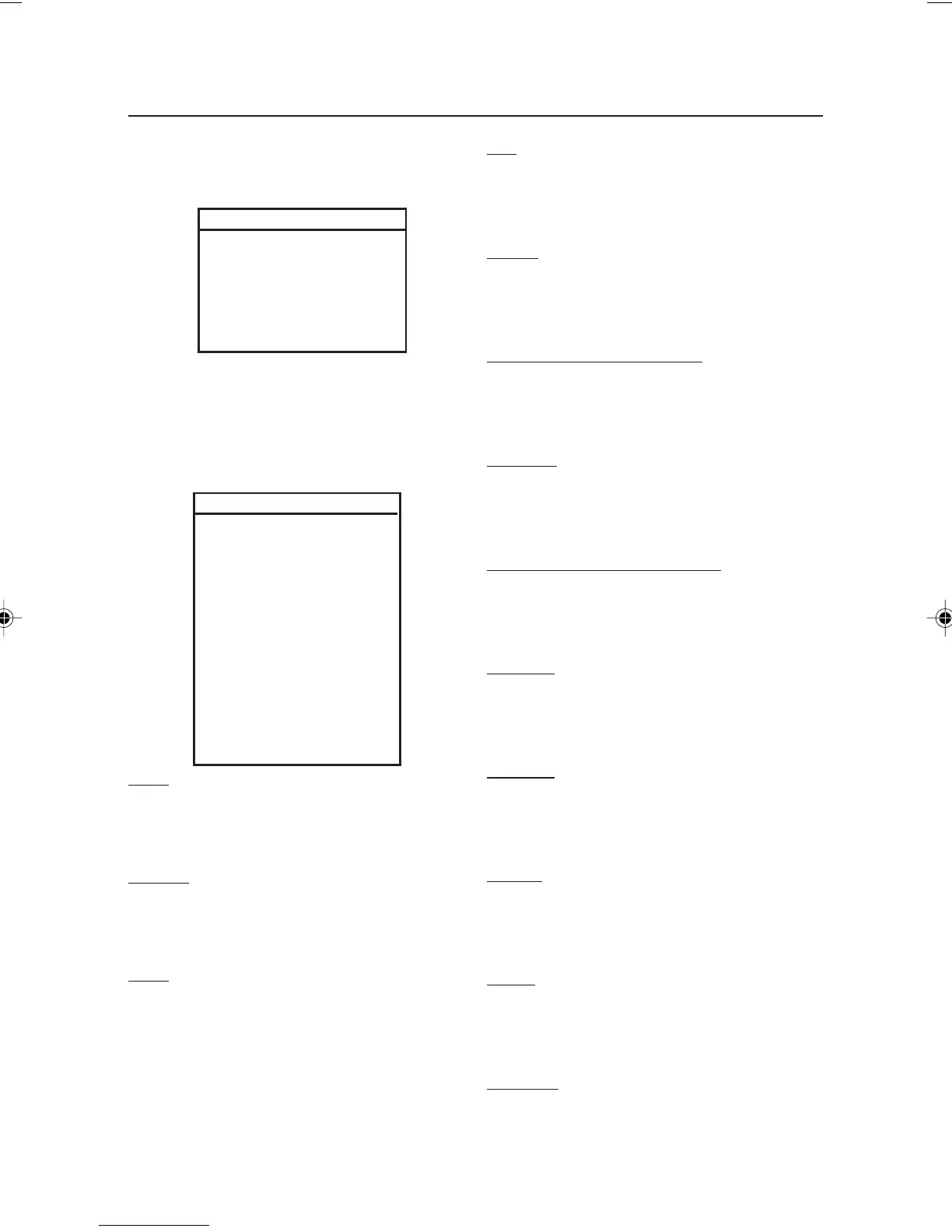
Select GLP items to be printed by setting them to
On.
GLP PRINT
Time On/Off
Balance ID On/Off
User ID On/Off
Project ID On/Off
Difference On/Off
Name On/Off
End GLP Prt
RESET
Setup RESET?
Readout RESET?
Mode RESET?
Unit RESET?
Print-1 RESET?
Print-2 RESET?
RS232-1 RESET?
RS232-2 RESET?
GLP Data RESET?
GLP Print RESET?
Lockout RESET?
Global
RESET?
End Reset
Setup
Select Yes to return all Setup menu items to their
factory settings.
Readout
Select Yes to return all Readout menu items to
their factory settings.
Mode
Select Yes to return all Mode menu items to their
factory settings.
3.7.11 Reset
End GLP Print
Press the Yes button to advance to the reset
submenu. Press the No button to return to Time.
Unit
Select Yes to return all Unit menu items to their
factory settings.
Print-1
Select Yes to return all Print-1 menu items to
their factory settings.
Print-2 (If COM2 is installed)
Select Yes to return all print-2 menu items to
their factory settings.
RS232-1
Select Yes to return all RS232-1 menu items to
their factory settings.
RS232-2 (If COM2 is installed)
Select Yes to return all RS232-2 menu items to
their factory settings.
GLP Data
Select Yes to return all GLP Data menu items to
their factory settings.
GLP Print
Select Yes to return all GLP Print menu items to
their factory settings.
Lockout
Select Yes to return all Lockout menu items to
their factory settings.
Global
Select Yes to return the menu items in all sub-
menus to their factory settings.
End Reset
Press the Yes button to advance to the Lockout
menu. Press the No button to return to Setup.
7 page 31 to 40.pmd 3/3/2005, 9:33 AM35









 To Next Page