Adventurer ProEN-36
3.7.12 Lockout
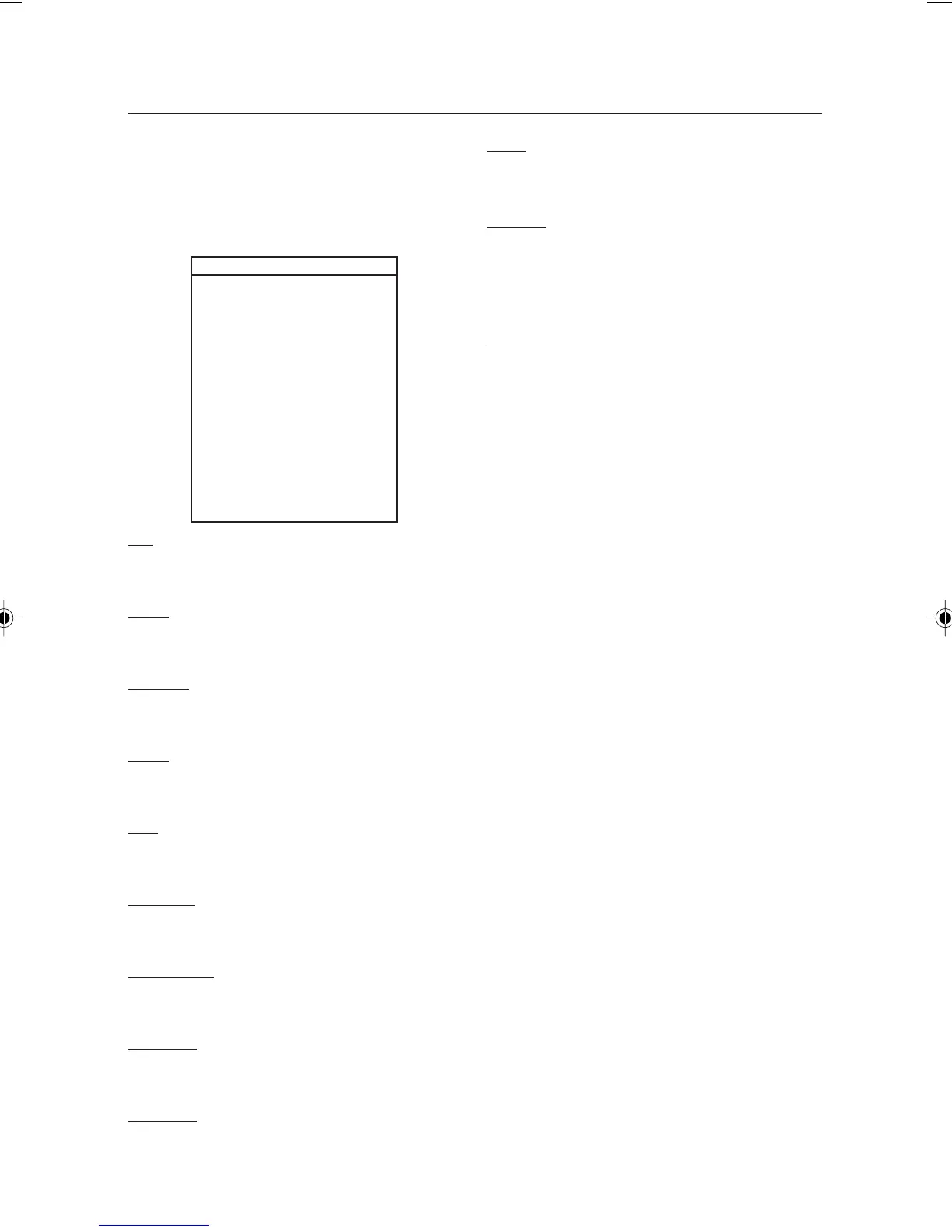
Use this submenu to prevent unauthorized
changes to menu settings. If a submenu is
locked, its menu item settings can be viewed
but not changed.
LOCKOUT
Cal On/Off
Setup On/Off
Readout On/Off
Mode On/Off
Unit On/Off
Print-1 On/Off
Print-2 On/Off
RS232-1 On/Off
RS232-2 On/Off
GLP Data On/Off
GLP Print On/Off
Reset On/Off
Lock Set On/Off
End Lockout
Cal
Set On to lock and hide the Calibration Menu.
Setup
Set On to lock the Setup Menu.
Readout
Set On to lock the Readout Menu.
Mode
Set On to lock the Mode Menu.
Unit
Set On to lock the Unit Menu.
Print-1/2
Set On to lock the Print-1/2 Menu.
RS232-1/2
Set On to lock the RS232-1/2 Menu.
GLP Data
Set On to lock the GLP Data Menu.
GLP Print
Set On to lock the GLP Print Menu.
Reset
Set On to lock the Reset Menu.
Lock Set
Set On to lock all submenu lock settings. When
set Off, the lock settings for all menus are
accessible. To turn Lock Set off, refer to section
End Lockout
Press the Yes button to advance to the End
menu. Press the
No button to return to the Cal
menu.
3.7.13 End
The End menu is used to exit the menus and
return to previous application
3.8 Legal for Trade (LFT)
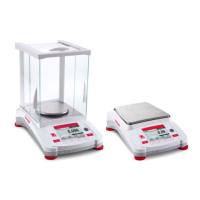
Specific Adventurer Pro models have been
designed to comply with OIML, EEC, NTEP and
Measurement Canada weights and measures
regulations. Contact Ohaus for further details
about availability.
When the LEGAL TRADE menu item setting is
set to ON, the following conditions apply:
• The CALIBRATION menu is hidden.
• The LEGAL TRADE menu item is
hidden.
• The AUTO ZERO menu item setting is
set to 0.5d and locked.
• The OUTPUT WHEN STABLE menu
item setting is set to ON and locked.
• The CONTINUOUS setting in the AUTO
PRINT menu item is hidden.
7 page 31 to 40.pmd 3/3/2005, 9:33 AM36









 To Next Page