Adventurer ProEN-38
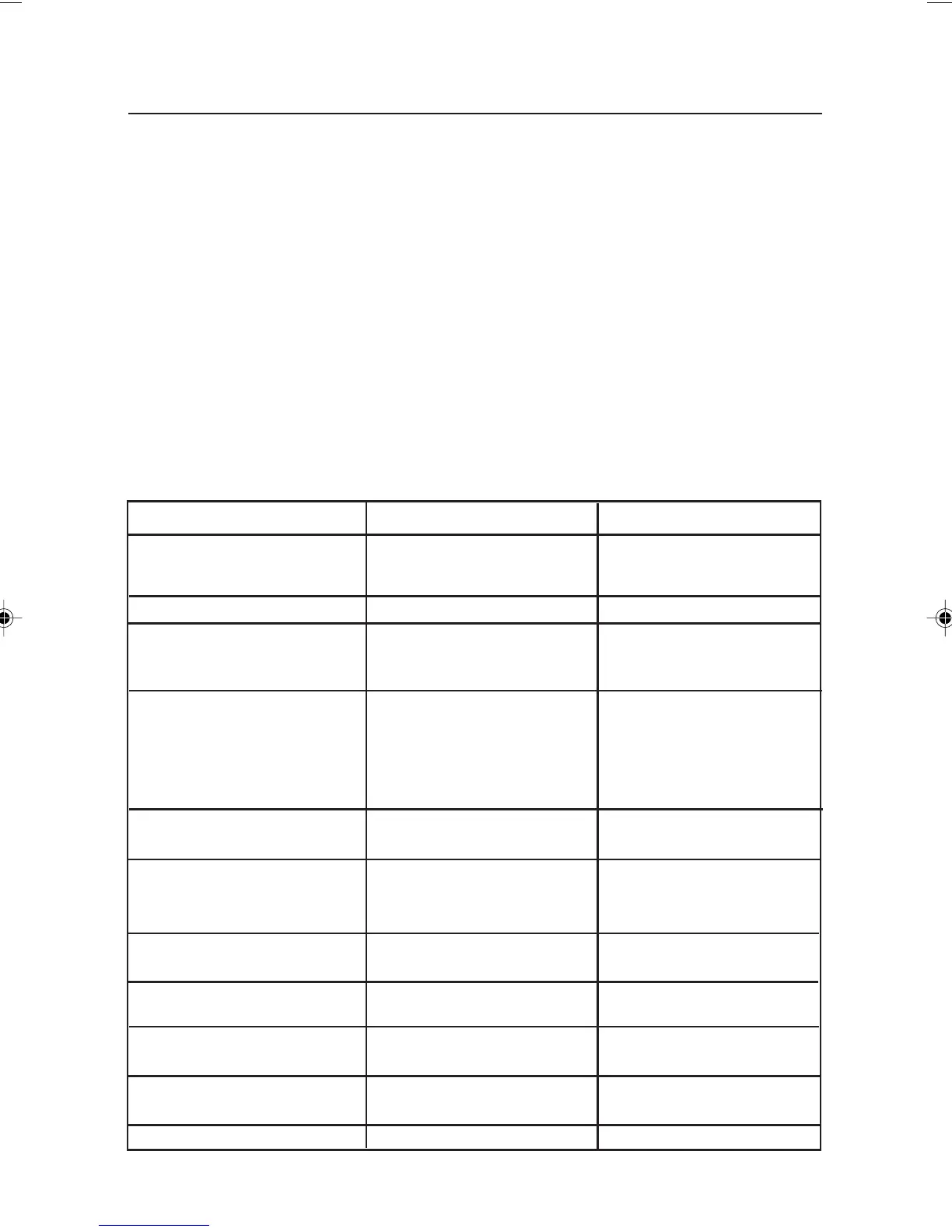
Symptom Possible Cause Remedy
Balance will not turn on • AC power not connected • Connect AC adapter
• Batteries discharged • Replace batteries
Battery indicator is flashing • Batteries are weak • Replace batteries
Balance does not display • Improper calibration • Perform calibration
accurately • Unstable environment • Move balance to a
suitable location
Cannot calibrate the balance • Calibration menu locked • Turn Calibration menu
lock off
• LFT set to on • Turn LFT off
• Unstable weight reading • Eliminate vibration and
drafts.
Cannot change Menu settings • Submenu locked • Unlock submenu
• LFT set to on • Turn LFT off
Error 7.0 • Unstable weight reading • Eliminate vibration and
when defining the drafts.
reference weight.
Error 8.1 • Weight reading exceeds • Clear platform.
Power On Zero limit.
Error 8.2 • Weight reading below • Put platform on
Power On Zero limit. balance.
Error 8.3 • Weight reading exceeds • Clear platform.
overload limit.
Error 8.4 • Weight reading below • Put platform on
underload limit. balance.
Error 9.0 • Internal fault. • Return balance for service.
4. MAINTENANCE
4.1 Calibration
Periodically verify calibration by placing an accurate weight on the balance and if calibration is
required, refer to section 3.7.1.
4.2 Cleaning
If cleaning is required, use a soft cloth dampened with water and a mild detergent. Do not allow
liquids to enter the balance. Do not use harsh chemicals to clean the balance, as the finish may
be damaged.
4.3 Troubleshooting
The following table lists common problems, possible causes and remedies. If the problem persists,
contact Ohaus or your authorized Ohaus dealer.
7 page 31 to 40.pmd 3/3/2005, 9:33 AM38









 To Next Page