34
>O/T<
>O/T<
OHAUS
®
Stable
g
Print
Setup
Units
Mode
Enter
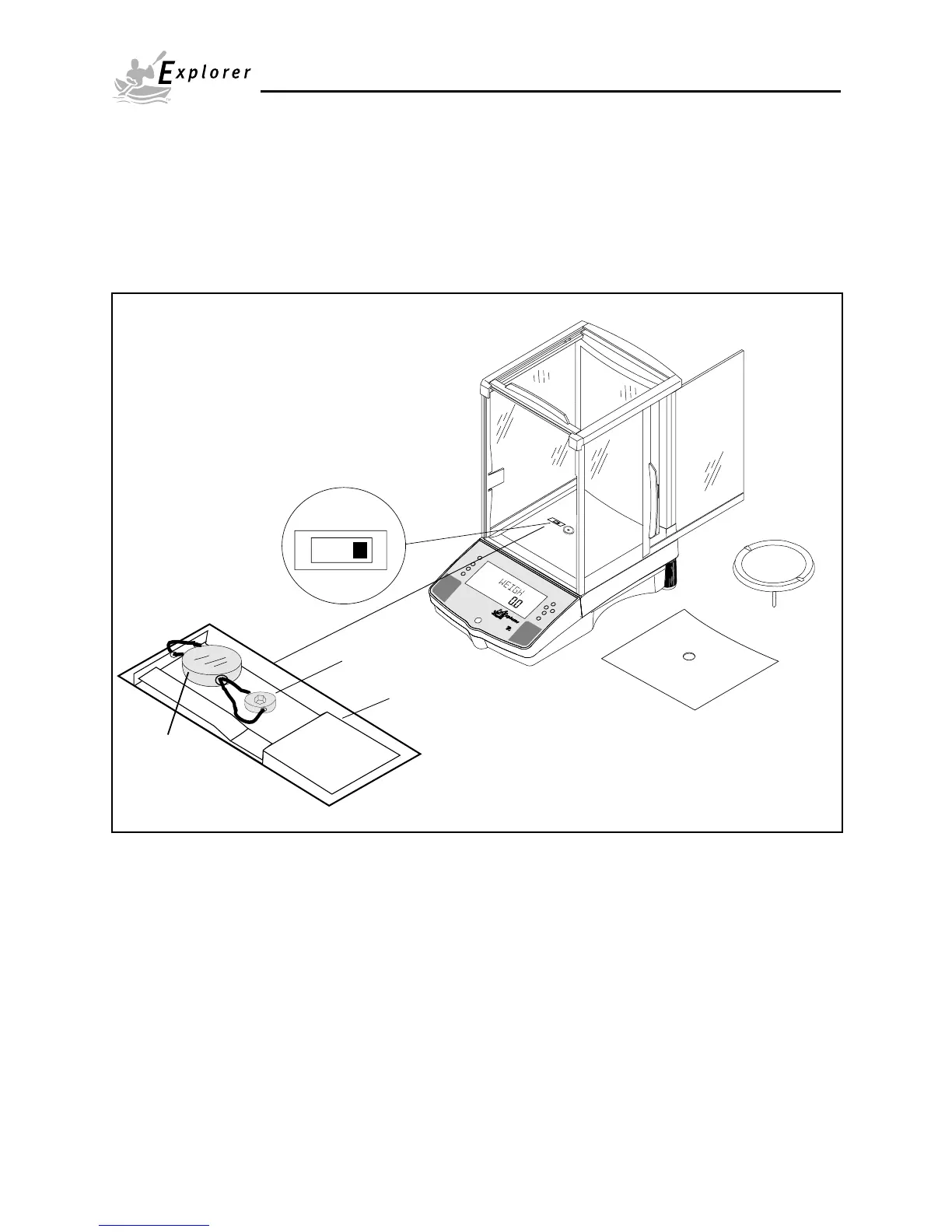
4.12 Menu Lock-Out Protection
Access to the
various menus can be disabled setting the Lock Switch located on the PC board inside the balance
to OFF position. The Lock Switch locks out all menus which have had LOCK turned ON. The default setting for the
Lock Switch is OFF.
Type Approved/Legal for Trade Balance Sealing
“Certified balances have a securing sticker applied at the factory. When subsequent verification is carried out,
they can be sealed either with a lead seal and wire, or with a new securing sticker”.
Example of Sealing Method
Switch Plate
Sealing Screw
Lock Switch
shown in Locked
Position
Lead Seal
or
securing sticker













 To Next Page