EasyManua.ls Logo

Ohmeda Biox 3700 - Page 75

Default Icon
130 pages
Print Icon
To Next Page IconTo Next Page
To Previous Page IconTo Previous Page
Loading...
1118-301
OHMEDA SINGLE OR DUAL CHART RECORDER CONNECTION
1.
Using
the
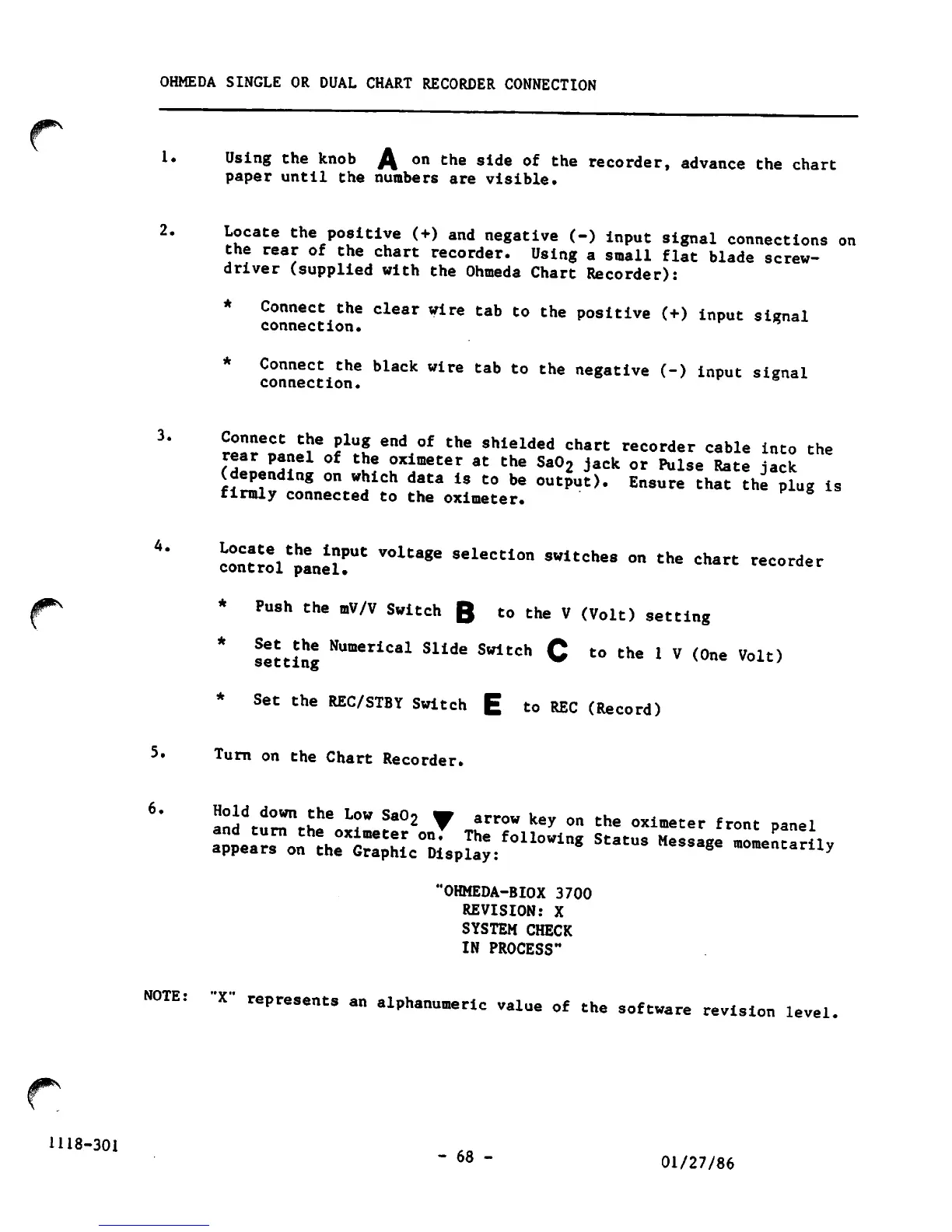
knob
A
on
the
side
of
the
recorder,
advance
the
chart
paper
until
the
numbers
are visible.
2.
Locate
the
positive
(+)
and
negative
(-)
input
signal
connections
on
the
rear
of
the
chart
recorder.
Using
a
small
flat
blade
screw
driver
(supplied
with
the
Ohmeda
Chart
Recorder):
*
Connect
the
clear
wire
tab
to
the
positive
(+)
input
signal
connection.
*
Connect
the
black
wire
tab
to
the
negative
(-)
input
signal
connection.
3.
Connect
the
plug
end
of
the
shielded
chart
recorder
cable
into
the
?S!n.n3?
'J?
ox*meter
at
the
Sa°2
Jack
°r
^Ise
Rate
jack
(depending
on
which
data
is
to
be
output).
Ensure
that
the
plug
is
firmly
connected
to
the
oximeter.
4.
contr^l'pLeir'
"^
SeleCti°n
"*"*•
°n
the
Chart
recorder
*
Push
the
mV/V
Switch
Q
to
the
V
(Volt)
setting
^
setting
NumeriCal
Sllde
Swltch
C
to
the
1V
(One
Volt)
*
Set
the
REC/STBY
Switch
E
to
REC
(Record)
5.
Turn
on
the
Chart
Recorder.
6'
and^r'th!!6,,1?'
J"°2
8rr0W
key
0n
Che
°ximet"
'»nt
P«».l
appears
on
the
Graphic
Display:
'OHMEDA-BIOX
3700
REVISION:
X
SYSTEM
CHECK
IN
PROCESS"
NOTE:
"X"
represents
an
alphanumeric
value
of
the
software
revision
level.
-
68
-
01/27/86

Other manuals for Ohmeda Biox 3700

Related product manuals