1118-301
COMPUTER
INTERFACE
5.
6.
7.
Remove
the
DOS
disk.
Insert
the
DOS
Supplemental
Program
disk
into
the
disk
drive.
Type:
LOAD"COMM"
.
The
computer
screen should
look
like
the
following:
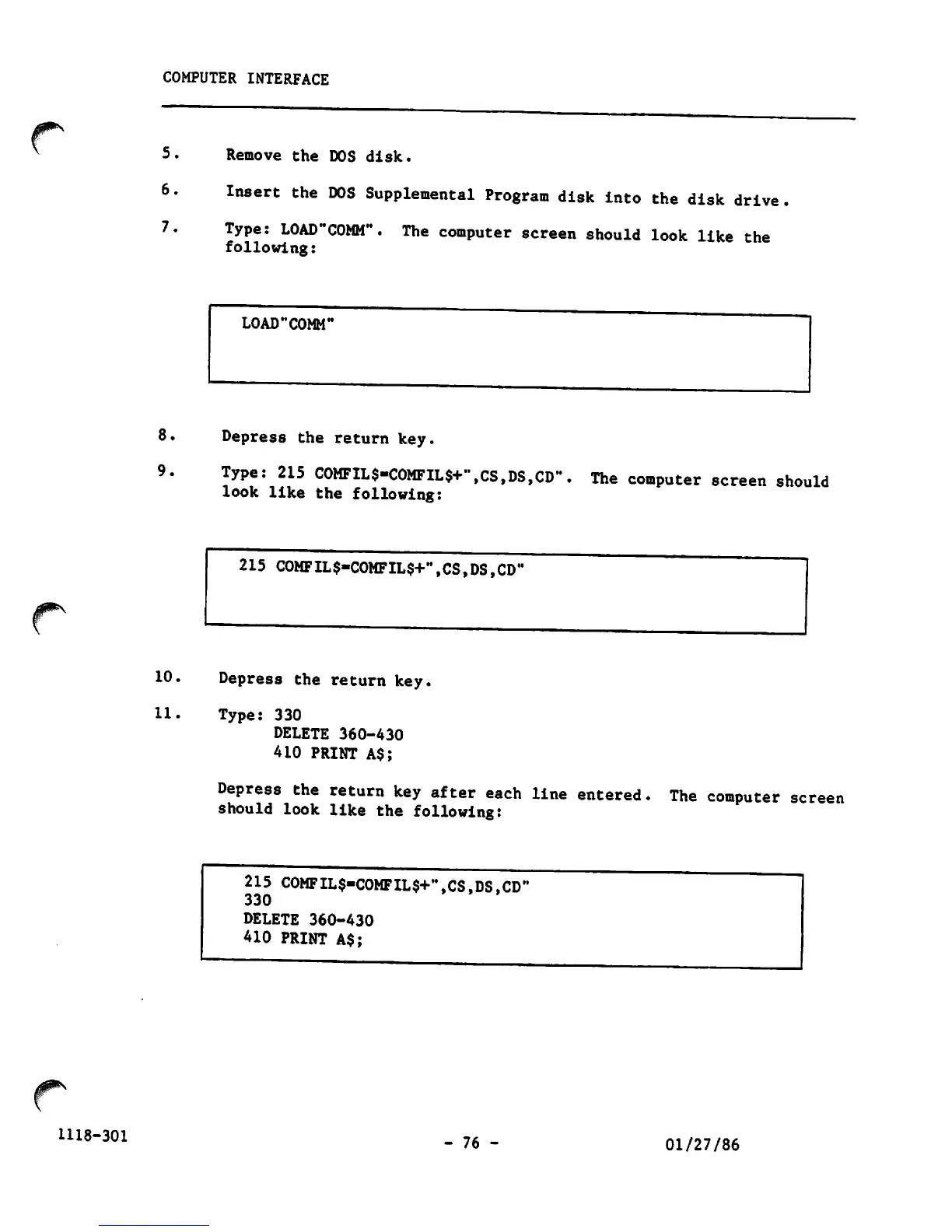
LOAD"COMM"
8.
Depress
the
return
key.
9.
Type:
215
COMFIL$»COMFIL$+\CS,DS,CD".
The
computer
screen
should
look
like
the
following:
215
COMFIL$-COMFIL$+",CS,DS,CD'
10.
Depress
the
return
key.
11.
Type:
330
DELETE
360-430
410
PRINT
A$;
Depress
the
return
key
after
each
line
entered,
should
look
like
the
following:
215
C0MFIL$-C0MFIL$+,,,CS1DSiCD'
330
DELETE
360-430
410
PRINT
A$;
-
76
-
The computer screen
01/27/86



 To Next Page