Loading paper > 17
> Do not pull the paper tray out during printing (except as described below for the 2nd
tray).
NOTE
> If you have two trays and you are printing from the 1st (upper) tray, you
can pull out the 2nd (lower) tray during printing to reload it. However, if
you are printing from the 2nd (lower) tray, do not pull out the 1st (upper)
tray. This will cause a paper jam.
> F
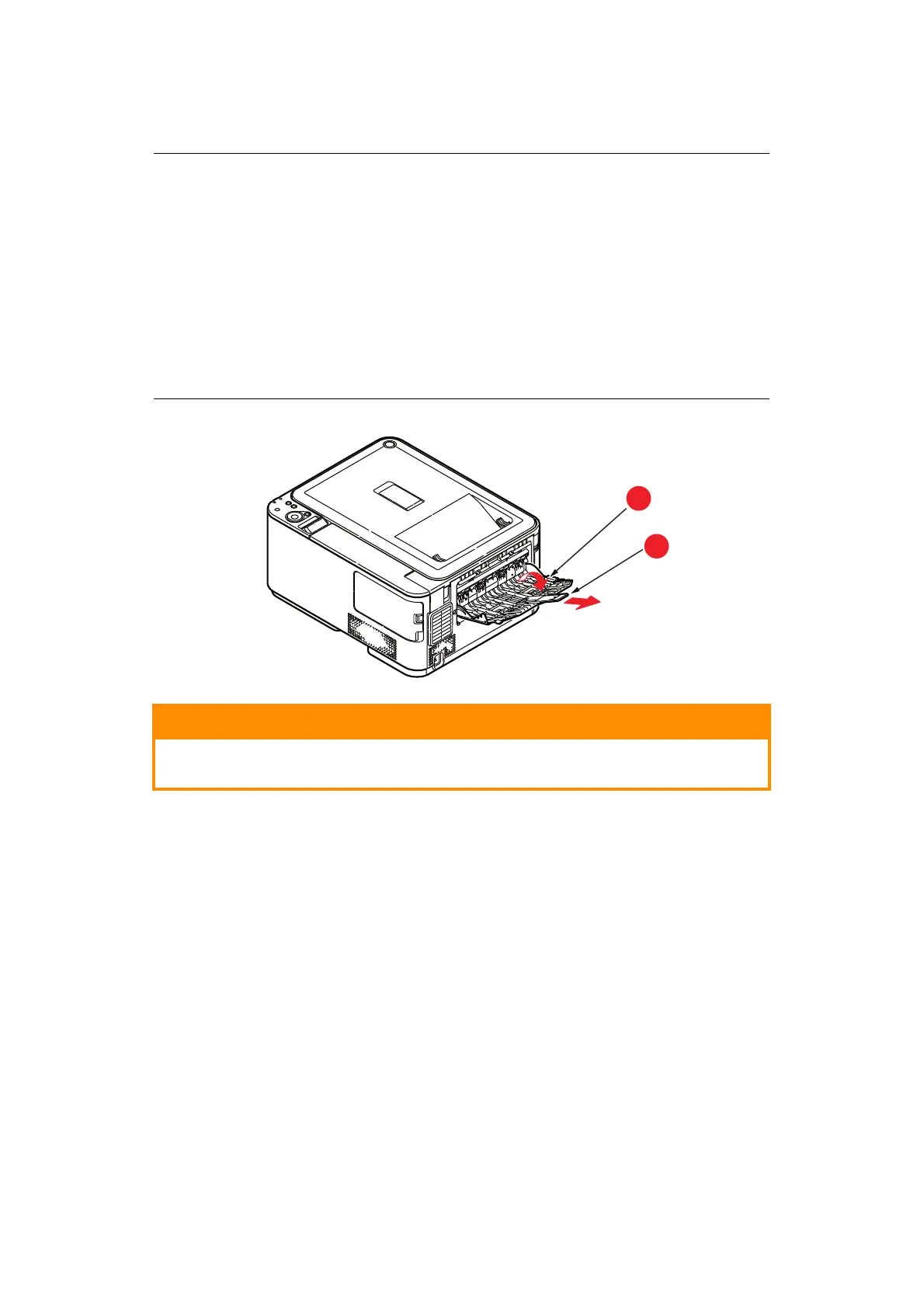
or face down printing, make sure rear output tray (a) is closed (the
paper exits from the top of the printer). Stacking capacity is
ap
proximately 150 sheets, depending on paper weight.
> F
or face up printing, make sure rear output tray (a) is open and the paper
support (b) is exte
nded. Paper is stacked in reverse order and tray
capacity is approximately 100 sheets, depending on paper weight.
> Always use the face up (rear) stacker for heavy paper (card stock, etc.).
CAUTION!
Do not open or close the rear paper exit while printing as it may
result in a paper jam.



 To Next Page